
Reelthimble: Subtitle Editor
SRT and VTT editor
Subtitle synchronisation · Reading speed checks · Batch correction · Windows
/ Screenshots
/ About Reelthimble: Subtitle Editor
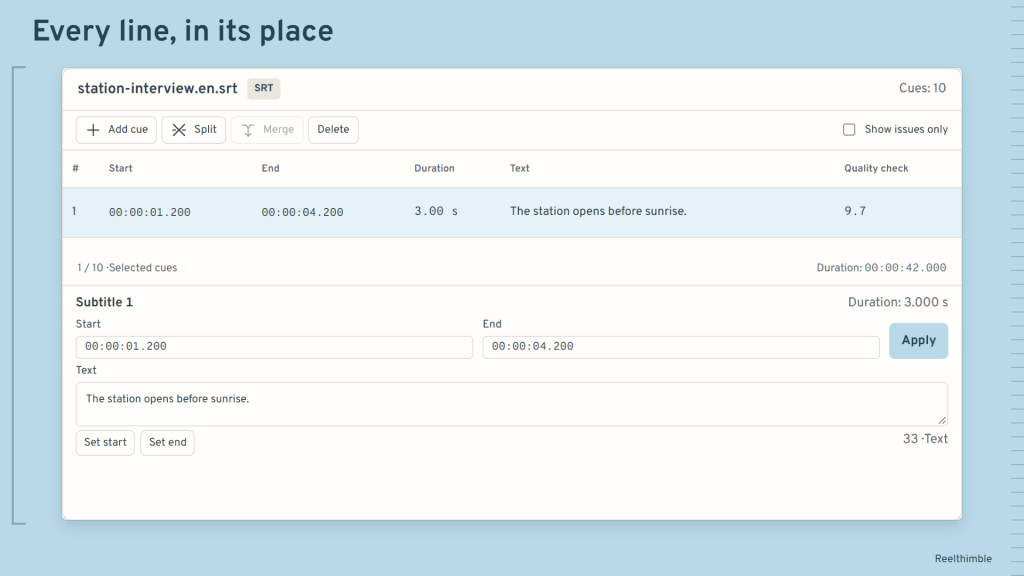
Subtitle editor for SRT and VTT: correct the words and timing on your PC, without uploading your files.
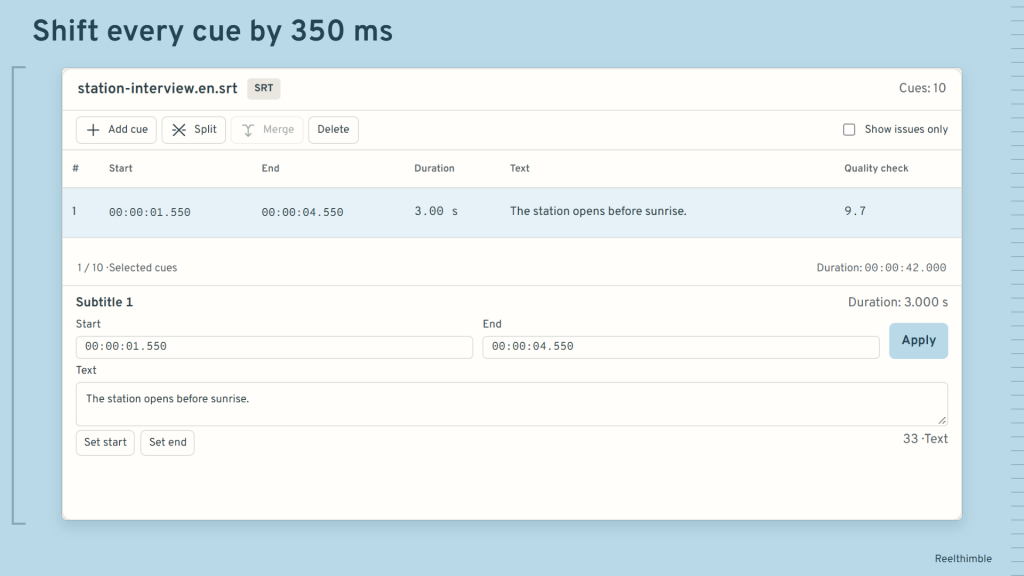
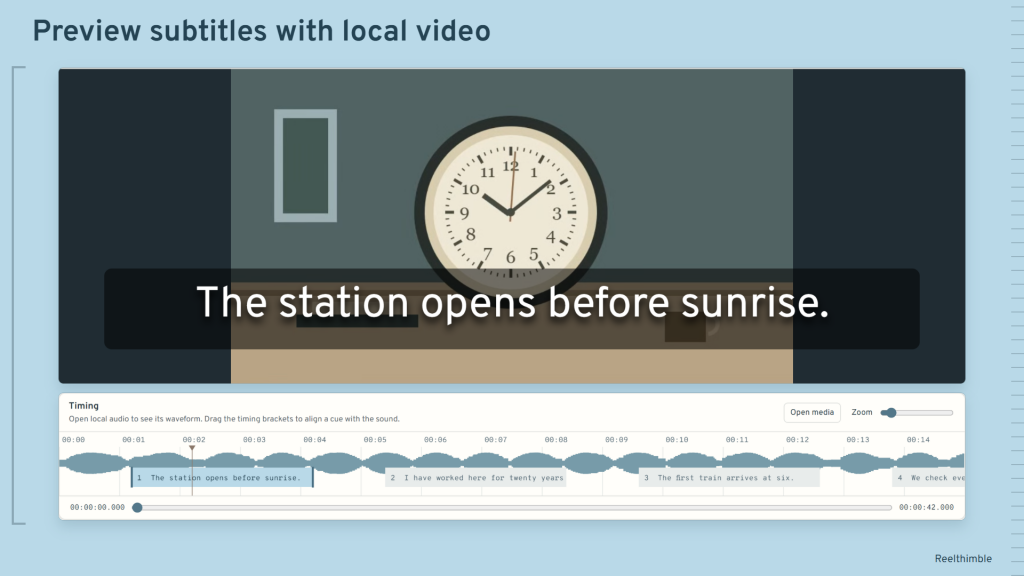
Bring subtitles back in sync. Shift all cues or just the selected lines, adjust the pace, or match two reference points. Open local video and audio to check each cue against the picture and waveform.
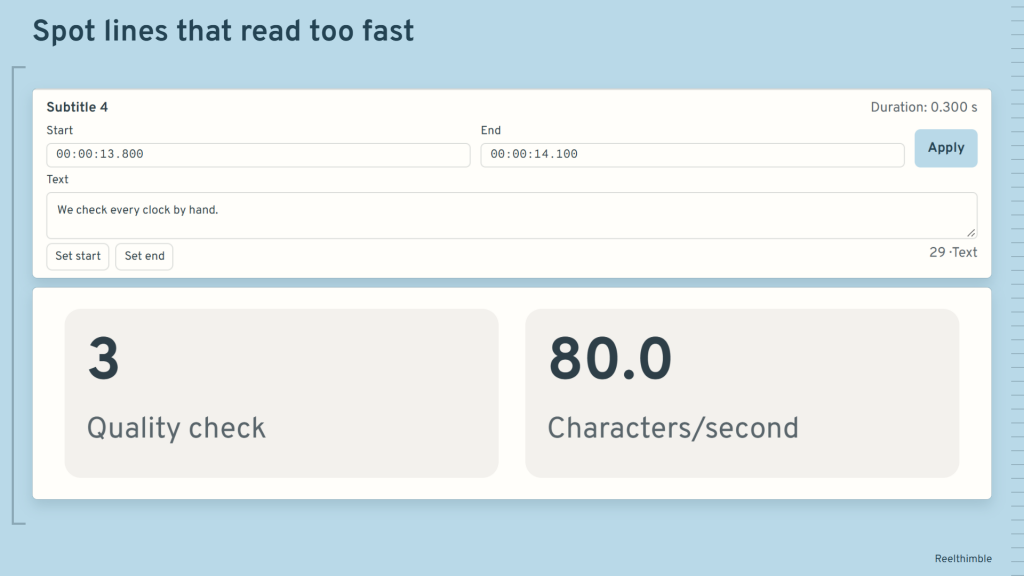
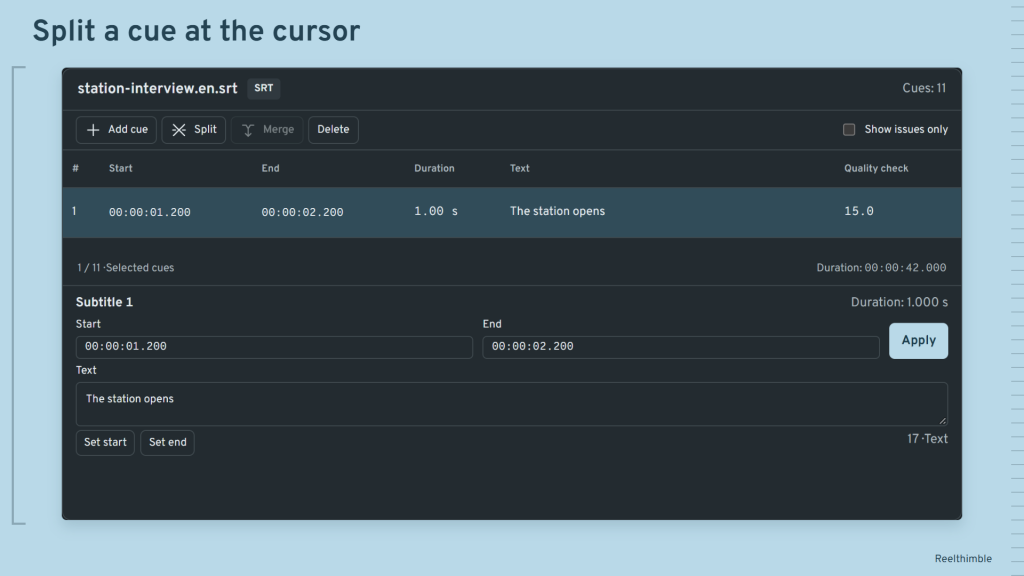
Make dialogue easier to read. Find overlaps, long lines and subtitles that disappear too quickly. Split a cue at the cursor, merge neighbouring cues, or use search and replace to fix recurring text.
Save time on a folder of subtitles. Apply timing and cleanup changes to several files, then save corrected copies with new names. Convert SRT to VTT or VTT to SRT for your next editing step.
Keep unfinished edits close at hand. Your working draft is saved locally, including incomplete timing edits. Export a JSON project backup to carry on later. No account, ads or analytics.
Details
Windows 10 version 2004 or later, x64. WebView2 Runtime must be installed before the first offline launch; this package neither includes nor downloads it. SRT/VTT: up to 32 MiB per file; JSON: 256 MiB; waveform input: 150 MiB. Playback depends on installed codecs. JSON backups are unencrypted and exclude media. Undo covers the last 35 operations in the current session. VTT layout and metadata are preserved in VTT/JSON; conversion to SRT/TXT drops them. Spelling depends on installed dictionaries.
/ Notes
Adjust SRT or VTT timing against local audio and video, check cue lengths and overlaps, then export corrected copies. JSON project backups let you carry on with unfinished edits.
Backups exclude media files. VTT layout and metadata are retained in VTT or JSON, but conversion to SRT or TXT drops them. Playback and spelling depend on the codecs and dictionaries installed on your PC.
// GET THE APP