
Satinrudder: Auto Scroll
Auto scroll for your browser
Gratis · Funciona sin conexión · Tus datos se guardan en tu navegador · Edge
/ Capturas de pantalla
/ Acerca de Satinrudder: Auto Scroll
Satinrudder is an auto scroll extension for reading long pages at your own pace.
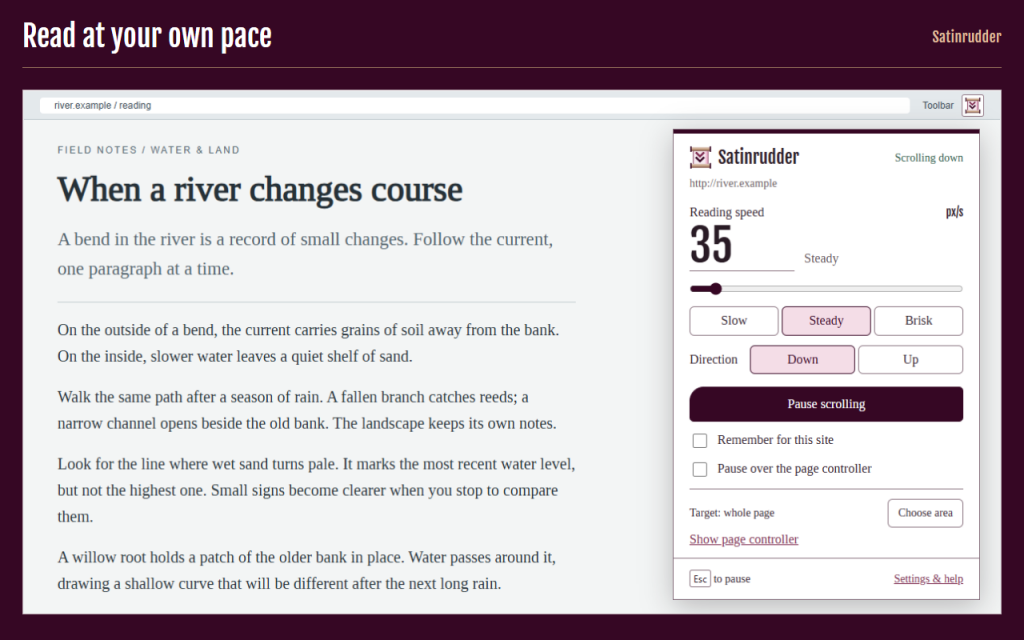
Open the toolbar button, choose a speed and press Start. Keep your hands off the wheel while you read an article, follow workshop notes or work through a long reference page.
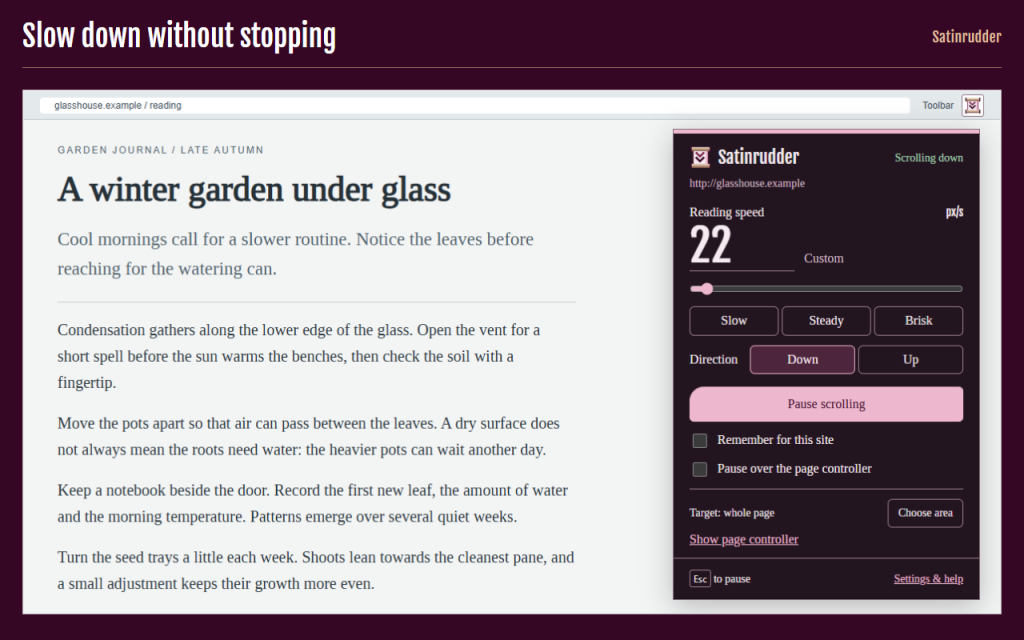
Change the pace as you read. Slow, Steady and Brisk give you starting points; the number and slider let you fine-tune the speed.
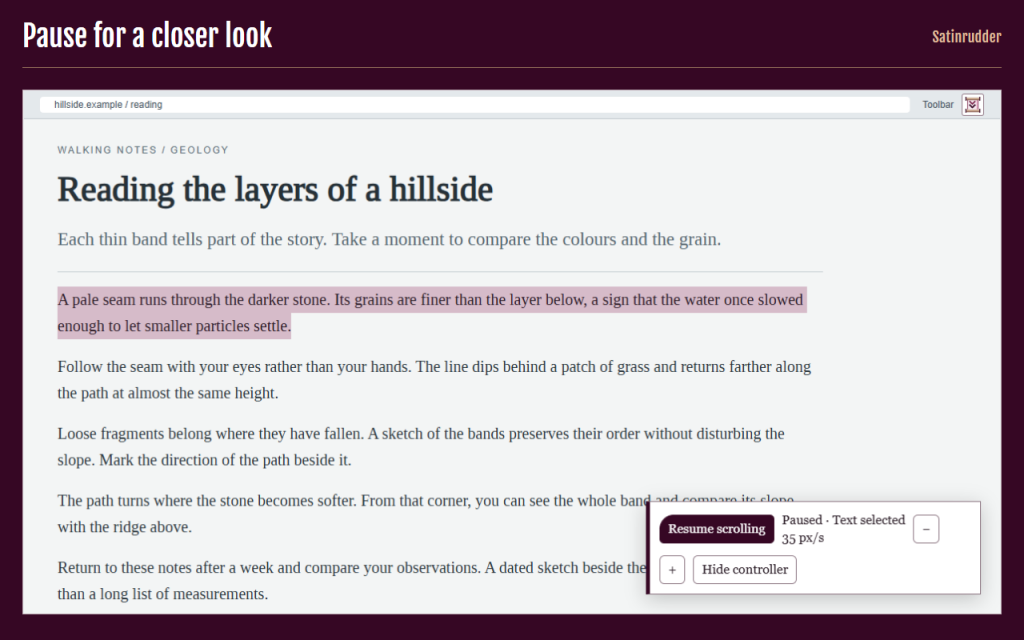
Stay in control when a detail needs attention. A deliberate pause stays paused until you resume. Only a temporary hover pause resumes when you leave the page controller.
- Set a precise reading speed from 5 to 400 CSS pixels per second.
- Choose Slow, Steady or Brisk to get started quickly.
- Scroll down to continue reading or up to revisit a passage.
- Pause with Escape, the mouse wheel, touch or text selection.
- Hover over the page controller to pause briefly without losing your pace.
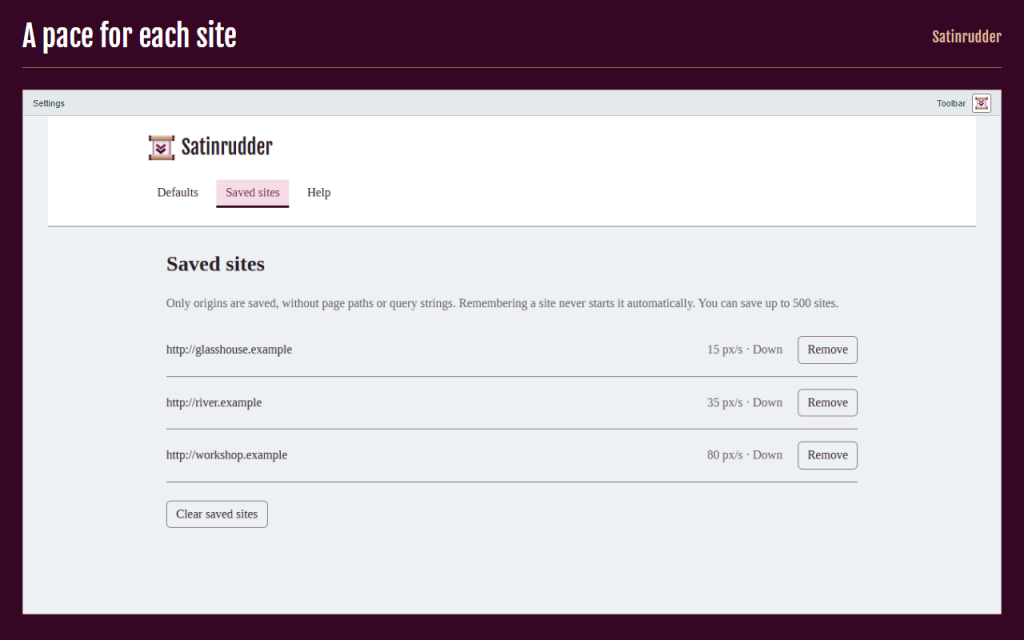
- Remember speed, direction and hover behaviour separately for each site.
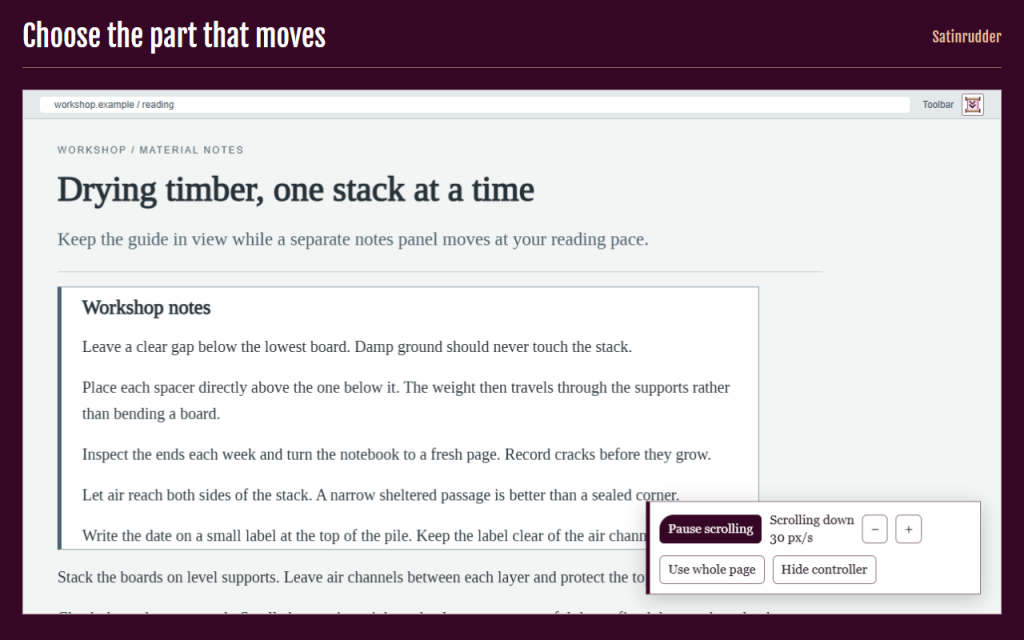
- Choose a normal scrollable area to move just one part of a page.
- Start or pause with the browser shortcut shown in Help; use Space and + / − when the page controller has focus.
- Keep a local JSON backup of settings, with a preview before importing.
- Use light or dark mode and a short, skippable tour in any of 16 UI languages.
Protected pages, extension stores and built-in document viewers are unavailable. Frames and complex editors are unsupported. At the end, scrolling waits briefly for more content, then stops.
Works offline. Your data stays in your browser. No analytics or article text is collected. Only settings and site origins you choose to remember are stored. The site itself may load content as you scroll.
Permissions: activeTab gives access to the page you invoke; scripting runs the local scrolling controls there; storage saves your settings locally. No permanent access to all sites is requested.
/ Notas
Auto scroll at your reading pace. Adjust speed, pause when you need to, and remember a different pace for each site.
Disponible como extensión para el navegador.
Soporte · Ponte en contacto con el desarrollador · Política de privacidad · Condiciones de uso
// OBTENER LA APLICACIÓN