
Levernook: Enable Right Click & Copy
Habilitar el clic con el botón derecho y la función de copiar
Gratis · Funciona sin conexión · Tus datos se guardan en tu navegador · Edge
/ Capturas de pantalla
/ Acerca de Levernook: Enable Right Click & Copy
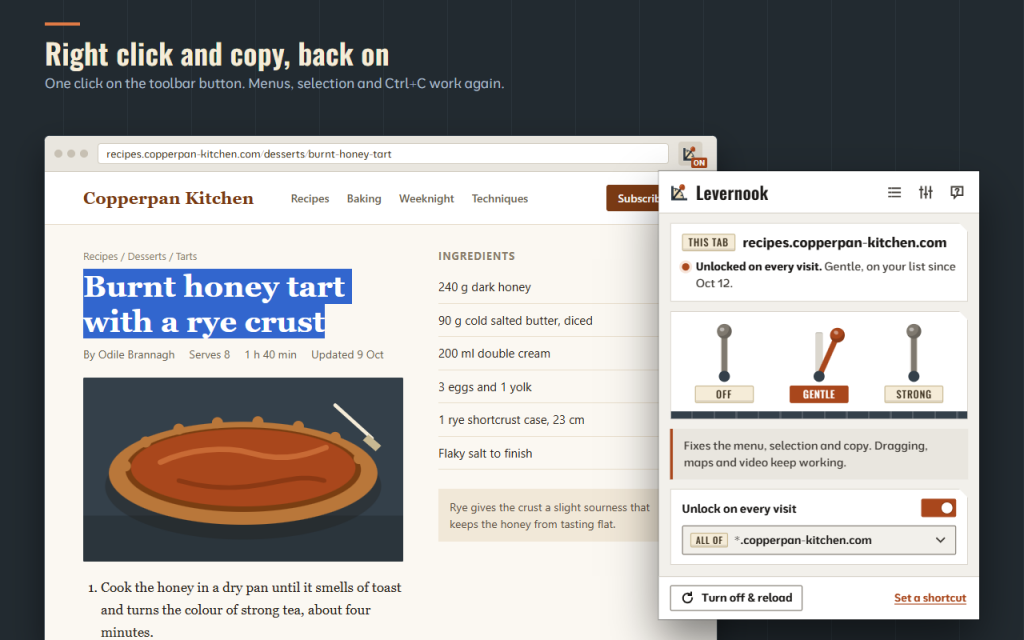
Levernook is a toolbar button that lets you allow right click, text selection and copy on pages that block them. One click brings back the browser's own menu, selection and Ctrl+C, and it does it gently, so the rest of the page keeps working. It behaves the same in Firefox and Opera.
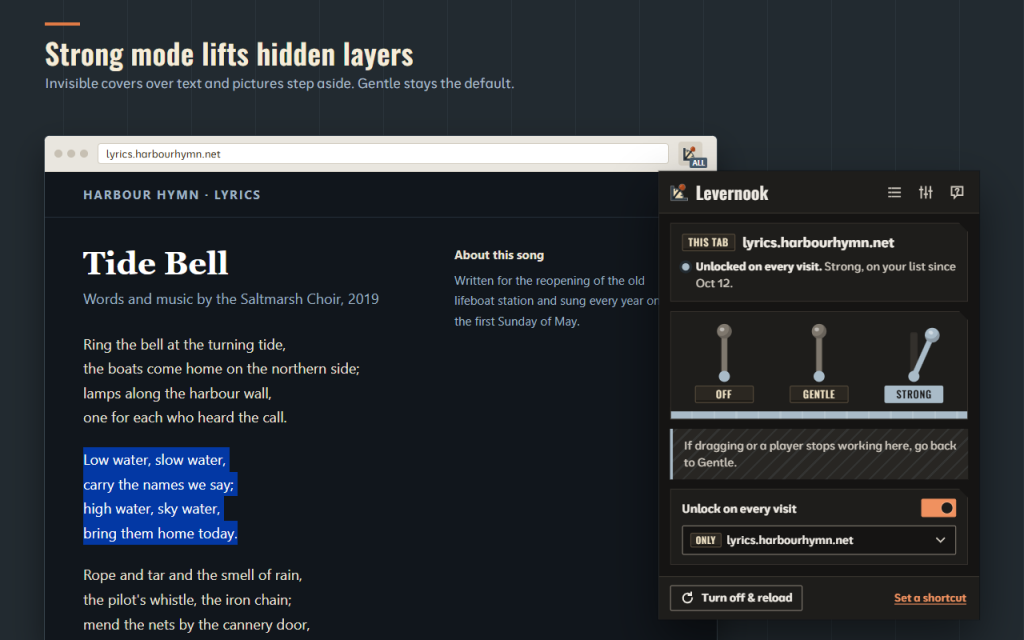
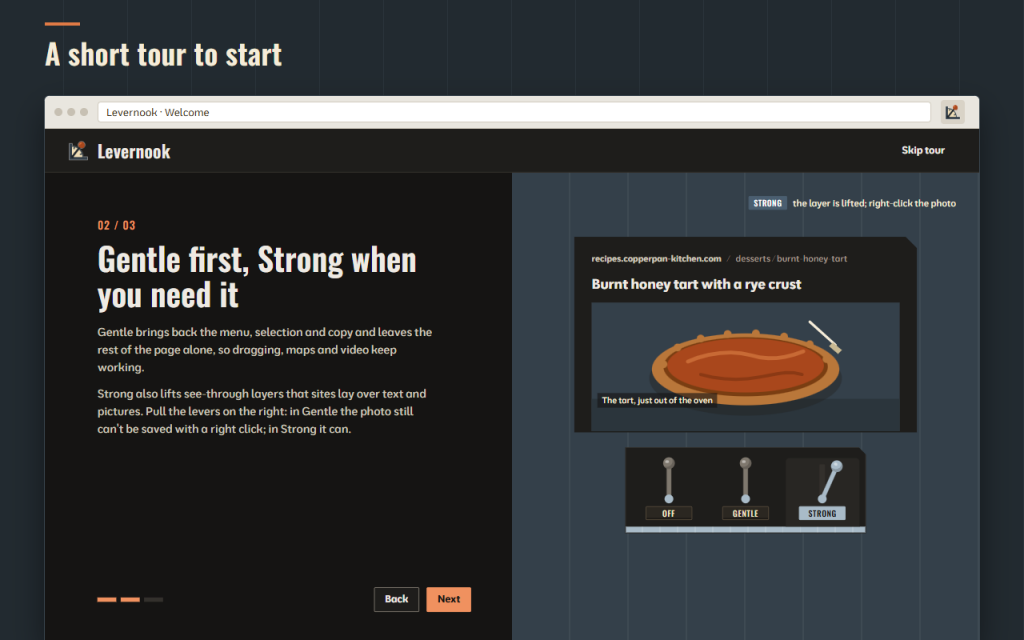
Pick a lever for each page. Gentle is the default and is enough for most sites. Strong goes further when a site fights back. Off puts the page back the way the site made it.
- Right click, text selection, Ctrl+C and Ctrl+A come back with one click
- Gentle mode keeps drag-and-drop, sliders, maps and video players working
- Strong mode also stops the site's own right-click and copy handlers and lets the mouse through see-through layers, so you can save an image again
- Off reloads the page exactly as the site made it
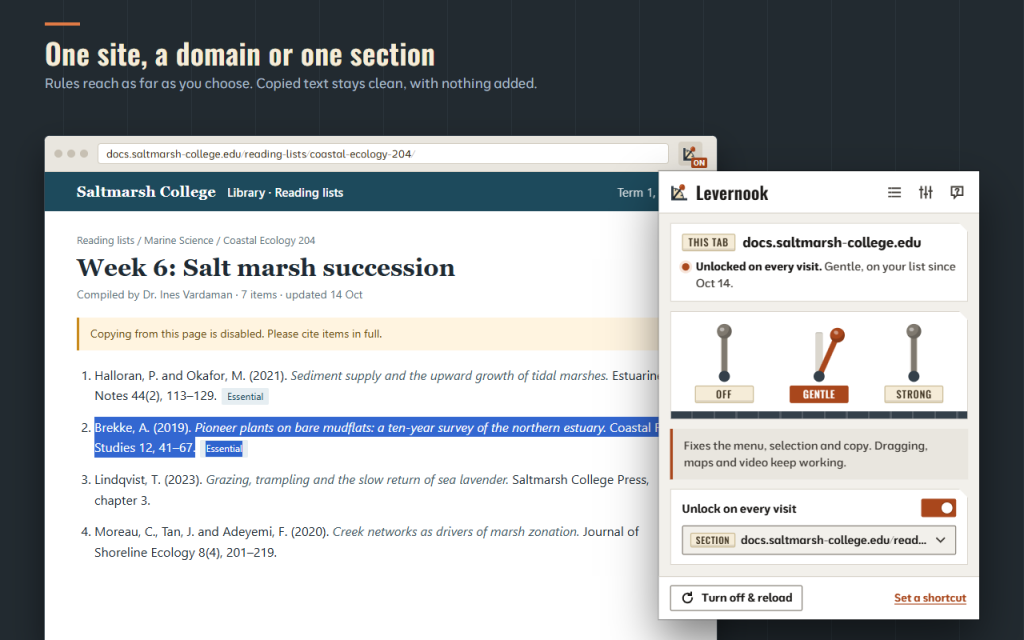
- You copy only what you selected: no “Read more at…” lines or links slipped into the clipboard
- “Copying is not allowed” pop-ups are not shown on unlocked pages
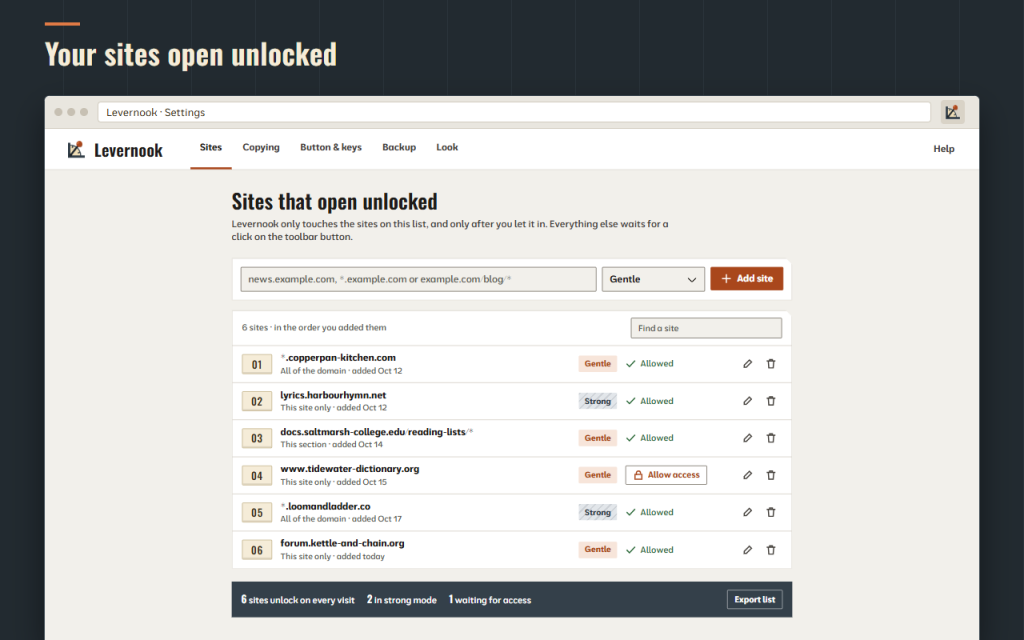
- “Unlock on every visit” covers only this site, the whole domain with its subdomains, or one section such as example.com/blog/*
- Each rule keeps its own mode after reloads and browser restarts
- Alt+Shift+R and “Strong mode for this tab” in the button's menu work without opening the panel
- The badge shows the tab's state, with no notifications
- The Sites page has search, editing, undo and JSON export and import
- 16 languages, light and dark themes and full keyboard control
Levernook brings back standard browser behaviour. It does not get around paywalls, sign-ins or the copy protection of videos and e-books, and it cannot select text that a site draws as a picture.
No account, no ads, no analytics. Works offline. Your data stays in your browser. This version is free.
About permissions: activeTab and scripting let Levernook act on the current tab only when you click its button or press the shortcut. storage keeps your site list and settings. contextMenus adds “Strong mode for this tab” to the button's menu. Optional site access is asked only for the sites you add to “Unlock on every visit” and is given back when you remove the rule.
/ Notas
Allow right click, text selection and copy on pages that block them. Gentle by default, so the rest of the site keeps working.
Disponible como extensión para el navegador.
Soporte · Ponte en contacto con el desarrollador · Política de privacidad · Condiciones de uso
// OBTENER LA APLICACIÓN