
Dye Footnote: Color Identifier
Screen and image color identifier
Pick colors from a frozen screen · Compare lightness and saturation · Match your own color legend · Windows
/ لقطات الشاشة
/ نبذة عن Dye Footnote: Color Identifier
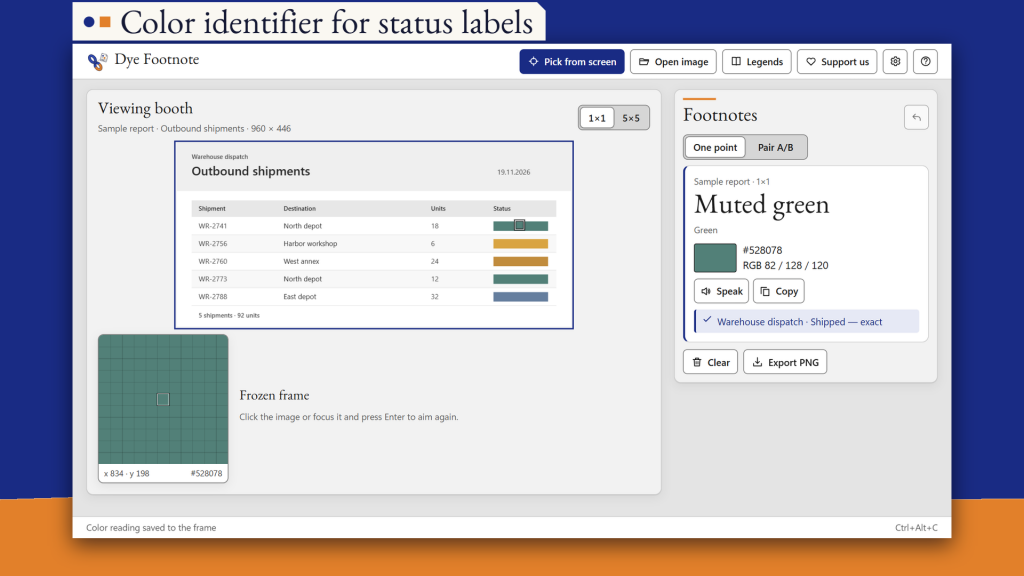
Dye Footnote is a color identifier with a screen color picker and image color finder for reading status labels and charts.
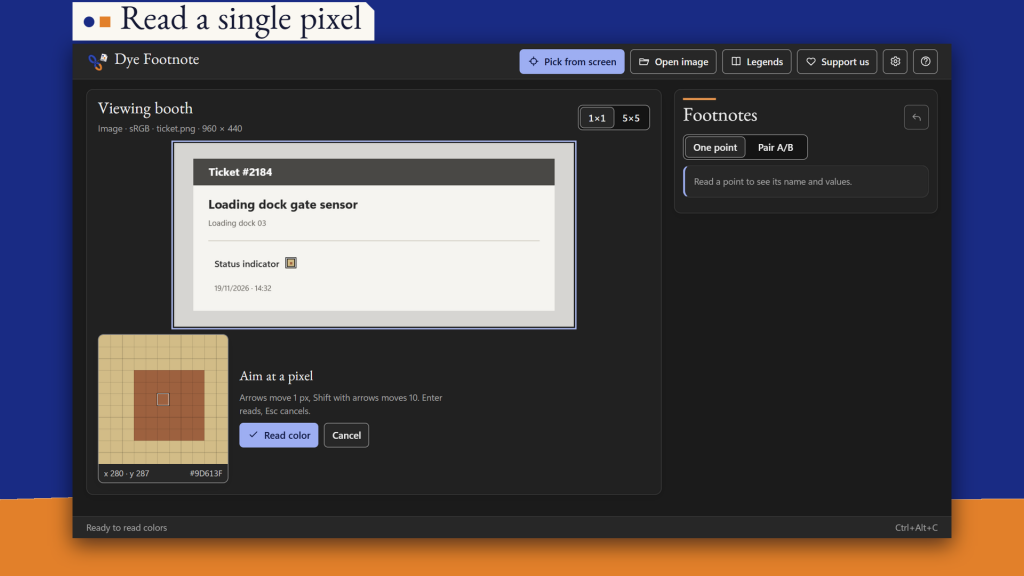
Read a status badge in a report or identify a line on a chart. Freeze the display under your pointer or open a saved PNG or JPEG. Move the pixel magnifier with the arrow keys to read the shade name and its HEX and RGB values.
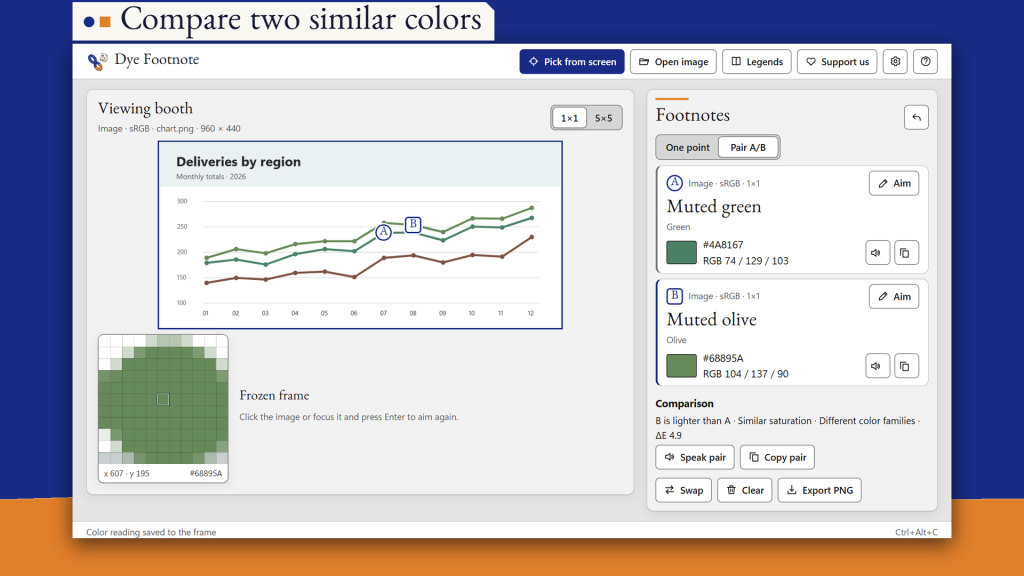
Pin two points in the same image to see which shade is lighter or more saturated. You can also hear the result aloud with an installed system voice.
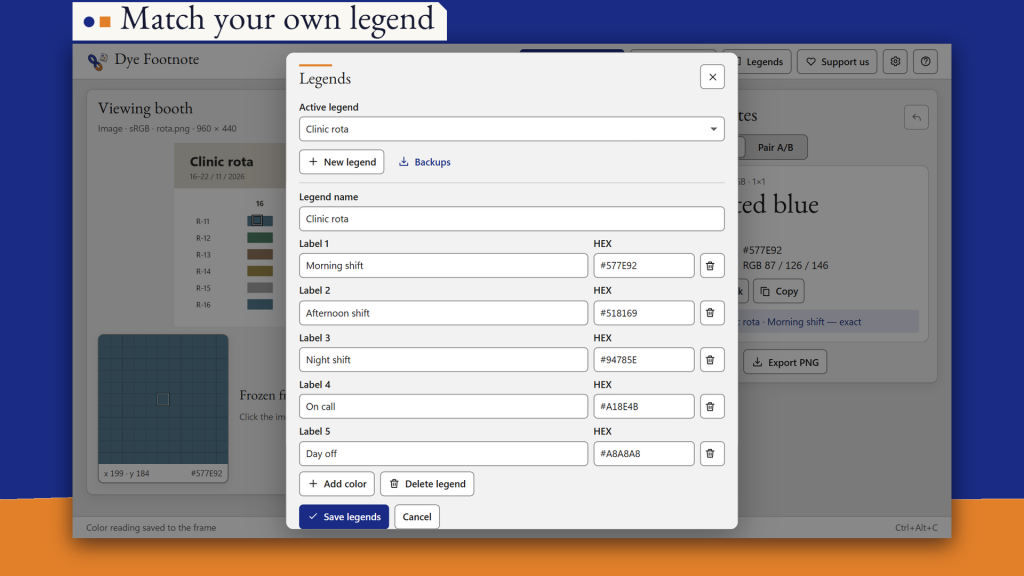
Give recurring colors names that make sense at work, such as “Ready to ship.” Your own legend puts those labels beside the sampled colors and flags uncertain matches for a manual check.
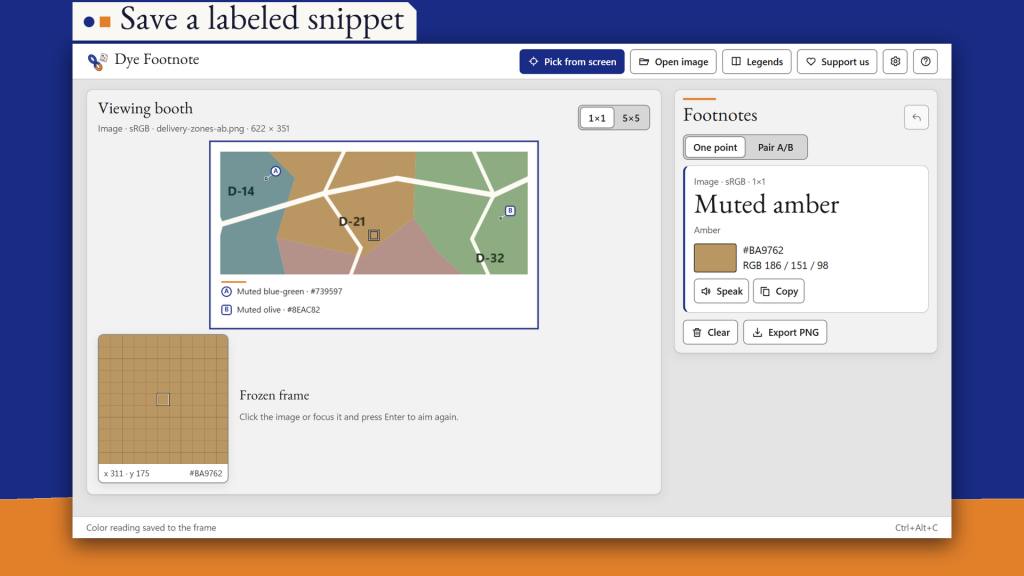
Save a labeled PNG crop when you need to show a colleague which area you mean. Color readings and file exports work offline without an account.
// احصل على التطبيق