
Spindle Tug: uninstaller
Windows app uninstaller
Resumable removal queue · Leftover file review · Restore saved files · Windows
/ Captures d'écran
/ À propos de Spindle Tug: uninstaller
Spindle Tug is an uninstaller that helps you uninstall programs and remove apps in a planned queue, with each result checked. Use it when old utilities and trial software have built up on a home or office computer.
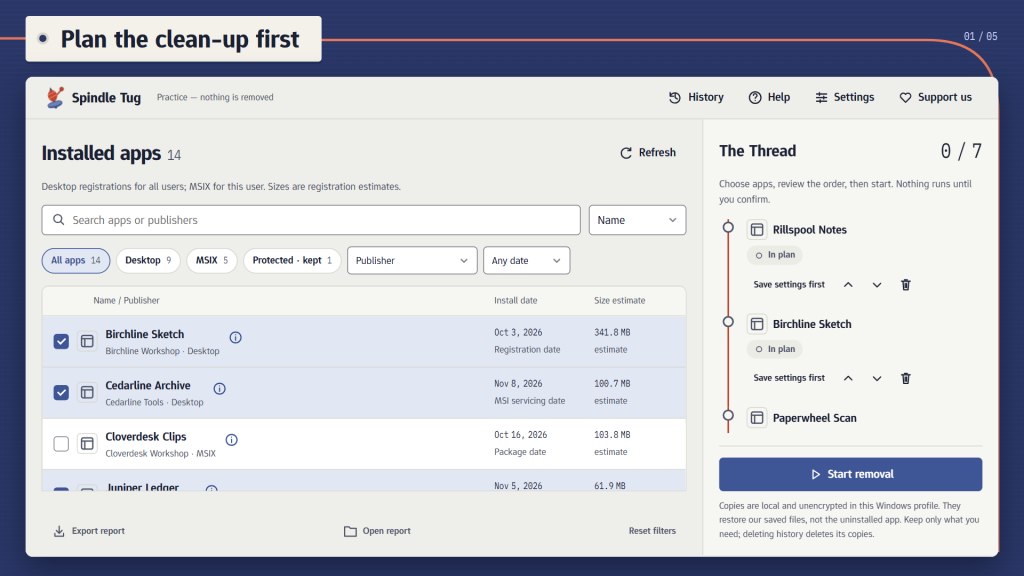
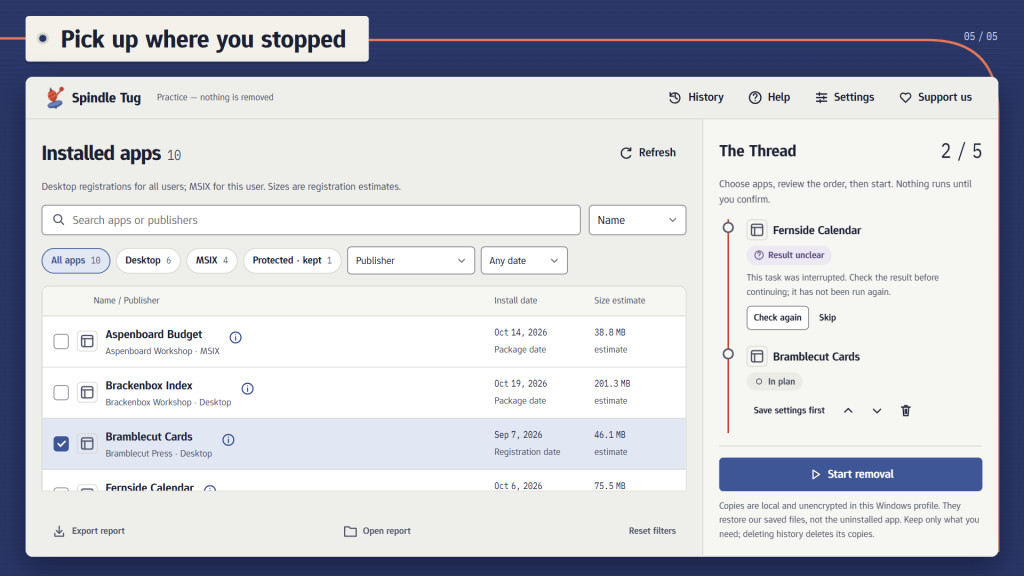
Find installed programs in one list. Search by app or publisher, filter by type and installation date, and choose what belongs in your removal plan. Desktop software and your user account’s packaged apps appear together.
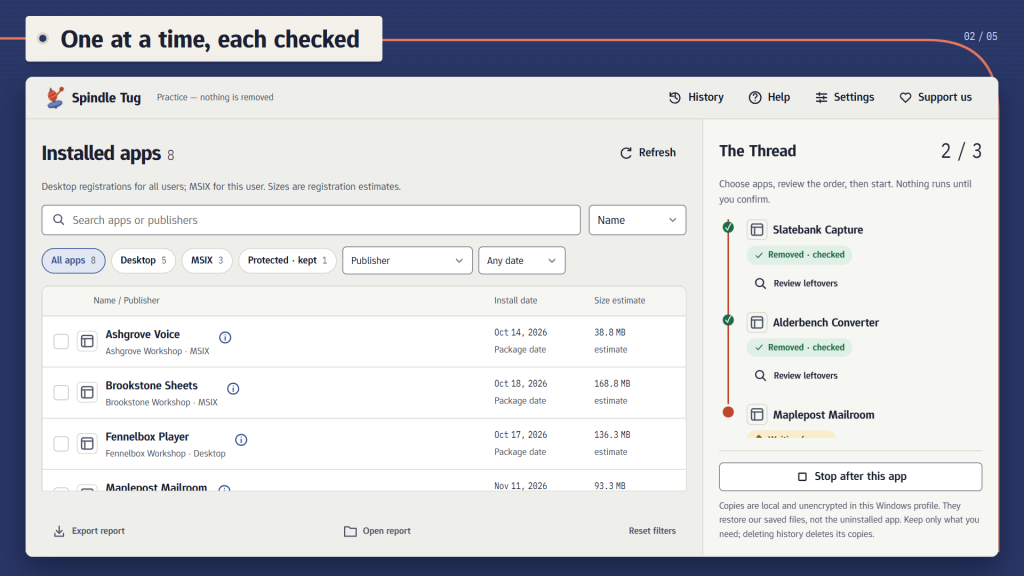
Run one uninstaller at a time. Finish each app’s own removal window, then let Spindle Tug check the result. If an operation fails, retry it or skip it; if a plan is interrupted, review its saved state before continuing. Restart requests and unclear results have separate statuses.
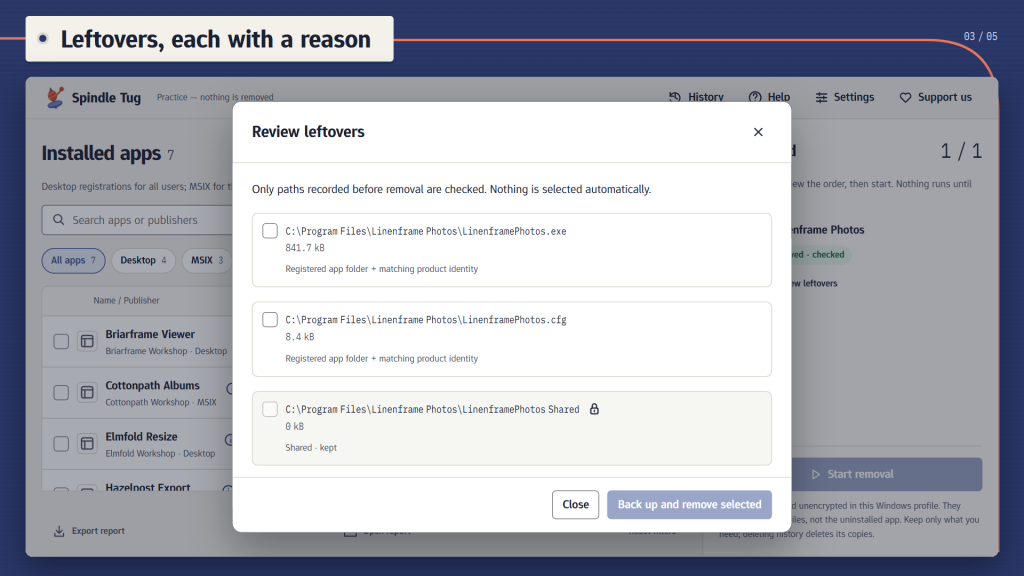
Review app leftovers with a reason for each item. After a checked removal, inspect files recorded before uninstalling and select confirmed items individually. Shared components and files of uncertain ownership cannot be selected for cleanup.
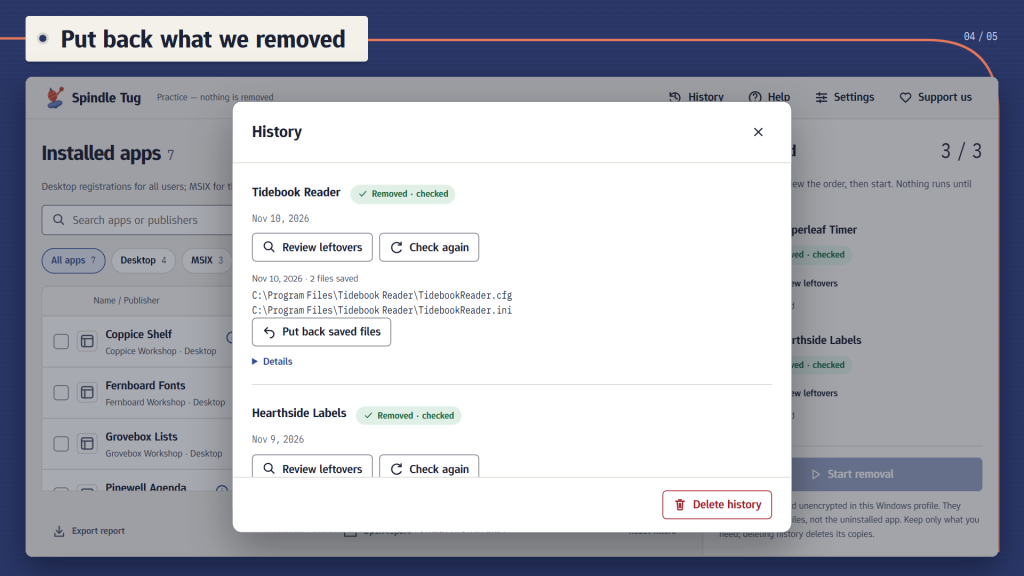
Keep a record of the work. Save eligible settings before uninstalling, and restore saved files from local history when needed. Spindle Tug copies and verifies every file it removes itself. Export a JSON or CSV report to review what happened.
// OBTENIR L'APPLICATION