Pitchbuckle: Audio Editor & Pitch Changer
Audio editor & pitch changer
Gratuit · Fonctionne hors ligne · Vos données restent dans votre navigateur · Edge
/ Captures d'écran
/ À propos de Pitchbuckle: Audio Editor & Pitch Changer
Pitchbuckle is an audio editor for musicians who practise with recordings. Open a song from your computer, mark the hard phrase, move the key or the tempo — each one independently — and save that phrase as a WAV file.
Ce que vous pouvez faire
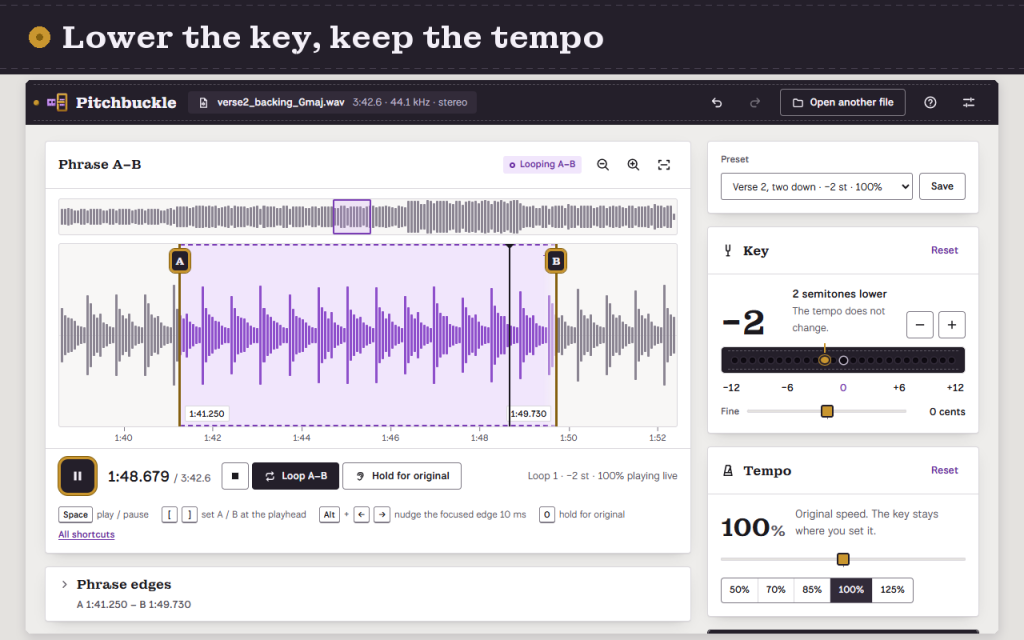
- Change the key up to 12 semitones up or down, plus fine tuning of ±50 cents. The tempo stays where it was.
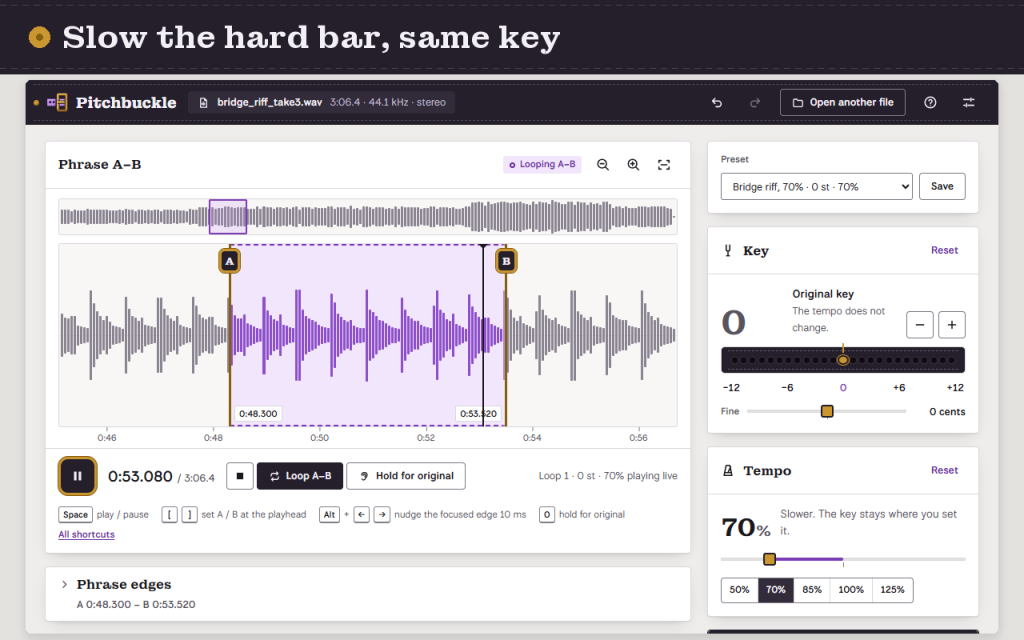
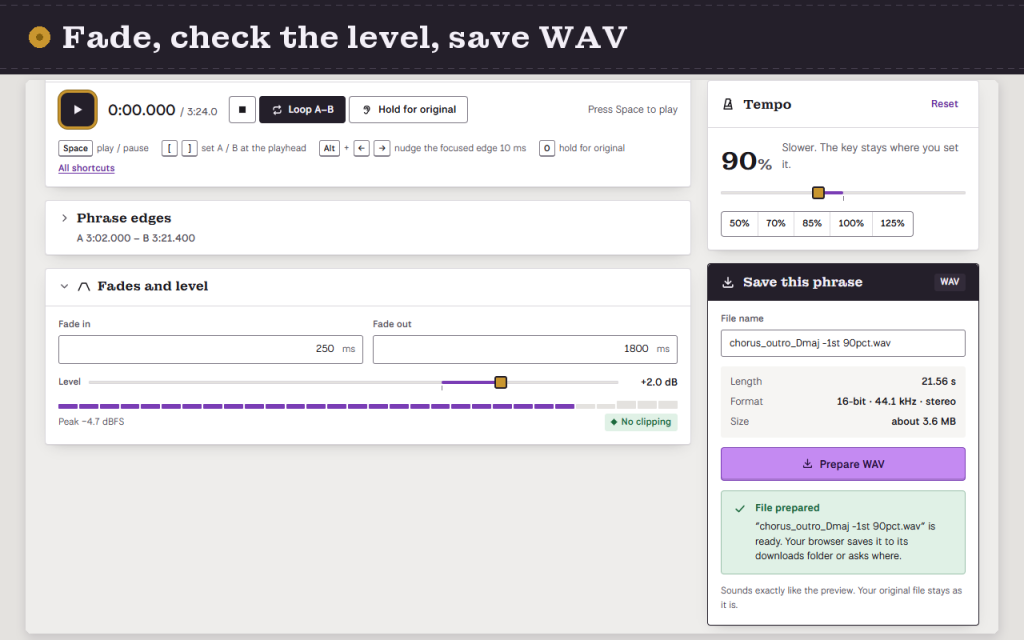
- Change the tempo from 50% to 150%. The key stays where you set it.
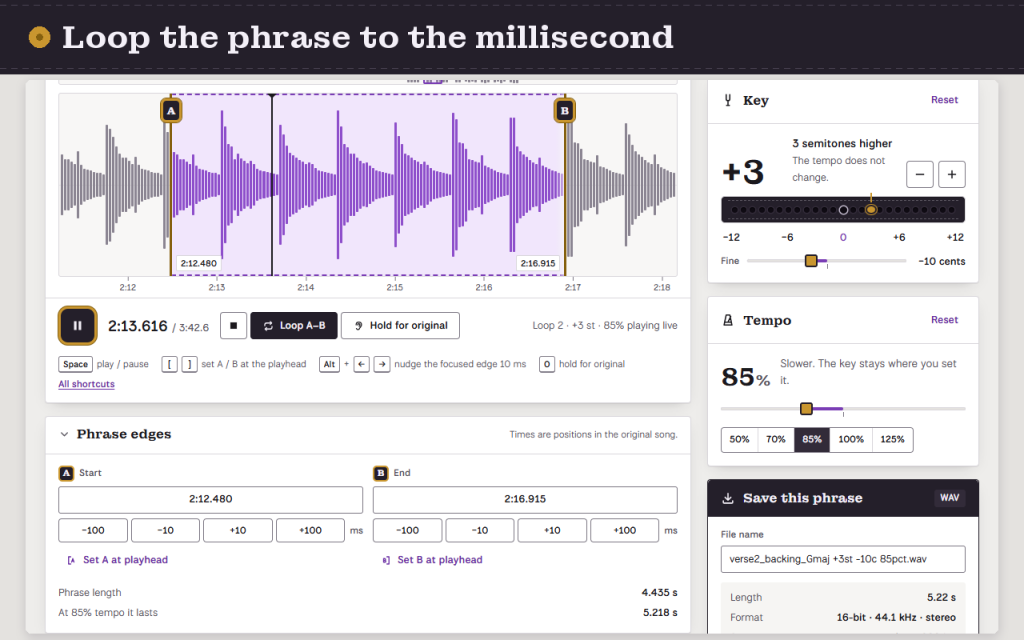
- Mark a phrase with two brass clasps, A and B, on the waveform. Type exact times like 1:41.250, or nudge an edge by 10 ms from the keyboard.
- Loop the phrase without drift, with an optional pause between repeats and a smooth seam.
- Hold the O key to hear the original sound for a moment and compare.
- Add fade in and fade out, set the level and see the peak before you save.
- Prepare a 16-bit WAV of the phrase. It sounds like the preview, and your original file is never changed.
- Save presets such as “two semitones down, 85%” and back them up as a small JSON file.
- Undo and redo every edit.
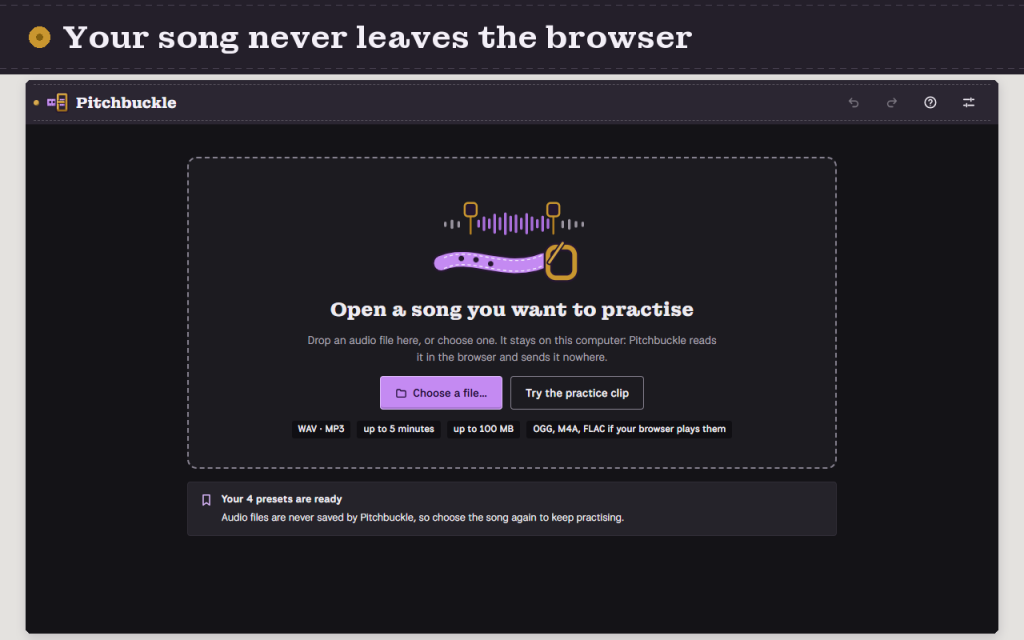
Files: WAV and MP3 open everywhere; OGG, M4A and FLAC open when your browser can play them. Songs up to 5 minutes and 100 MB in this version.
Conçu pour préserver la confidentialité
The audio is read and processed inside your browser. Nothing is uploaded, there is no account and no tracking. Only your settings and presets are stored, in this browser. Works offline. Your data stays in your browser.
Web players (optional)
From the toolbar button you can also change the key and tempo of a player on the current page — only after you click, and only when the page plays the sound itself. Protected or cross-site sound is left untouched, so you never get silence or double sound. Web sound is not recorded or saved.
Honest limits: large shifts of 7 semitones and more make voices sound thin or boomy; that is true of every pitch shift that keeps the tempo. The result is WAV; MP3 is read, not written.
This version is free. A short tour with a practice clip shows the three steps the first time you open it.
Permissions: “storage” keeps your settings and presets in this browser. “activeTab” and “scripting” are used only after you click the toolbar button and choose a player, to change the key and tempo on that one page.
/ Remarques
Audio editor for practice: change the key without changing the tempo, loop a hard phrase and save it as WAV. All in your browser.
Disponible sous forme d'extension de navigateur.
Assistance · Contacter le développeur · Politique de confidentialité · Conditions d'utilisation
// OBTENIR L'APPLICATION
Essayez Pitchbuckle: Audio Editor & Pitch Changer dès aujourd'hui.
/ Plus d'informations sur le studio
VOIR TOUS →
Curlybrace : visualiseur JSON et environnement de développement
Formateur et visualiseur JSON

Travel Guide Bulgaria
Carte hors ligne, audio et excursions

Etchspoon : reconnaissance optique de caractères (OCR) d'images en texte
Reconnaissance optique de caractères (OCR) d'images vers du texte pour votre navigateur