
Lovagehum : Outils PDF
Outils PDF
Merge PDF files, scan paper, compress to fit a limit, sign and split. Offline · Android
/ Captures d'écran
/ À propos de Lovagehum: PDF Tools
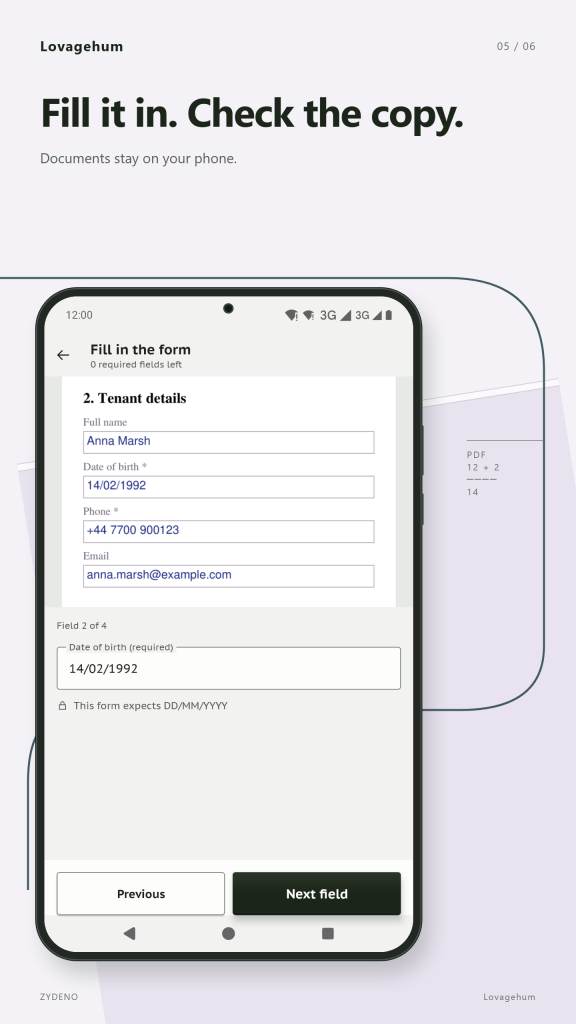
Lovagehum is a set of PDF tools that work on your phone without a connection. Merge PDF files and photos into one document, scan paper, compress PDF files to fit an upload limit, sign, split and hide text. Your originals stay untouched, and the finished file is checked before you share it.
Merge PDF files and photos
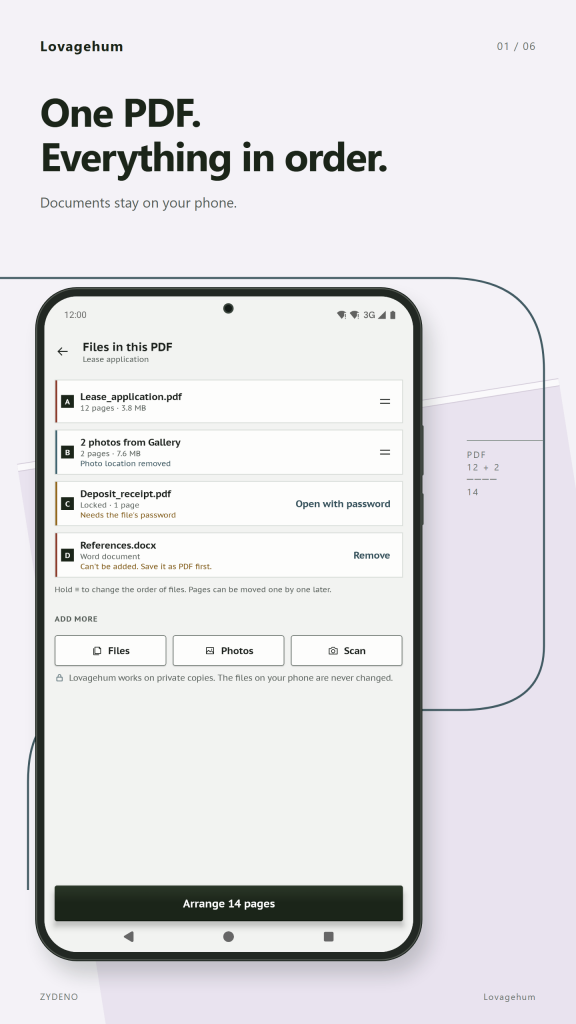
Choose PDFs and pictures, put them in the order you want and save one new PDF. Each page keeps a coloured edge and a letter showing which file it came from, so a long stack never turns into guesswork. Merge PDF files from your phone, your downloads or a photo gallery.
Scan paper (PDF scanner)
Point the camera at a sheet and the corners are found for you. Hold steady and the page is taken automatically, or press the shutter yourself. The page is straightened, the light is evened out, and you choose colour, grey or black and white. Stamps and blue ink keep their colour. Add as many pages as you need, then save one PDF in the paper size of your region (A4 or Letter). The camera is used only when you scan.
Arrange pages
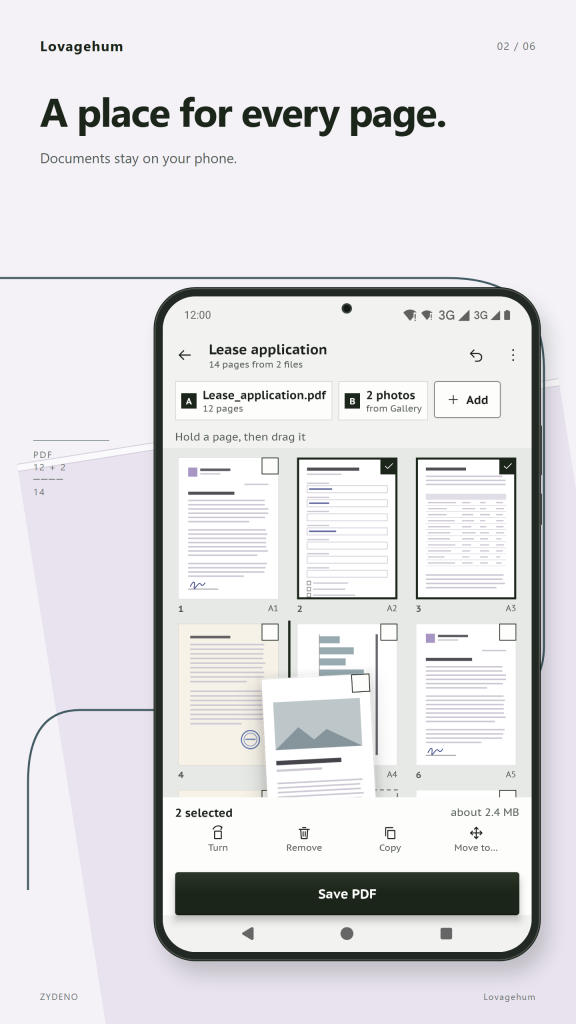
Hold a page and drag it to a new place. A number badge shows where it will land before you let go. Turn, remove, copy or move several pages at once. Rearrange PDF pages from several files in one job.
Make smaller: compress PDF
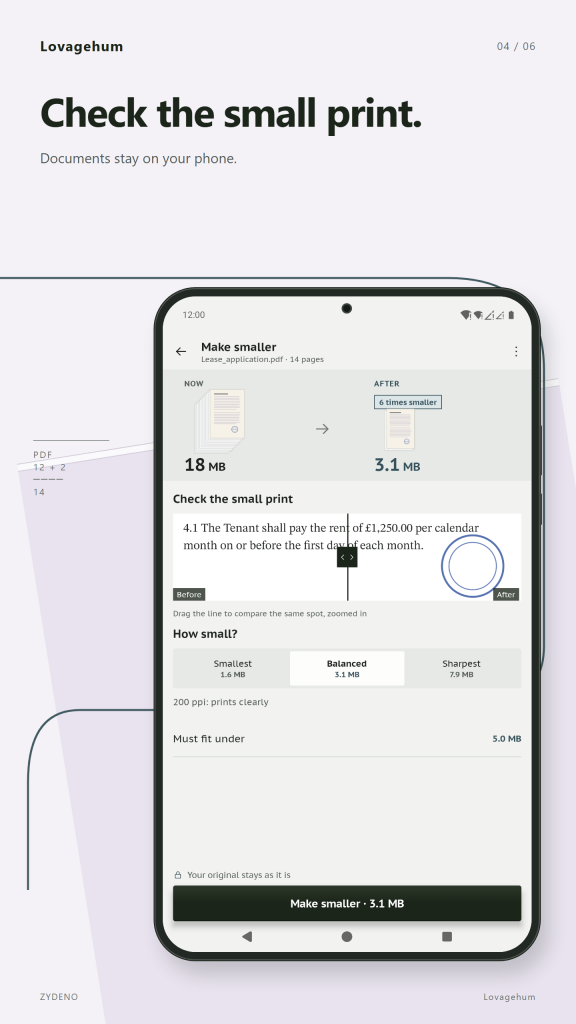
Reduce PDF size to fit the limit of an upload form. Type the size it must stay under, for example 500 KB or 2 MB, and see the real size of Smallest, Balanced and Sharpest before you save. Drag the line to compare the same spot before and after, zoomed in. Text stays text. If the limit cannot be reached, you get the best result and an honest message instead of a broken file.
Sign PDF
Draw your signature once and place it on the line with your finger. Resize it, add today's date or your initials. The signature becomes part of the page in the new copy. It is a drawn signature, not a certificate-based digital signature.
Hide text (redact PDF)
Mark words and areas with a marker or a box. Marked text is removed from the new copy, not just covered with black. Pages with marks become pictures: their text can't be selected or copied, and screen readers will skip it. Your original stays unchanged.
Split PDF
Split a PDF into several files by page ranges, or cut a long document into equal parts.
Remove personal info
Strip the author name, the app used and the photo location from the copy you send. Photos you add are cleaned of their location data by default.
A result you can trust
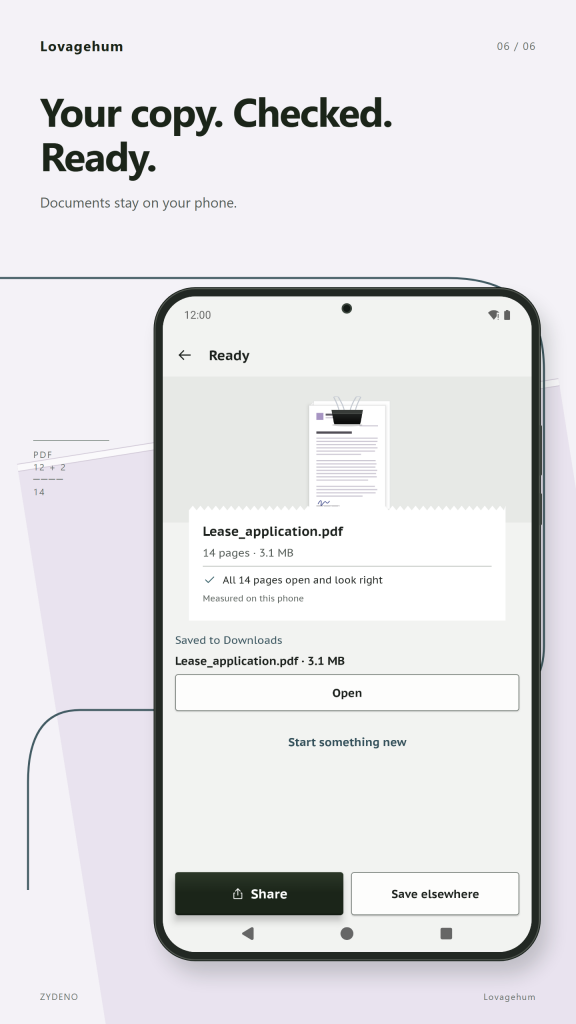
Every job ends with a receipt of the checks that really ran on your phone: the pages open and look right, your originals are unchanged, marked text was removed from the copy. You choose the name and the place to save the new copy, then share it or open it. Originals are never overwritten.
Privé et hors ligne
Everything happens on your phone. All of these PDF tools run on the phone. Lovagehum has no internet access, no account, no ads and no tracking in this version, and it is free to use today. No watermark, no daily limit.
Pour tout le monde
16 languages including right-to-left scripts, dark theme, large text and TalkBack support. Paper size follows your region.
A note on limits
Lovagehum does not edit the original text of a PDF and does not create certificate-based digital signatures. Hiding text is designed to remove the marked content from the new copy, so always open the result and check it before you send it.
/ Remarques
Lovagehum is a set of PDF tools that work on your phone without a connection. Merge PDF files and photos into one document, scan paper, compress PDF files to fit an upload limit, sign, split and hide text.
Disponible sur l'AppGallery de Huawei.
Assistance pour les applications · Contacter le développeur · Politique de confidentialité · Conditions d'utilisation
// OBTENIR L'APPLICATION