Dusk Hasp: Black Screen & Dimmer
Black screen & dimmer
Selected-screen blackout · Click-through dimming · Return timers · Windows
/ Captures d'écran
/ À propos de Dusk Hasp: Black Screen & Dimmer
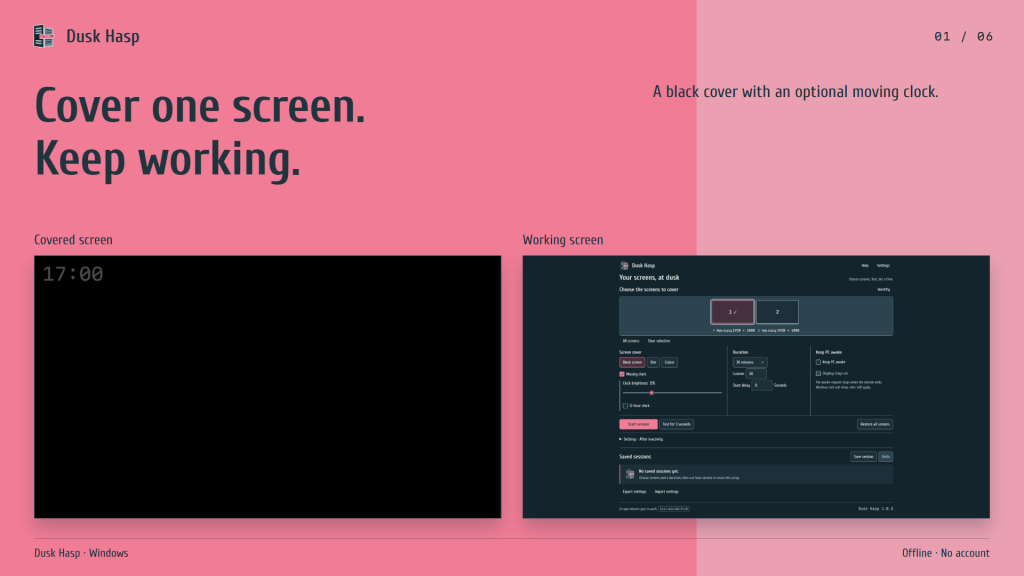
Dusk Hasp is a black screen app and monitor dimmer for Windows: cover the displays you choose and keep your working screen available. Set a return timer for a quieter desk during focused work, evening use or presentations.
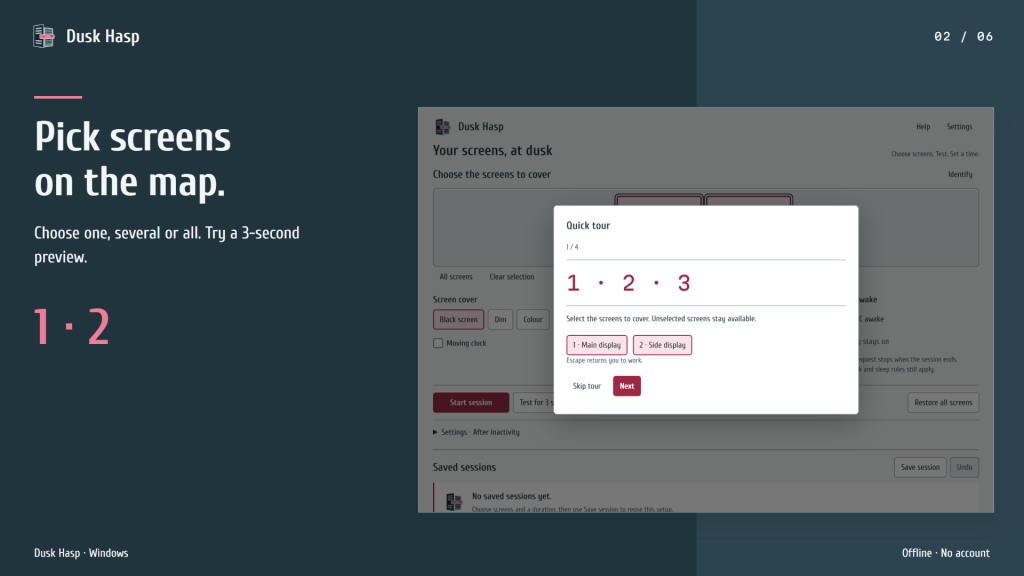
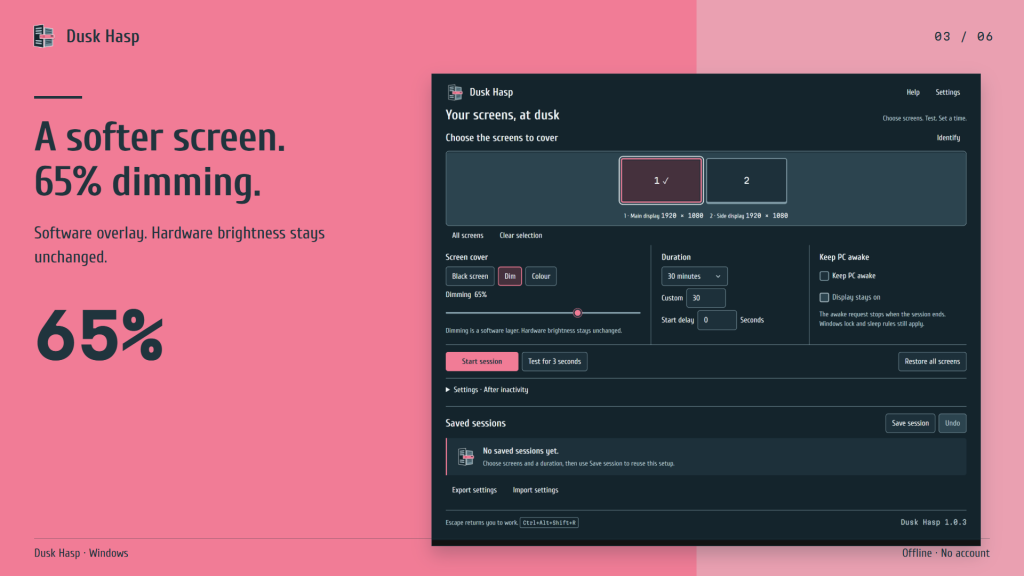
Choose one screen, several or all of them on a map of your desk. Try a three-second preview before starting, so you can check which displays will be covered.
Dim a bright screen with a software overlay while clicking the windows underneath, or use a solid color cover. Save your preferred screen setup and recall it for the next session.
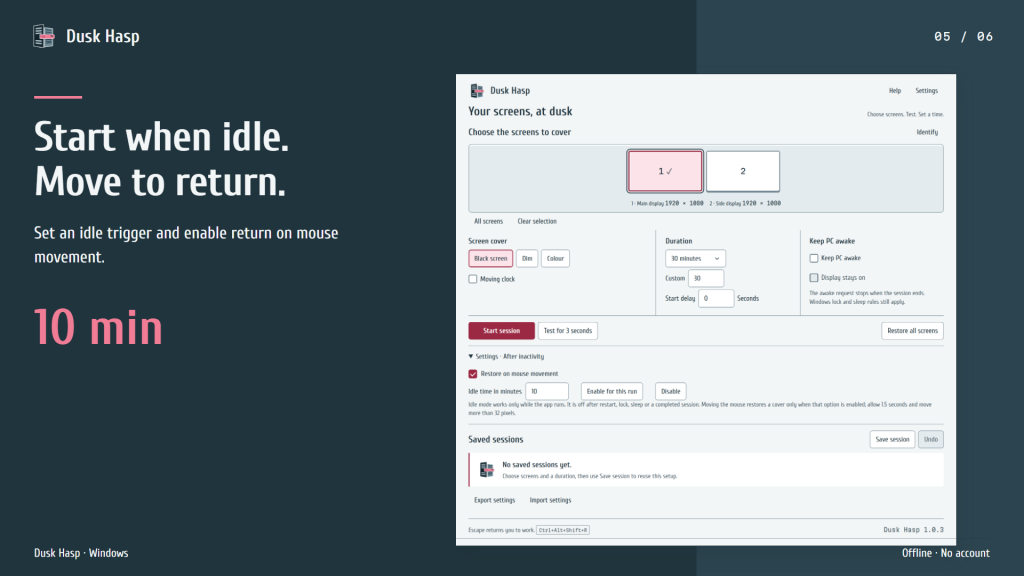
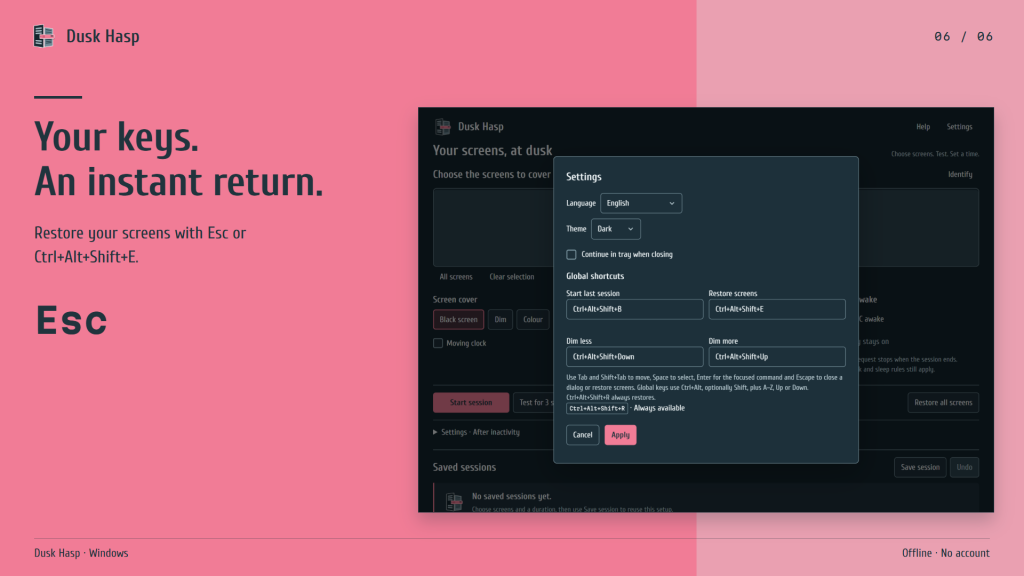
Use a plain black screen or add a moving clock for a simple clock screensaver within the app. Start the screen saver yourself or enable its idle trigger. Global shortcuts let you restore your desktop when you need it.
Keep the PC awake for a session, with a separate choice to keep displays on. Works offline, without an account or ads. Version 1.0.3 is free to download.
Détails
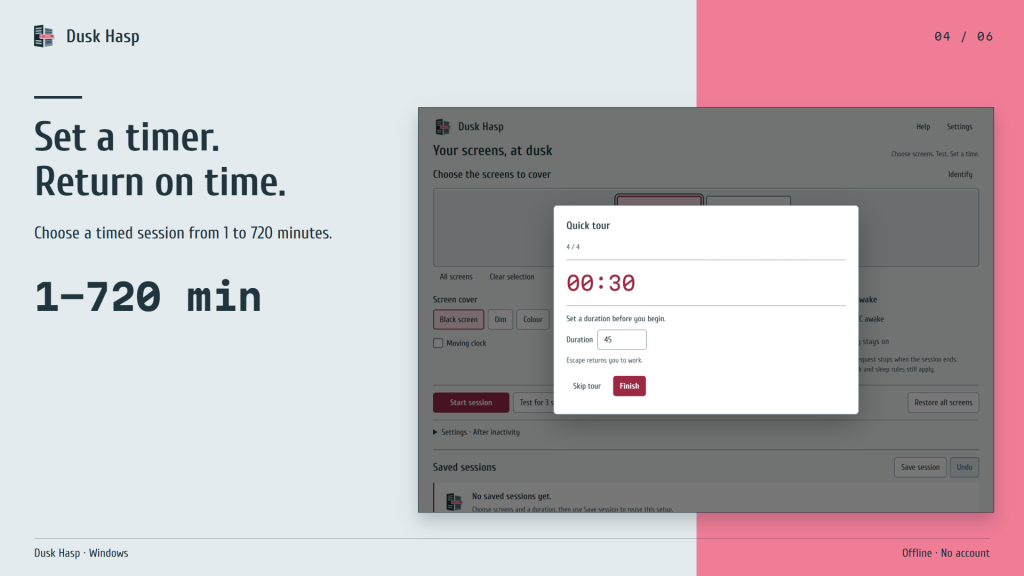
Windows 10 version 2004 (build 19041) or later; x64 and ARM64. Uses Microsoft Edge WebView2 Runtime (built into Windows 11); an installed Evergreen Runtime is required and is not bundled. Software covers do not change hardware brightness, power off monitors, lock Windows or guarantee burn-in prevention. HDR, exclusive fullscreen, protected video and the secure desktop may appear above a cover. Keep-awake requests do not override system lock or sleep policies. Timed sessions: 1–720 minutes; an untimed option is also available. Settings stay local. Up to 100 saved setups; JSON settings backups up to 1 MiB. Import replaces settings after confirmation; exported files remain where you save them.
// OBTENIR L'APPLICATION