Glyphbench: Schriftart-Anzeige und -Vergleich
Schriftart-Anzeige und -Vergleich
Side-by-side comparison · Suggested font pairings · PDF & PNG specimens · Windows
/ Screenshots
/ Über Glyphbench: Font Viewer & Compare
Glyphbench is an offline font viewer for designers, publishers and anyone choosing type for a project.
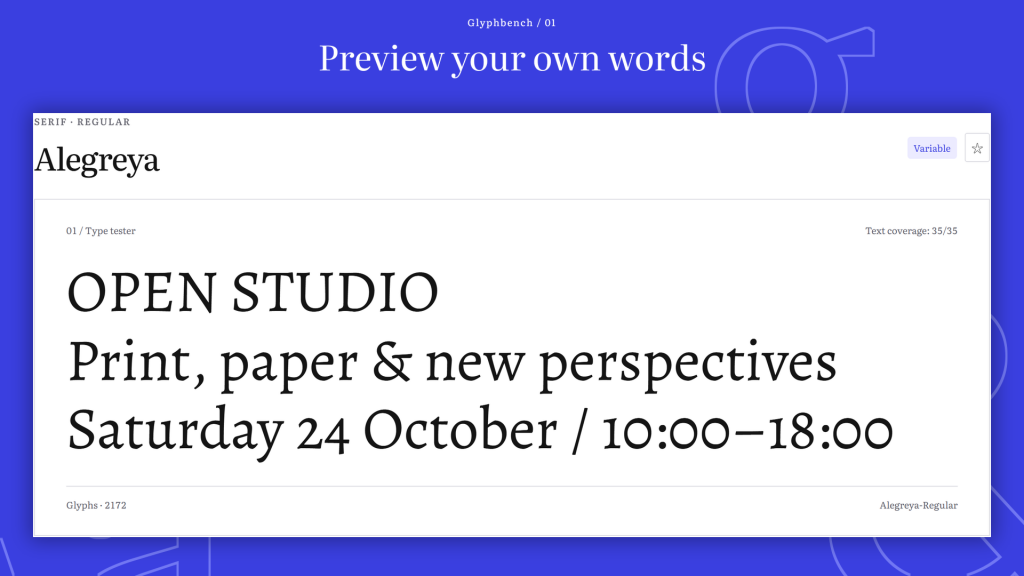
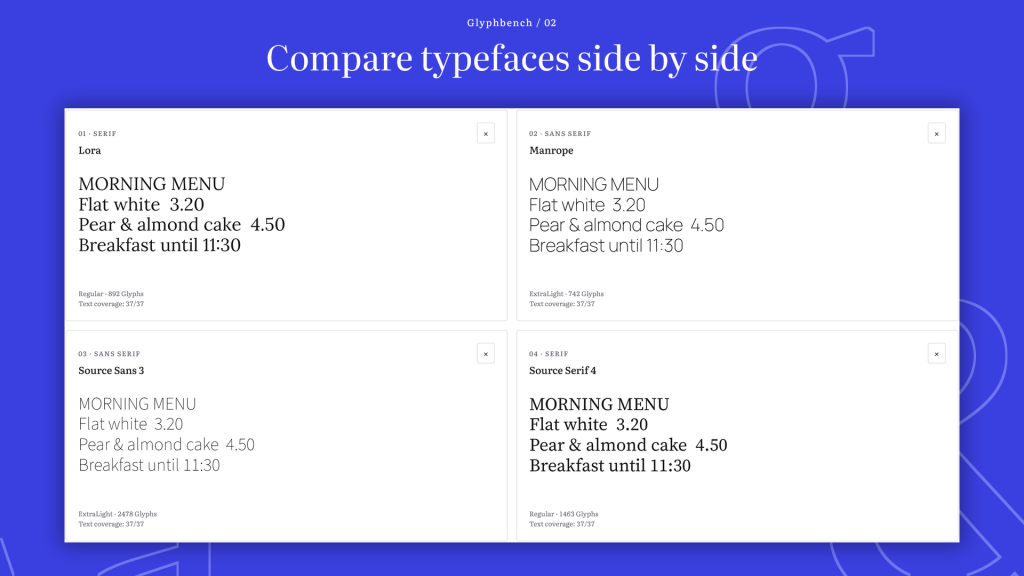
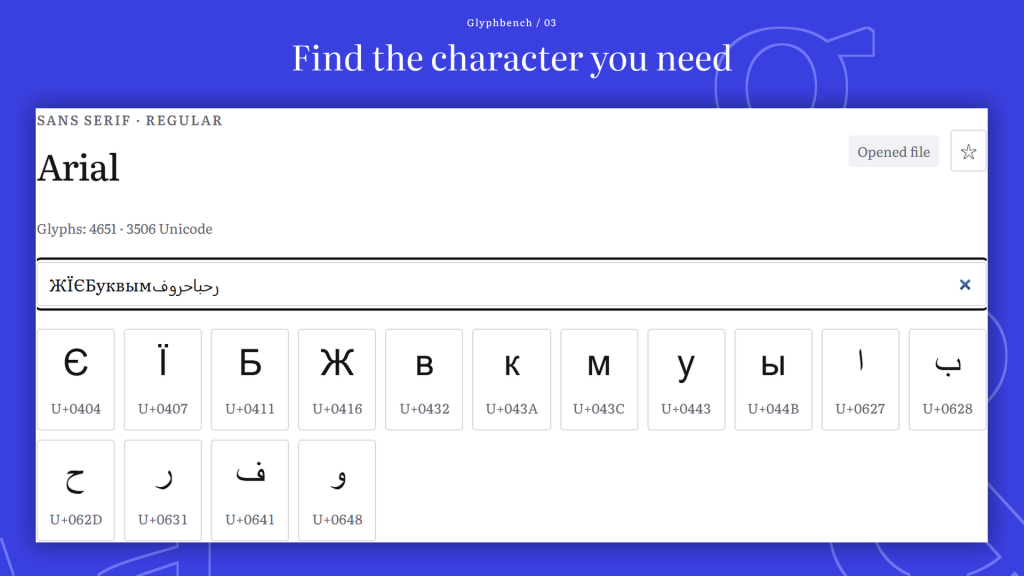
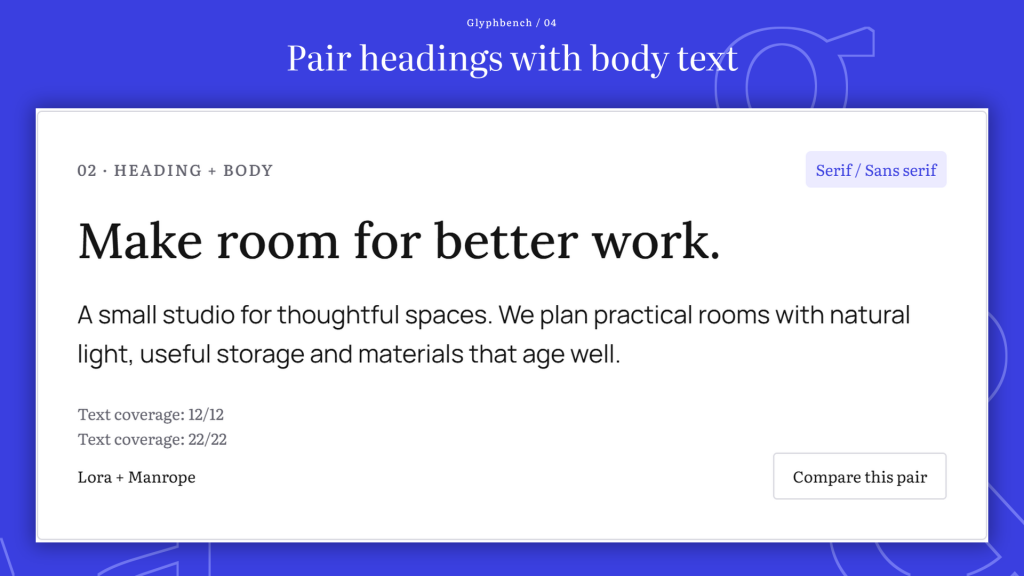
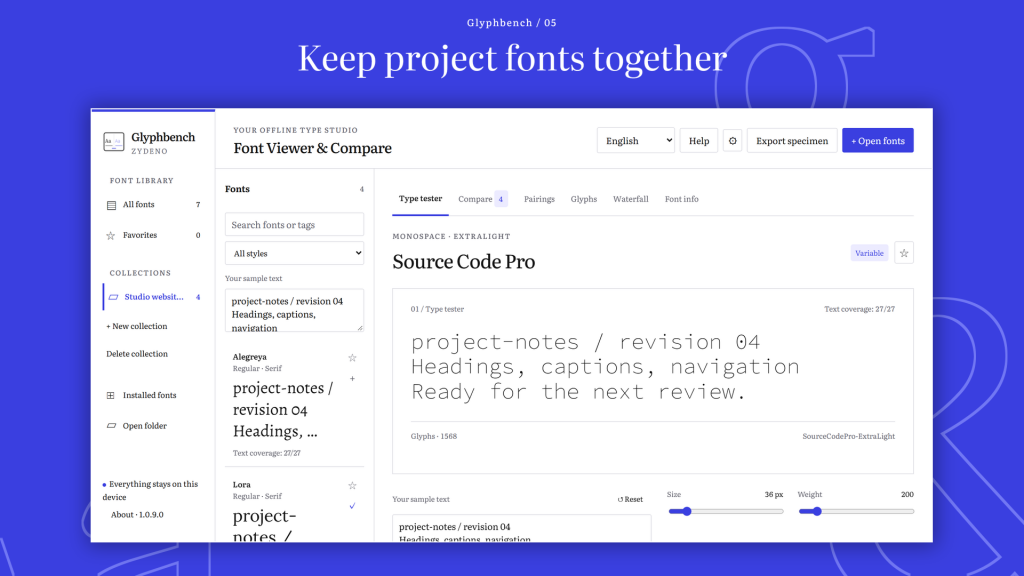
Open font files and try your own text in each typeface. Compare up to six fonts side by side and try suggested pairings. Adjust variable axes and OpenType features, then check which characters a font supports. Save favorites, organize fonts in collections and export rendered specimens as PDF or PNG.
// GET THE APP