Pagrith: قارئ الكتب الإلكترونية وملفات EPUB
قارئ الكتب الإلكترونية وملفات EPUB
Offline EPUB reader for your own books: pace guide and an exact return to place · Android
/ لقطات الشاشة
/ نبذة عن Pagrith: Ebook & EPUB Reader
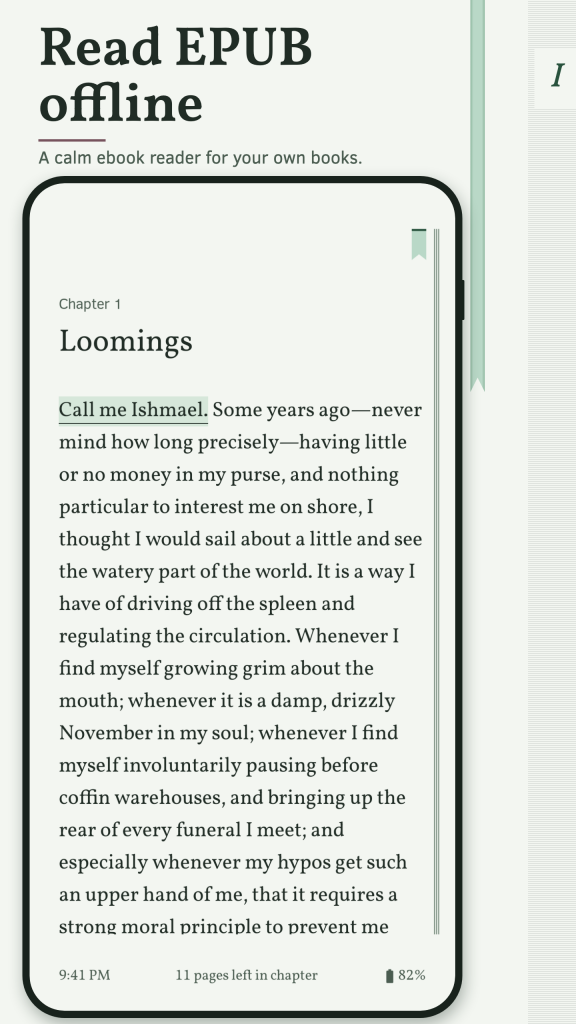
Pagrith is an offline EPUB reader for the books you already own. Open EPUB 2, EPUB 3 and TXT files, read in a calm page view and come back to the exact sentence where you stopped. As an ebook reader it keeps the book in front and everything else out of the way.
RESUME FROM THE SENTENCE
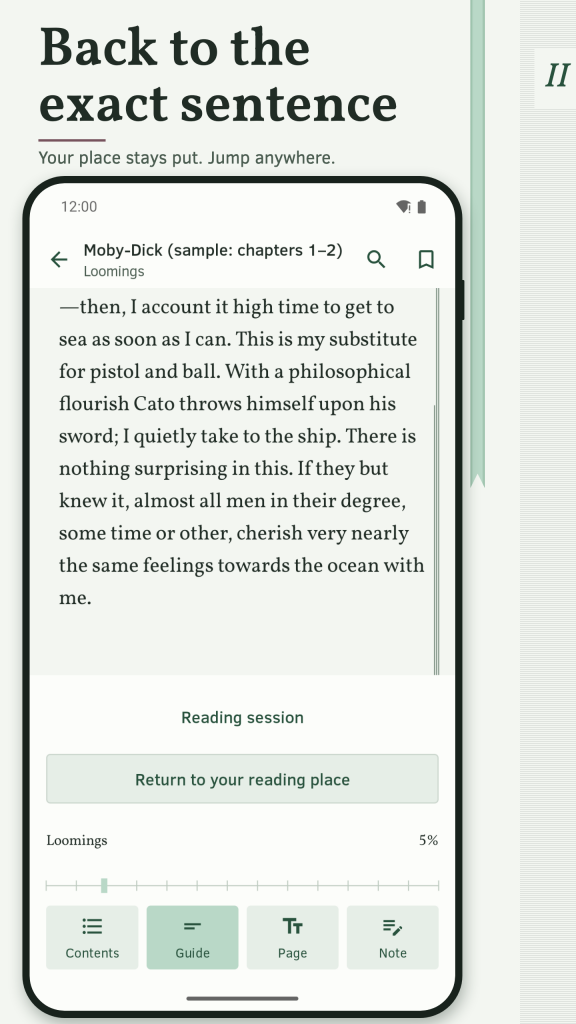
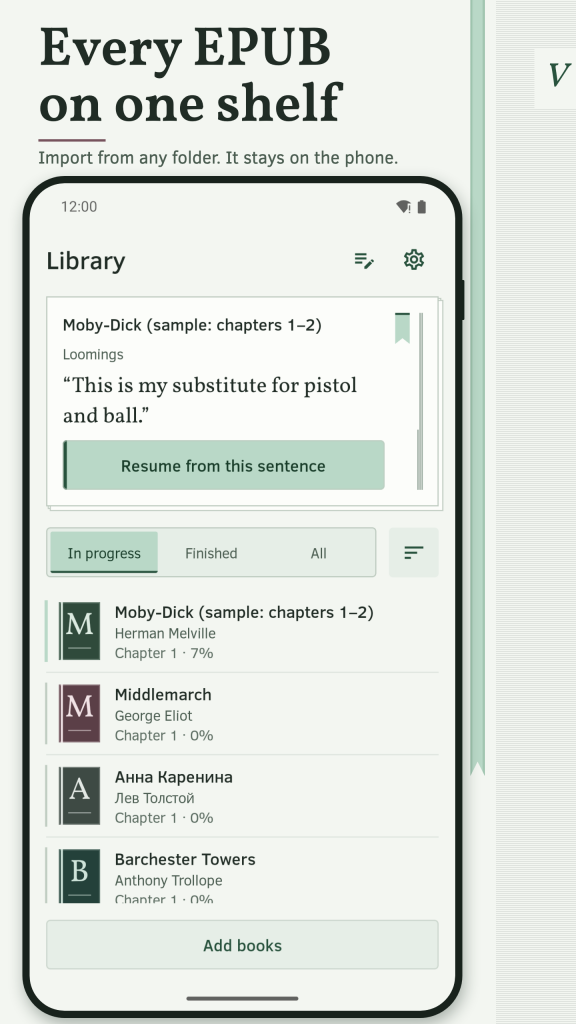
The library opens with a resume line: chapter, a short snippet of the last visible text and progress. Change the font, size, margins, orientation or theme and your place stays on the same source sentence. Contents, search and footnote links set a separate return point, so you can jump away and come back to the page you were reading.
READ YOUR WAY
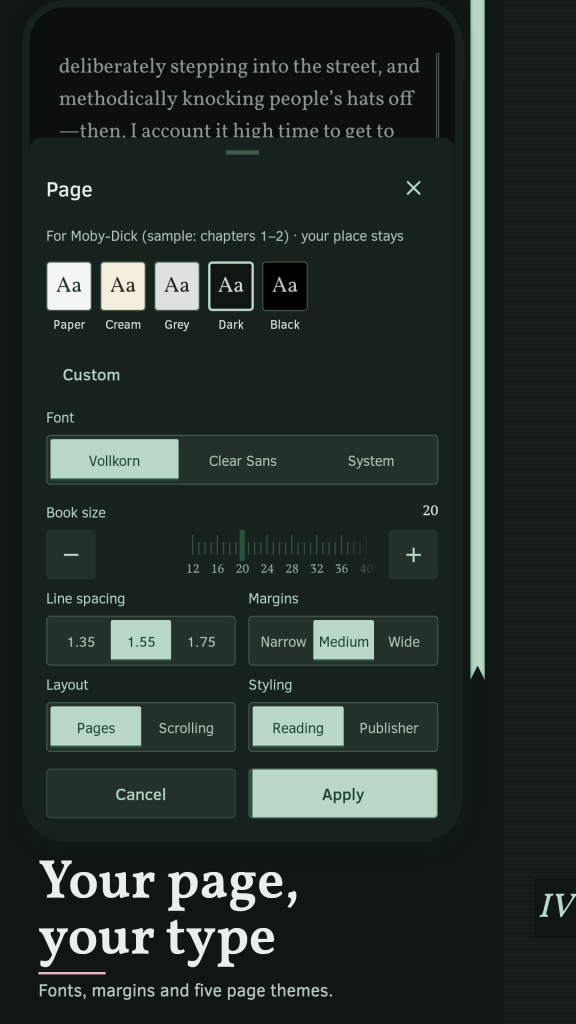
Choose a page or scroll layout, Vollkorn, Clear Sans, the system font or a font file you add yourself. Five page themes, a custom colour pair with a live contrast ratio, brightness control, hyphenation, spacing and line-length settings. Use the publisher's layout or a reading layout. Right-to-left books such as Arabic are supported, and so are CJK books in horizontal layout. The same settings carry over to every EPUB or TXT book, so this ebook reader looks the same from one title to the next unless you give a book its own profile.
GUIDE WHEN YOU WANT IT
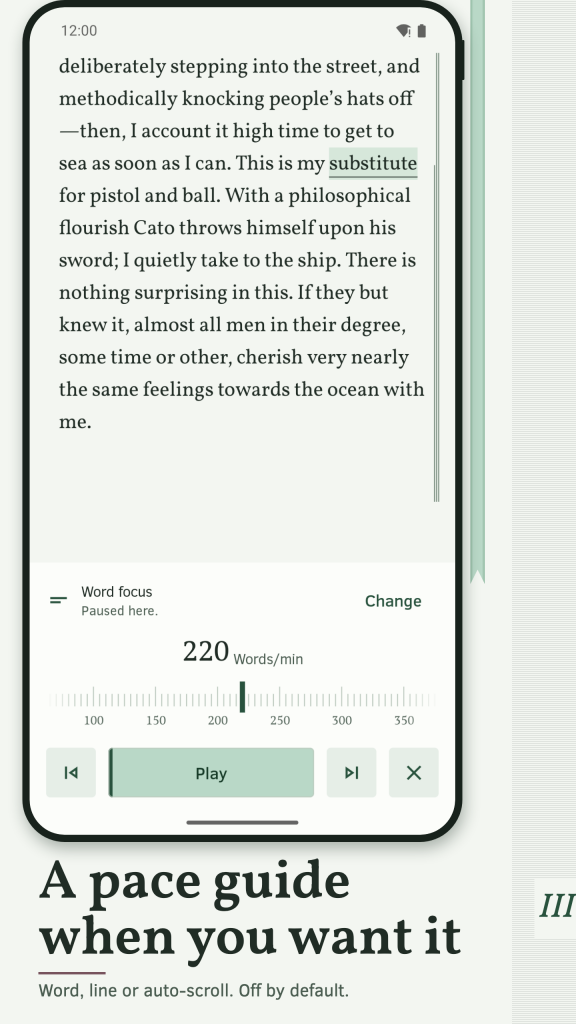
Reading is ordinary by default. Open Guide to try word focus, RSVP, a line guide or auto-scroll at the pace you choose. Nothing starts until you press Play, a tap on the text pauses, and the guide remembers the last word shown. Pagrith makes no promise about reading speed or comprehension: the pace is yours.
NOTES AND CONTENTS
Highlight a passage, add a written note or a bookmark. Use the contents, in-book search, footnote sheets and zoomable images and tables. Export notes as Markdown, TXT or W3C JSON annotations. Select a word to send it to a dictionary or translator app installed on your phone.
YOUR LIBRARY, YOUR FILES
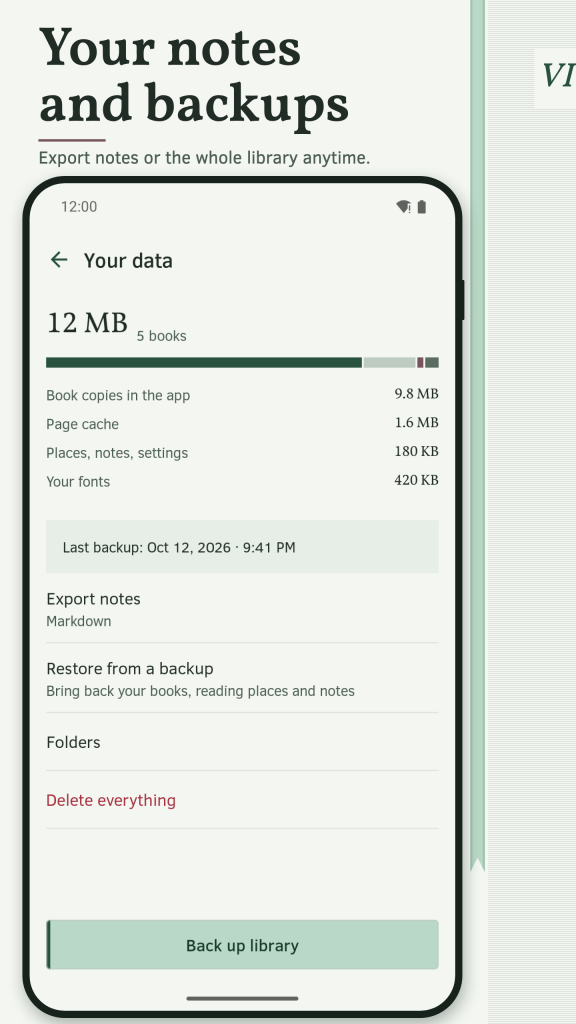
Add single files or choose a folder and import only the books you select. Read them from the folder or copy them into the app. Sort by title, author or date added, filter unfinished and finished books and group them into collections. A full backup holds books, notes and places; a library-state backup keeps places and notes without the files. Pagrith does not open DRM-protected books or PDF files. It is a TXT reader as well: before importing a plain text file you can preview its encoding and chapter breaks.
غير متصل وخاص
No account, no sign-in and no permission prompt to start reading. Your places and notes stay on this phone. Books stay in the folder you chose or in the app, and Pagrith needs no network connection. A link inside a book opens another app only after you confirm. This EPUB reader exists for offline reading of your own files, not as an extra. Available in 16 languages, with units and dates that follow your region. To read EPUB offline you add a book once and it stays ready without a connection.
متاح مجانًا حاليًا، بدون إعلانات.
/ ملاحظات
Pagrith is an offline EPUB reader for the books you already own. Open EPUB 2, EPUB 3 and TXT files, read in a calm page view and come back to the exact sentence where you stopped.
متوفر على متجر تطبيقات Huawei AppGallery.
دعم التطبيقات · اتصل بالمطور · سياسة الخصوصية · شروط الاستخدام
// احصل على التطبيق