
Orielskiff: Picture in Picture
Picture in picture for your browser
Free · Works offline · Your data stays in your browser · Edge
/ Screenshots
/ About Orielskiff: Picture in Picture
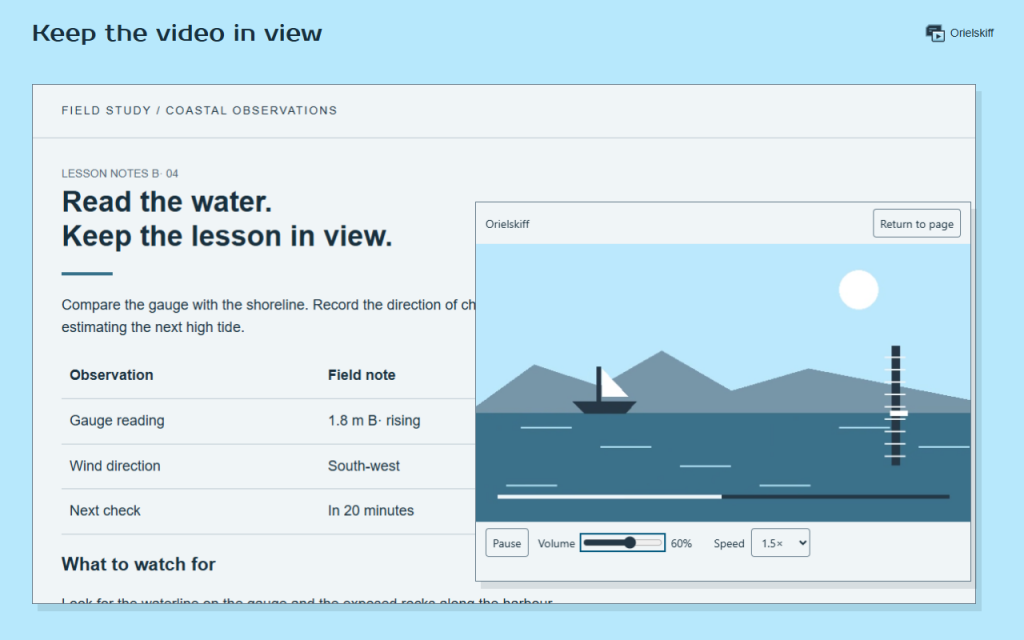
Orielskiff is a picture in picture extension that keeps a video in view while you read, browse or take notes.
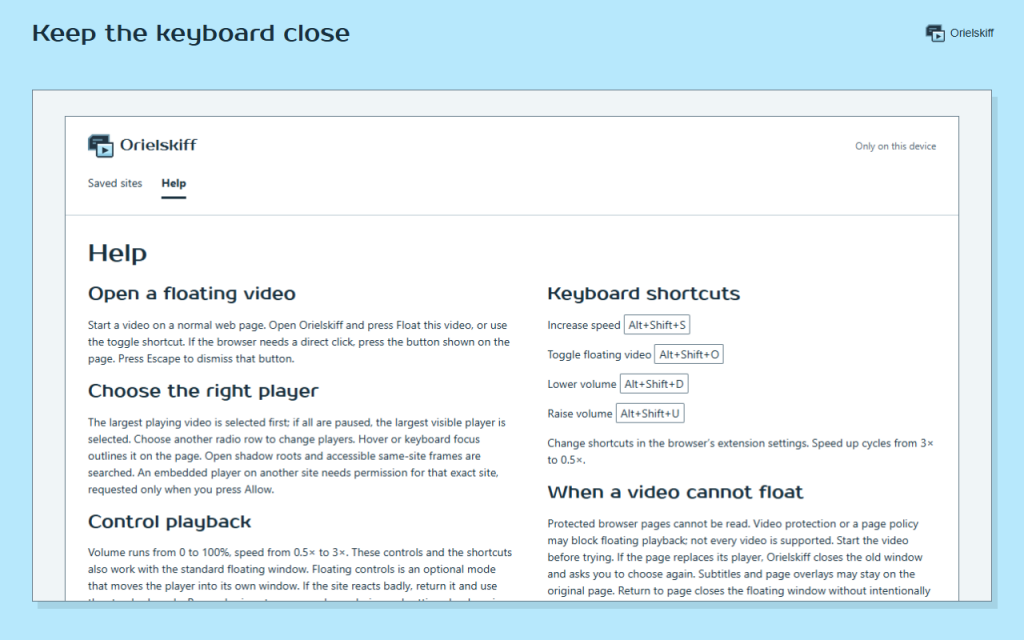
Start a video on a normal web page. Open Orielskiff and press Float this video, or use the toggle shortcut. If the browser needs a direct click, press the button shown on the page. Press Escape to dismiss that button.
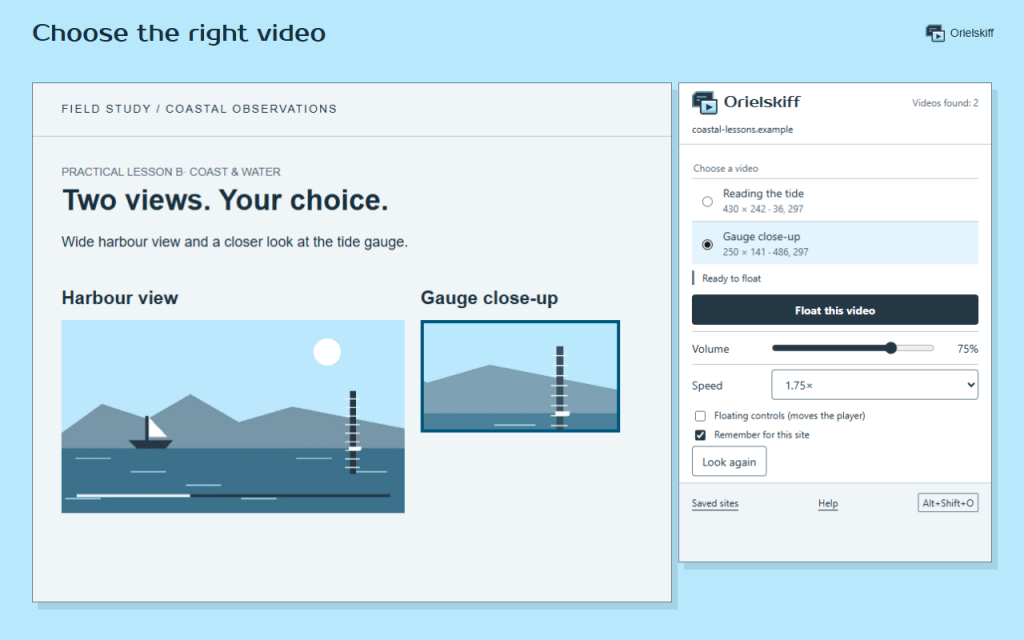
The largest playing video is selected first; if all are paused, the largest visible player is selected. Choose another radio row to change players. Hover or keyboard focus outlines it on the page. Open shadow roots and accessible same-site frames are searched. An embedded player on another site needs permission for that exact site, requested only when you press Allow.
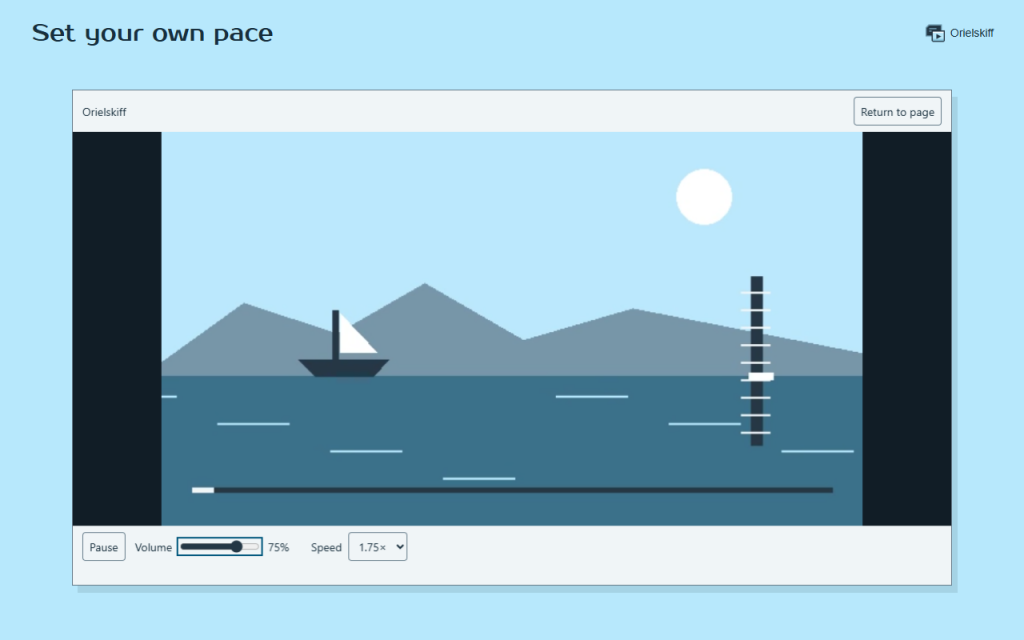
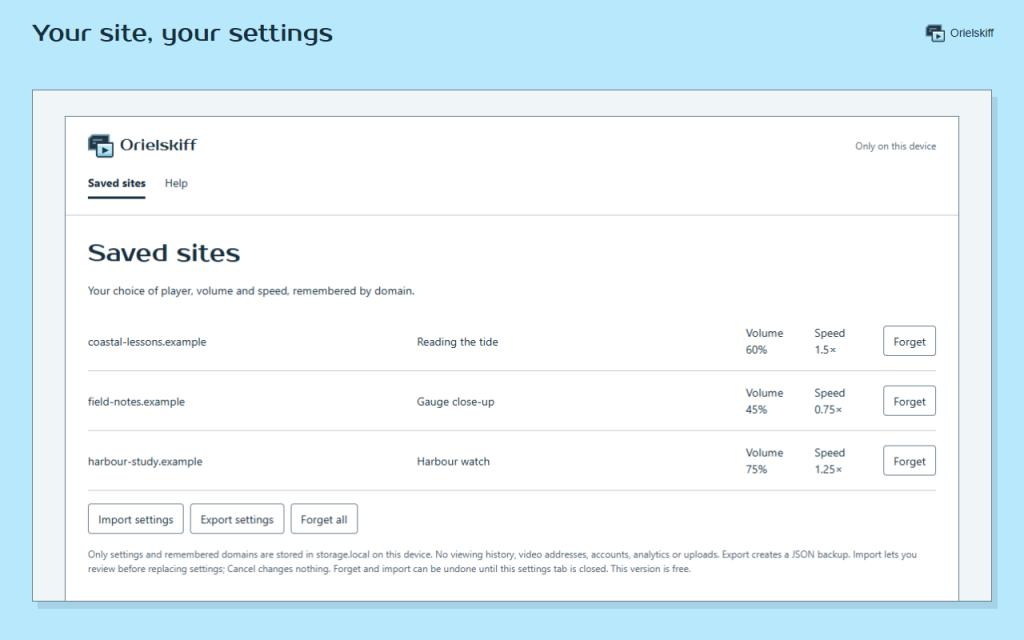
Volume runs from 0 to 100%, speed from 0.5× to 3×. These controls and the shortcuts also work with the standard floating window. Floating controls is an optional mode that moves the player into its own window. If the site reacts badly, return it and use the standard mode. Remembering stores your player choice and settings by domain. Forget resets that site for future videos.
Protected browser pages cannot be read. Video protection or a page policy may block floating playback; not every video is supported. Start the video before trying. If the page replaces its player, Orielskiff closes the old window and asks you to choose again. Subtitles and page overlays may stay on the original page. Return to page closes the floating window without intentionally pausing the video.
- Keep a video above your other windows.
- Choose the right player on a page with several videos.
- Spot your chosen player with a visible outline.
- Set the volume from 0 to 100%.
- Watch at your pace with speeds from 0.5× to 3×.
- Remember the player and controls for each site.
- Back up your preferences in a local JSON file.
- Learn the controls with a skippable practice tour.
Works offline. Your data stays in your browser. Web videos still need their usual connection. No analytics or accounts. This version is free.
Permissions: activeTab and scripting find and control videos after your action; storage saves local preferences. Access to an embedded player on another site is optional and requested for that site only.
/ Notes
Picture in picture for focused work: choose a video, adjust its volume and speed, and remember your settings by site.
Available as a browser extension.
Support · Contact the developer · Privacy Policy · Terms of Use
// GET THE APP