
Linen Chisel: Audio Cutter & MP3 Converter
Trim, clean up & convert audio offline
Waveform trimming · Silence removal · Batch conversion · Windows
/ Screenshots
/ About Linen Chisel: Audio Cutter & MP3 Converter
Audio cutter and MP3 converter for Windows: trim recordings, convert M4A to MP3 or WAV to MP3, and save offline with Linen Chisel. Shorten a voice note, keep a useful passage or prepare a music excerpt.
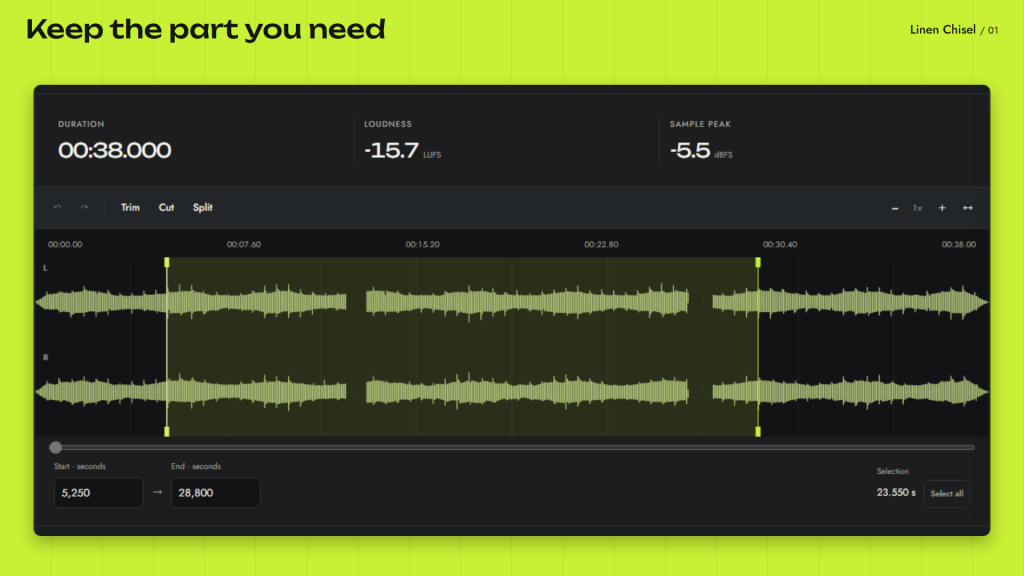
Cut where you mean to. Select on the waveform, enter start and end times, then listen before saving. Trim the ends, delete a section or split a recording into two files. Your source file stays intact.
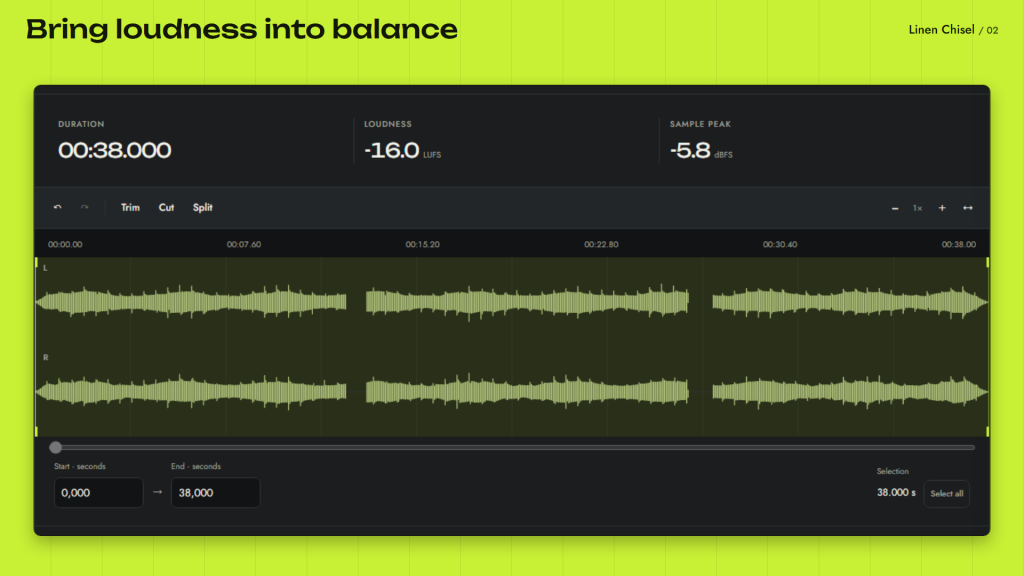
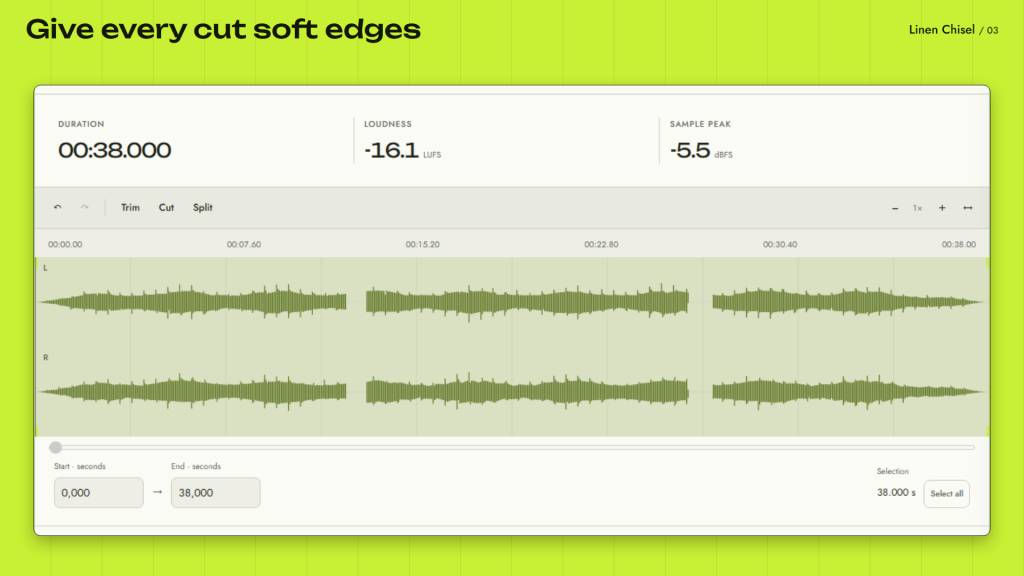
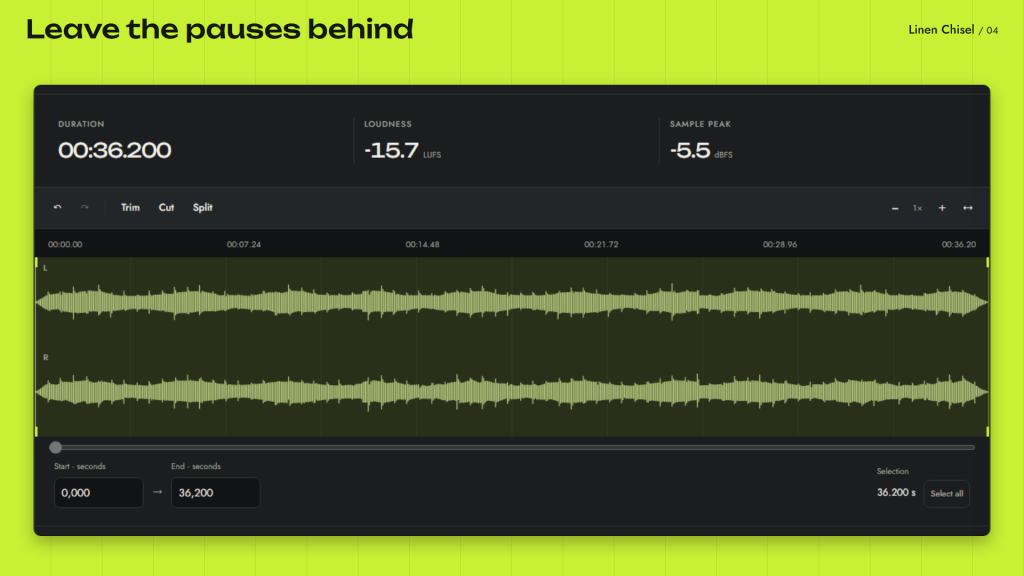
Make spoken recordings easier to listen to. Remove long silences, add a fade in or fade out, and adjust loudness for a more even listening level. Loop a selection while you check the cut.
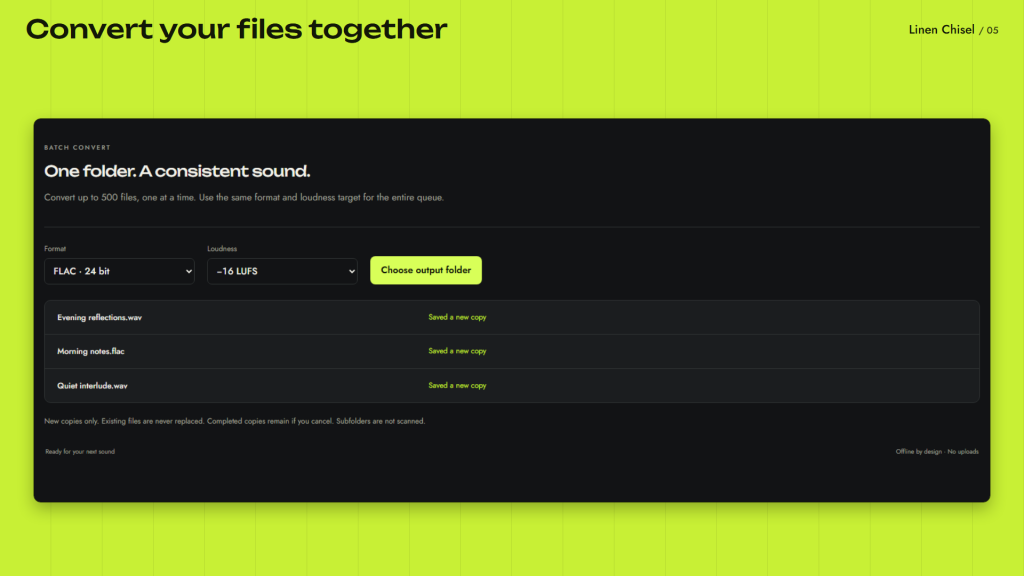
Convert audio to MP3, WAV, FLAC or Ogg Opus. Process a queue in one format, with optional loudness normalization, and see the result for each file. Add a title, artist and album before export.
Keep personal recordings on your PC. Audio editing works offline without an account or uploads. Every feature is free, with no ads or locked tools. A skippable quick tour and keyboard shortcuts help you get started.
Requires Windows 10 version 2004 or later and Microsoft Edge WebView2 Runtime installed on your PC. MP3 export requires Windows media components; Opus availability depends on codec support. Supports mono and stereo recordings; each source file and decoded audio must fit within 256 MiB. Sessions keep audio, tags and selection; the queue and undo history are not included.
/ Notes
Select a passage on the waveform, listen to the cut and export a trimmed or converted copy. A queue can apply one output format and optional loudness normalization to several recordings.
The source file stays intact. Codec availability depends on Windows components, and each source file and its decoded audio must fit within 256 MiB. Saved sessions include audio, tags and selection, but not the queue or undo history.
// GET THE APP