Loupebloom: GIFs & Bild-Zoom beim Überfahren mit der Maus
GIFs und Bildvergrößerung beim Darüberfahren mit der Maus
Kostenlos · Funktioniert offline · Ihre Daten bleiben in Ihrem Browser · Edge
/ Screenshots
/ Über Loupebloom: GIFs & Image Hover Zoom
Loupebloom is a hover zoom for GIFs and images: hold a key over any picture to see it larger, zoom into detail and step through GIF frames without opening a new tab.
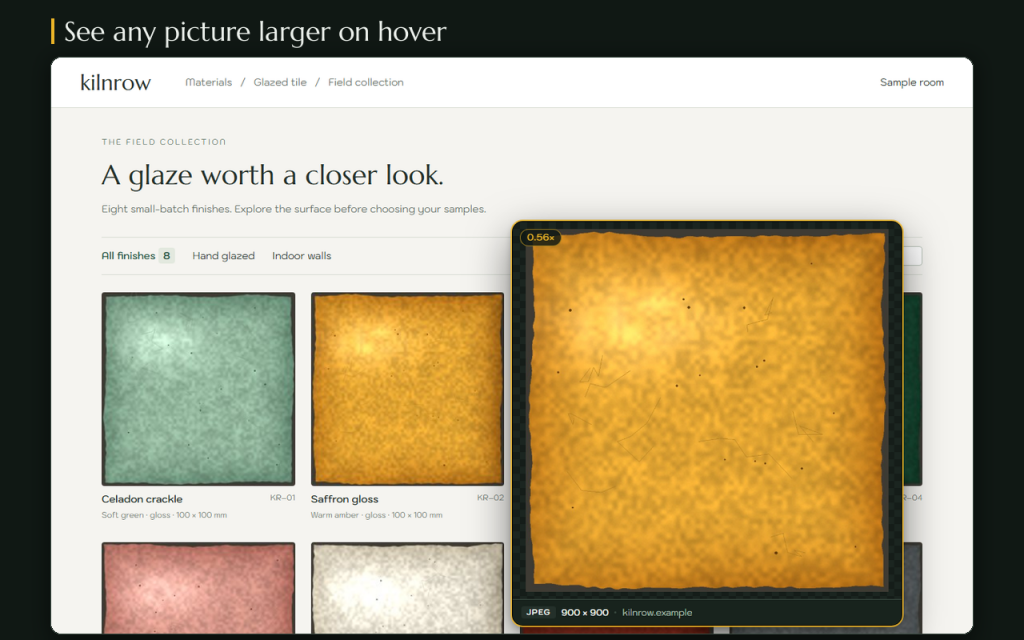
Picking a tile, a product photo or a reaction GIF from a grid of small thumbnails is guesswork. Loupebloom opens a larger preview right next to the thumbnail while you hold Shift, Ctrl or Alt, and closes it as soon as you let go.
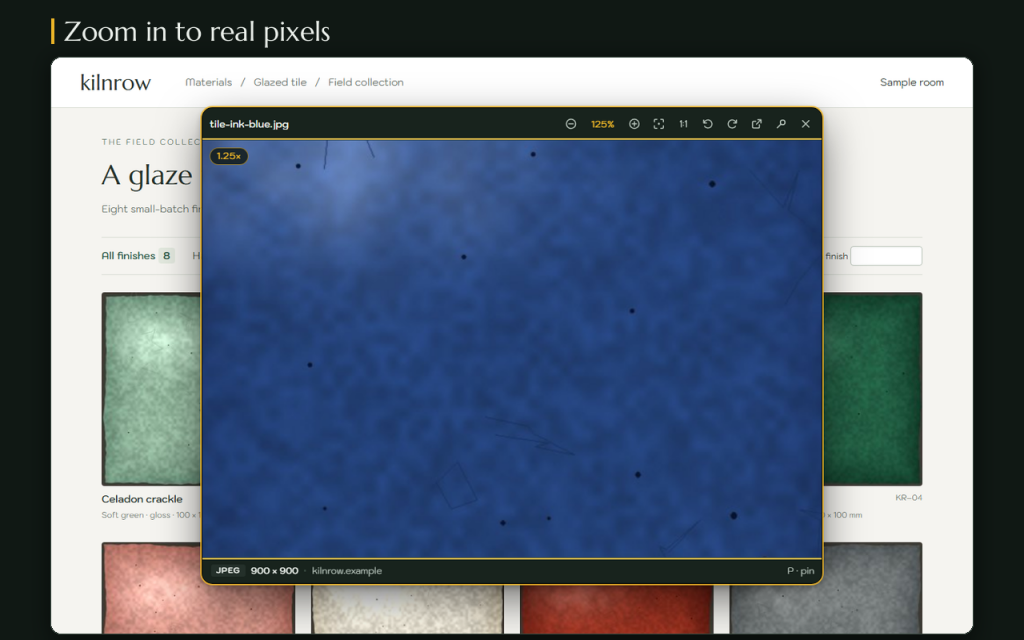
Pin a preview to keep it open. Zoom in to real pixels, drag to look around and turn a sideways photo without changing the file.
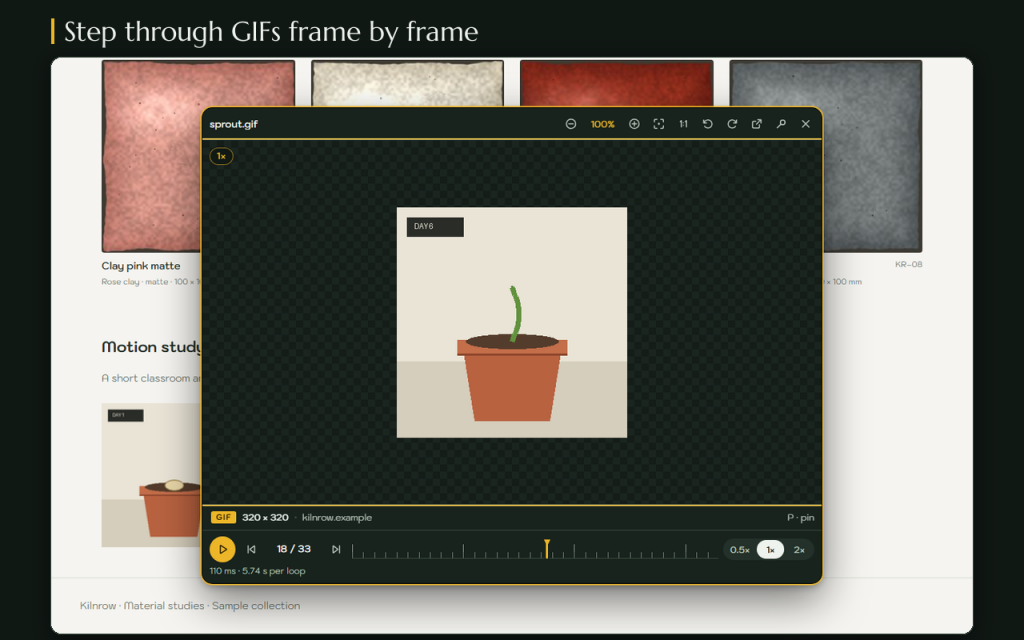
GIFs get real playback controls: play, pause, step one frame at a time, jump along the frame ruler and change the speed. Only one GIF animates at a time and hidden previews pause, so a busy page stays calm.
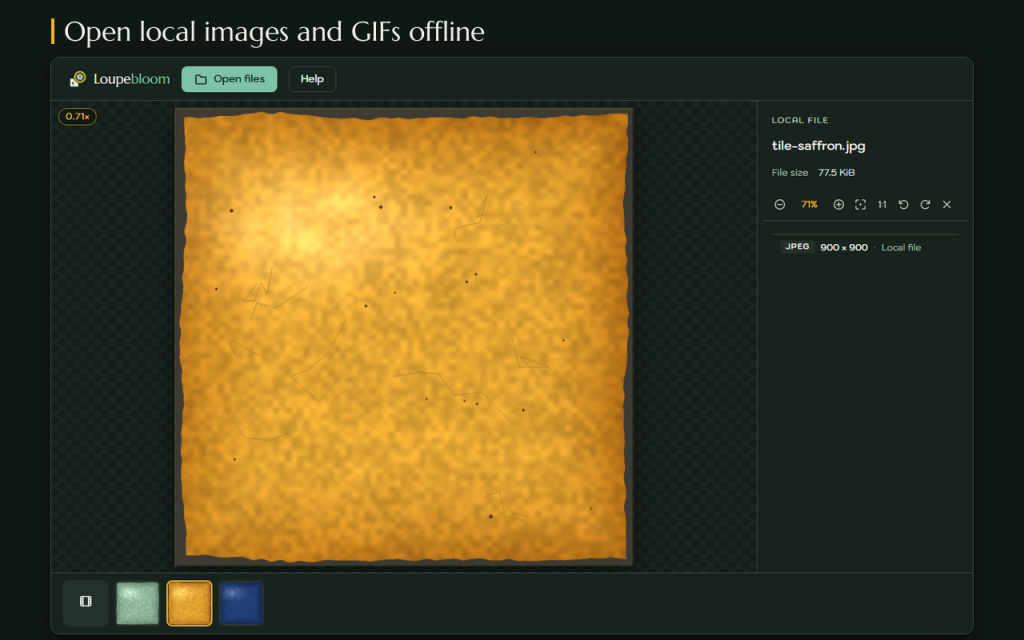
Open images and GIFs from your computer in the built-in viewer. It works offline and needs no site access.
- See any picture larger by holding a key over it
- Pin the preview, then zoom, drag and rotate
- Switch between the whole picture and real 1:1 pixels
- Play, pause and step through GIFs frame by frame
- Jump to any frame on the ruler and see its delay
- Play GIFs at half, normal or double speed
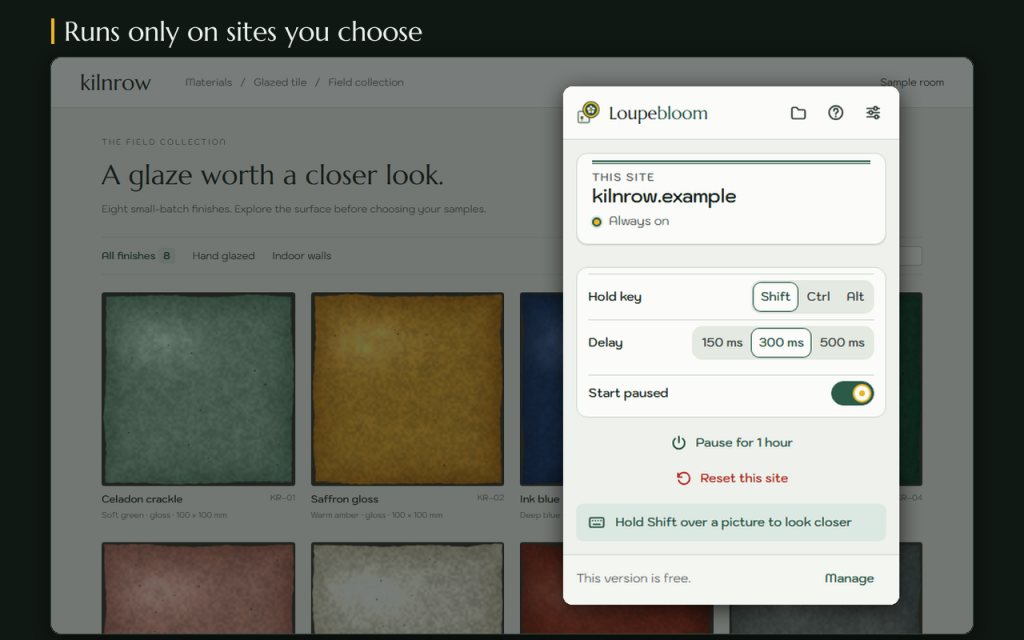
- Start GIFs paused for a quieter page
- Open local images and GIFs offline
- Turn it on for one tab or remember the sites you choose
- Pause it on a site for an hour or reset that site
- Light and dark themes in 16 languages
- Export and import your settings as a file
Works offline. Your data stays in your browser. No accounts, analytics or remote rules; Zydeno receives no pictures or addresses.
Diese Version ist kostenlos.
Permissions: “storage” keeps your settings in this browser. “activeTab” and “scripting” run the preview on the current tab only after you click the toolbar button. Access to a site is asked for one site at a time, only when you choose to remember it or need full GIF controls for a picture hosted elsewhere.
/ Anmerkungen
Zoom per Mauszeiger bei GIFs und Bildern: Halten Sie den Mauszeiger über ein Bild, um es vergrößert anzuzeigen, hineinzoomen und durch die GIF-Einzelbilder zu blättern.
Als Browser-Erweiterung verfügbar.
Support · Wenden Sie sich an den Entwickler · Datenschutzbestimmungen · Nutzungsbedingungen
// GET THE APP