Letterperch: Font Finder & Identifier
Schriftartensuche und -erkennung
Kostenlos · Funktioniert offline · Ihre Daten bleiben in Ihrem Browser · Edge
/ Screenshots
/ Über Letterperch: Font Finder & Identifier
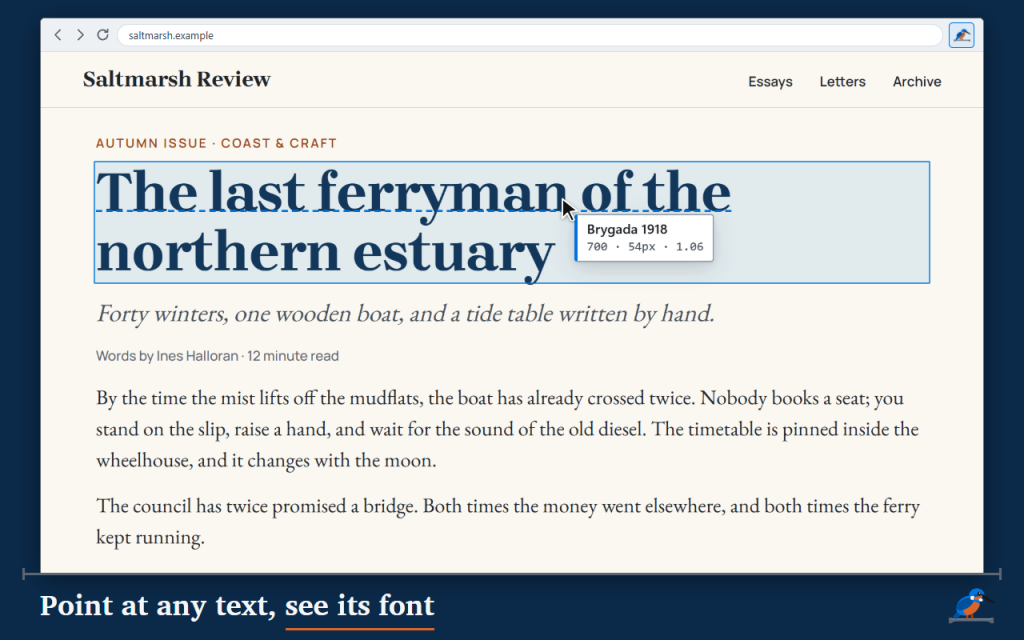
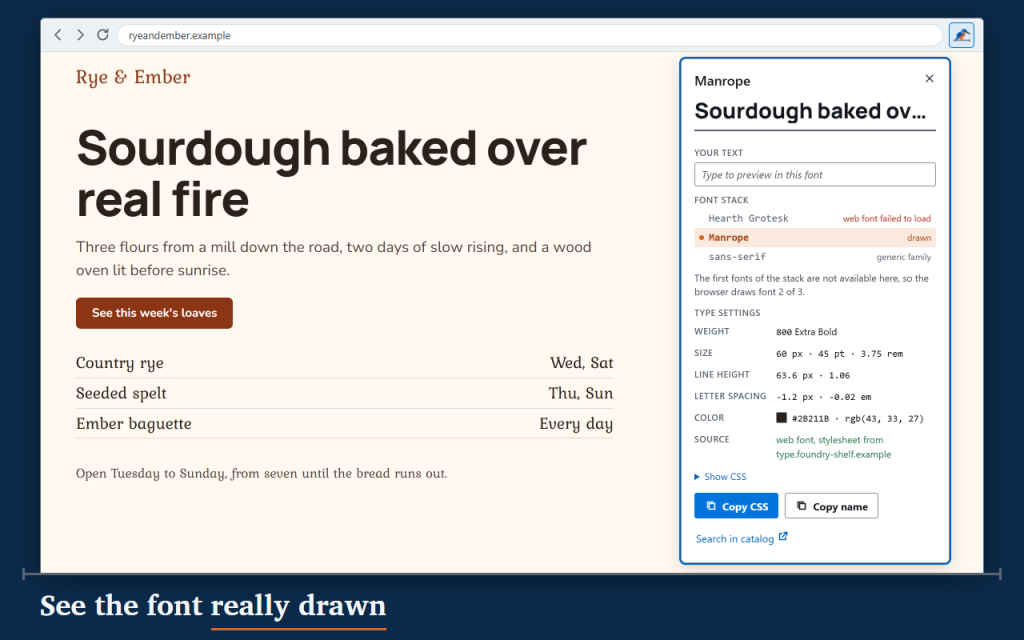
Letterperch is a font finder and font identifier for web pages: point at any text and see which font the browser really draws. Click the toolbar button or press Alt+Shift+F, move the pointer over a headline, and a small label names the font with its weight, size and line height.
Many font tools only repeat the first name in the CSS. Letterperch walks the font stack the way the browser does. When a page asks for one font but your computer draws another, the card says so and marks the font that was actually used.
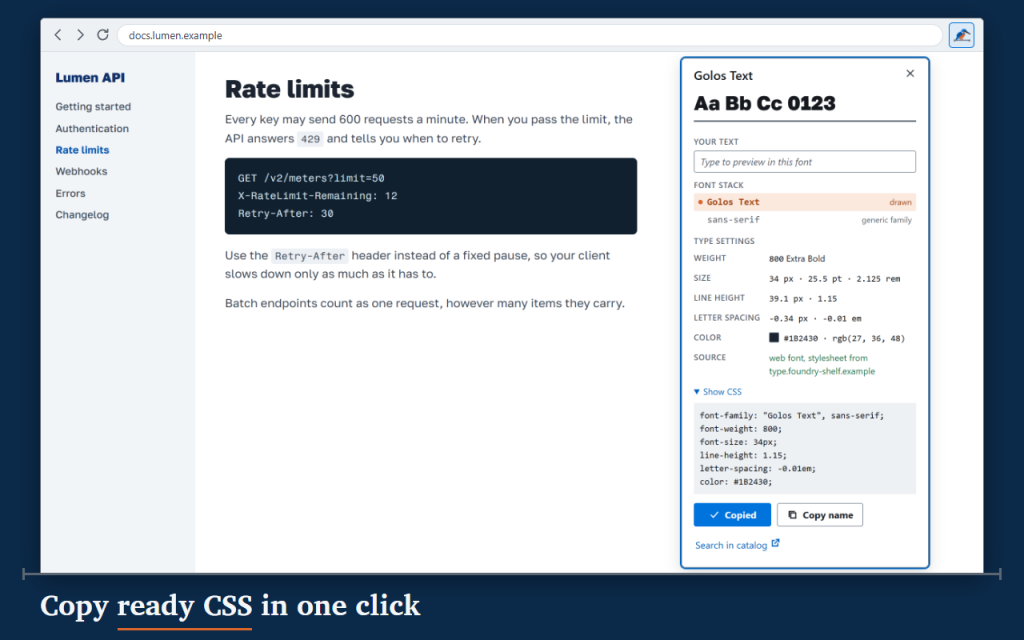
Click to pin a card with everything a designer or developer needs, and copy a ready CSS block or just the font name.
- Hover label with the drawn font, weight, size and line height.
- Pinned cards with the whole font stack: drawn, not installed, failed to load, not needed.
- Size in px, pt and rem, line height in px and as a multiplier, letter spacing in px and em.
- Text color in HEX and RGB.
- Where a web font came from: the host of the file or of its stylesheet, or installed on your device.
- Copy CSS and Copy name, with a clear Copied confirmation.
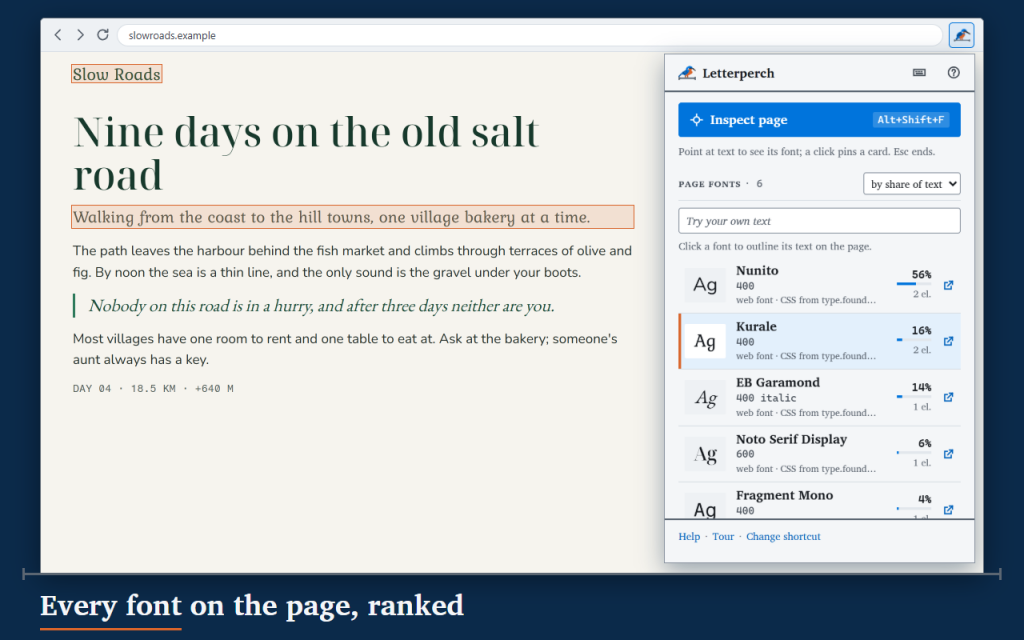
- Page fonts: every font on the page with a sample, the weights in use and its share of the text. Click one to outline its text on the page.
- Try your own text in each font of the page.
- Text inside open shadow roots and same-site frames is recognised.
- Search a font in the Google Fonts catalog in a new tab, only when you click.
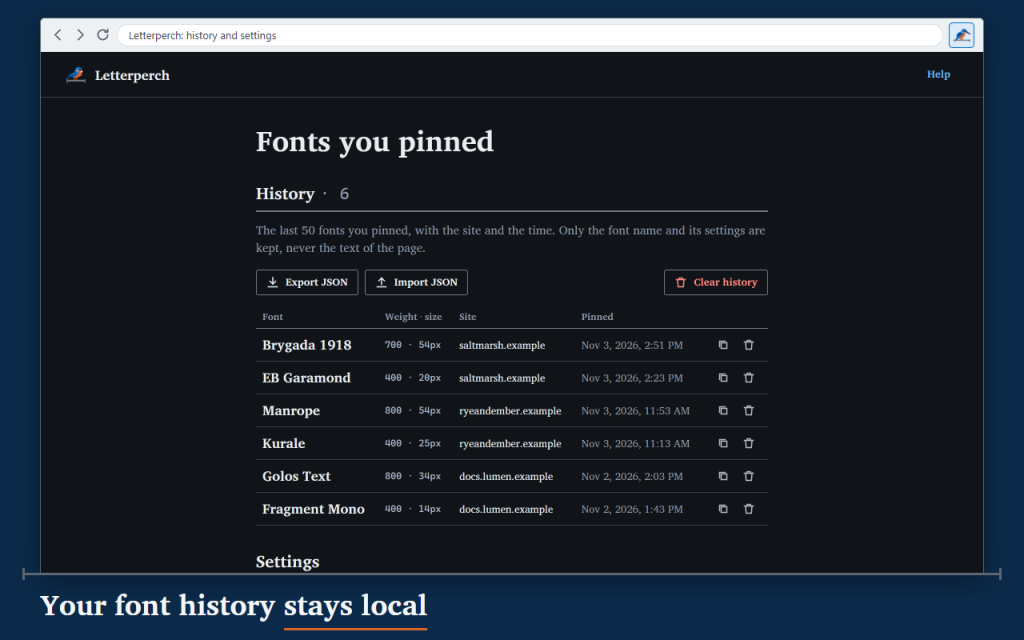
- History of the last 50 pinned fonts with JSON export and import.
While inspecting, a click pins a card instead of following links, and Esc ends it. Nothing stays on the page afterwards.
16 languages, light and dark themes, full keyboard use. This version is free.
Works offline in Firefox and Opera. Your data stays in your browser: no account, no analytics, no network requests.
Permissions: Letterperch runs only on the tab where you start it and asks for no access to all websites. activeTab reaches the current tab only after your click, scripting adds the inspector there, and storage keeps your settings and history in your browser.
/ Anmerkungen
Um welche Schriftart handelt es sich hier? Dieser Schriftart-Finder zeigt die Schriftart so an, wie sie tatsächlich dargestellt wird, einschließlich Größe, Strichstärke und Zeichenabstand, und kopiert den CSS-Code mit einem Klick.
Als Browser-Erweiterung verfügbar.
Support · Wenden Sie sich an den Entwickler · Datenschutzbestimmungen · Nutzungsbedingungen
// GET THE APP