
Velvet Offcut: Background Remover
Batch cutouts, no uploads
Batch photo cutouts · Edge refinement brushes · Transparent or white export · Windows
/ Screenshots

/ About Velvet Offcut: Background Remover
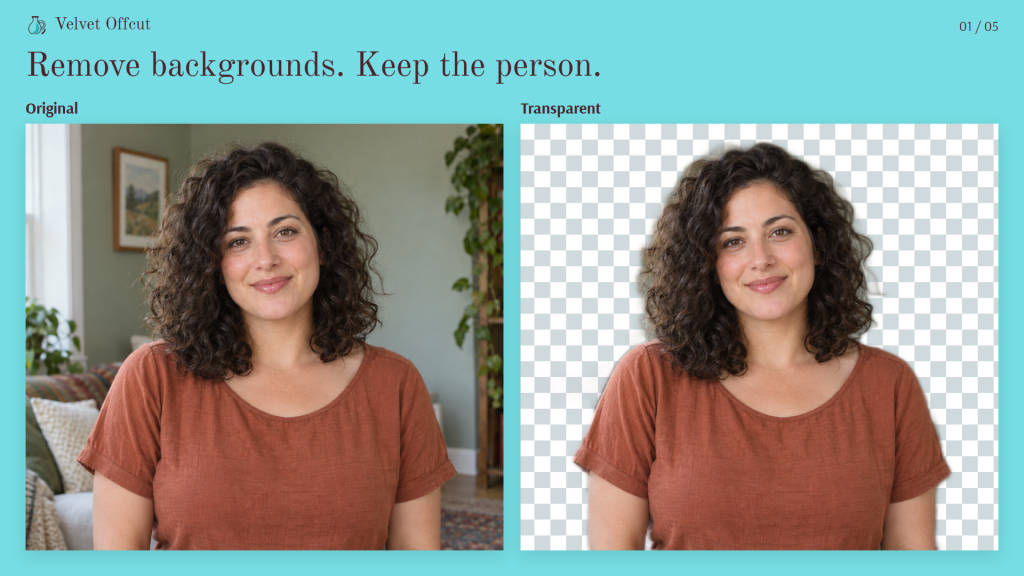
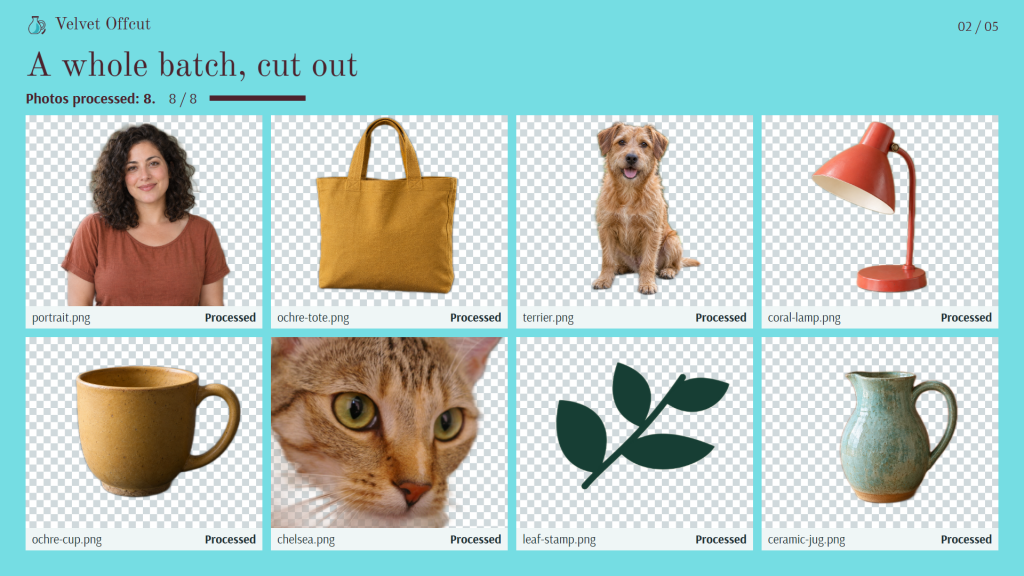
Velvet Offcut is a free background remover for Windows that prepares photo batches without uploading your pictures. Turn product photos into transparent cutouts or white-background images for listings and catalogues.
Work through a batch in one place. Add your photos, remove their backgrounds locally, then mark the pictures that need a closer look. No account, ads, watermarks or paid features.
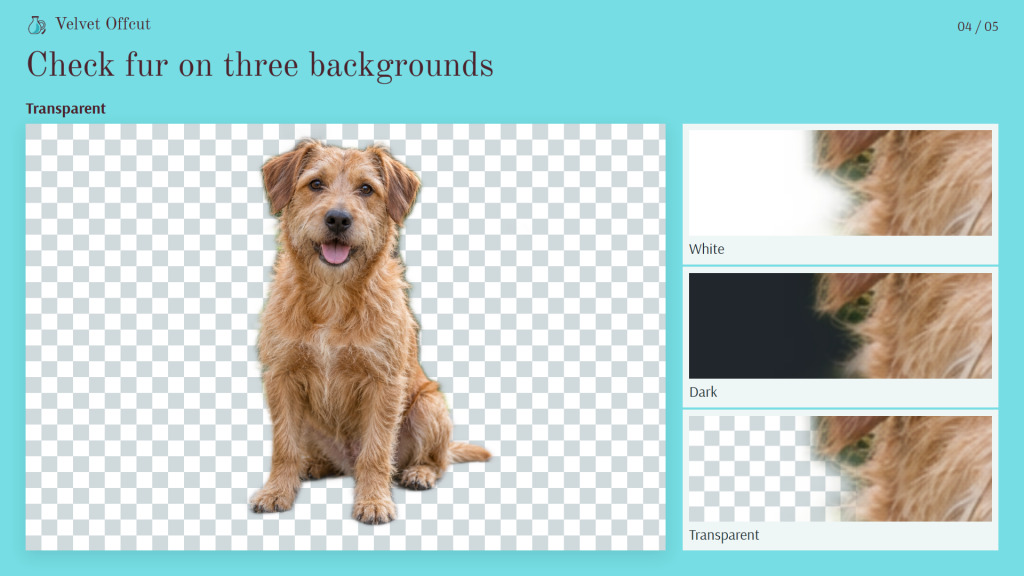
Check the edges before you export. See the same area against white, dark and checkerboard backgrounds, then restore or erase parts of the cutout with brushes. Undo and redo let you revise each correction.
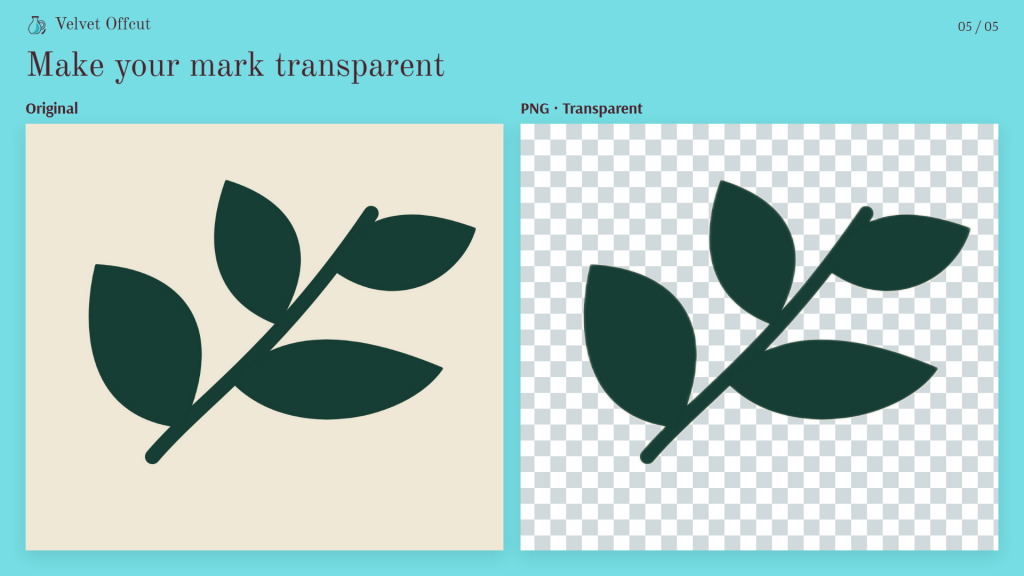
Make both versions from one cutout. Save a transparent PNG and a white-background PNG or JPEG from the same mask. Add a soft shadow, choose a square or custom canvas, and leave padding around the subject.
Come back to unfinished work. The app restores your current batch and edits when you reopen it. A skippable quick tour and built-in help explain the tools.
Details
Windows 10 version 2004 or later, or Windows 11. Uses Microsoft Edge WebView2 Runtime (built into Windows 11); it must be installed before use. Photo processing works offline with the included model. Up to 50 PNG, JPEG or WebP photos per batch, each up to 24 MP and 32 MiB. The file picker accepts up to 32 files per selection, with a 48 MiB message limit; add larger sets in smaller groups or by drag and drop. PNG/JPEG output is limited to 32 MiB per file. The model works at 320 × 320 internally; hair, glass and low-contrast edges may need manual correction. Speed depends on your PC. RAW, HEIC and animation are not supported. Project export/import provides an unencrypted JSON backup of photos, masks, edit history and settings, up to 512 MiB; keep a separate copy. Automatic restoration is local to this device.
/ Notes
Prepare transparent cutouts and white-background product photos from the same batch. Compare edges against light, dark and checkerboard backgrounds, then use the restore and erase brushes before exporting.
Photos are processed locally. Hair, glass and low-contrast edges may need manual correction. Automatic restoration is local to this device; keep a separate project export if you need a backup.
// GET THE APP