Dotbarge: QR Generator & Reader
Make and read QR codes, offline
Free · Works offline · Your data stays in your browser · Firefox
/ Screenshots
/ About Dotbarge: QR Generator & Reader
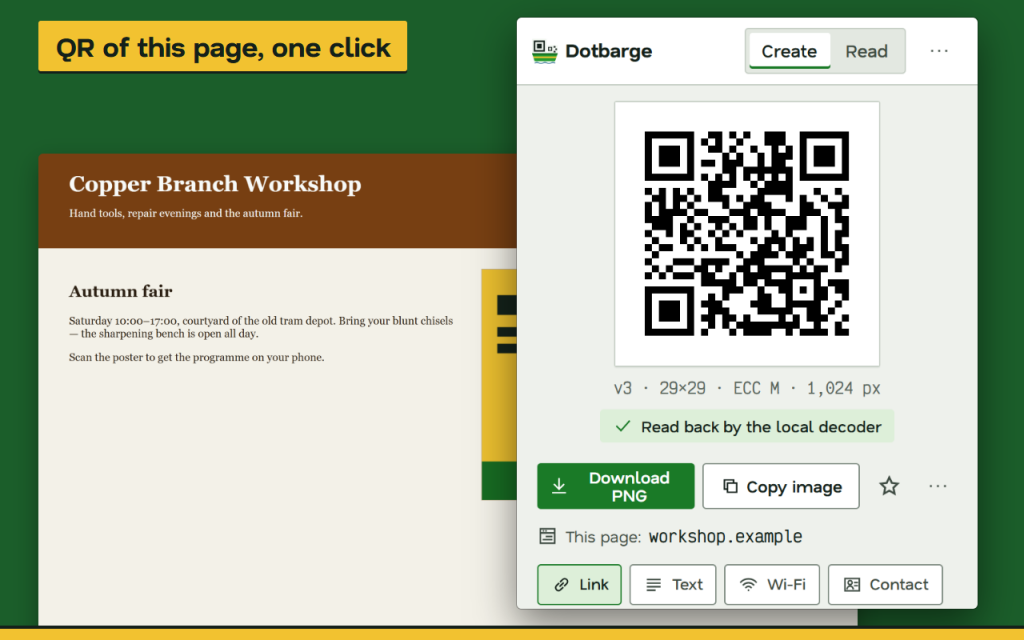
QR code generator and reader for your browser: make a code for the page you are on in one click, and read codes from pictures and pages without sending anything anywhere.
MAKE CODES
- The popup shows the code of the current page at once — no extra Generate step
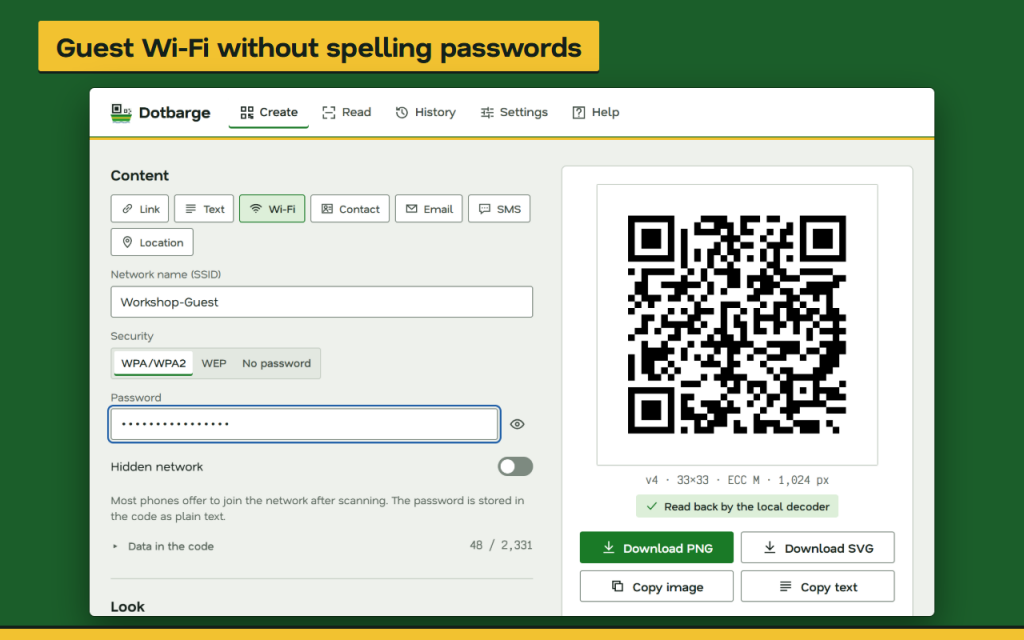
- Links, plain text, guest Wi-Fi (WPA/WPA2, WEP, open, hidden networks), contact cards (vCard), email drafts, SMS and map locations
- Right-click selected text, a link or the page to make a code from it
MAKE THEM YOURS
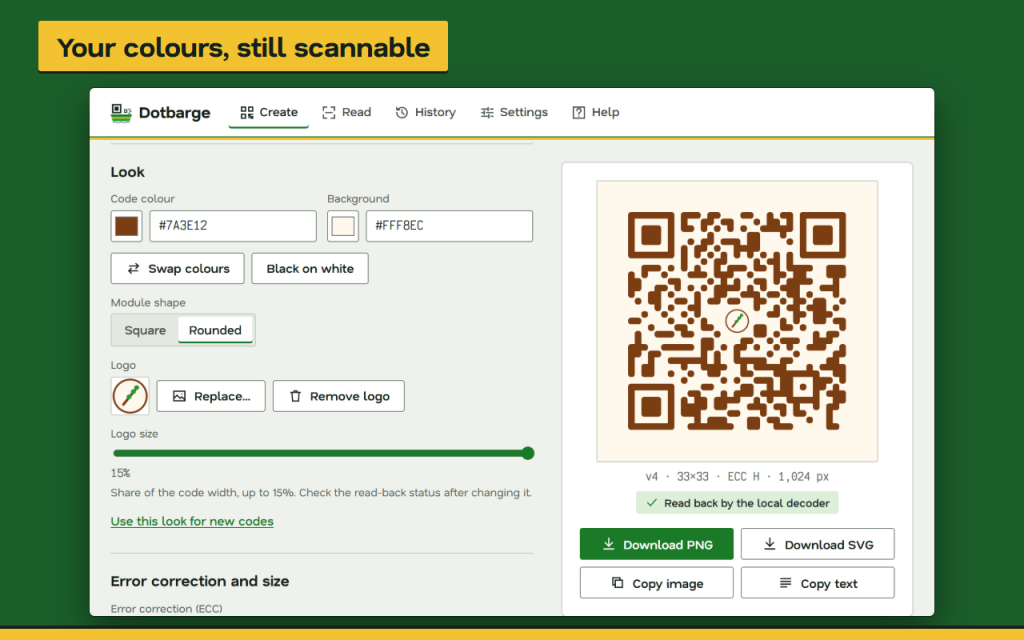
- Your own code and background colours, square or rounded modules
- A logo in the centre (PNG, JPEG or WebP) on a clear square that never covers the corner markers
- Error correction L, M, Q or H, PNG size from 256 to 2048 px, adjustable quiet zone
- After every change the finished image is read back by the built-in decoder, so you see at once whether your styling still reads
READ CODES
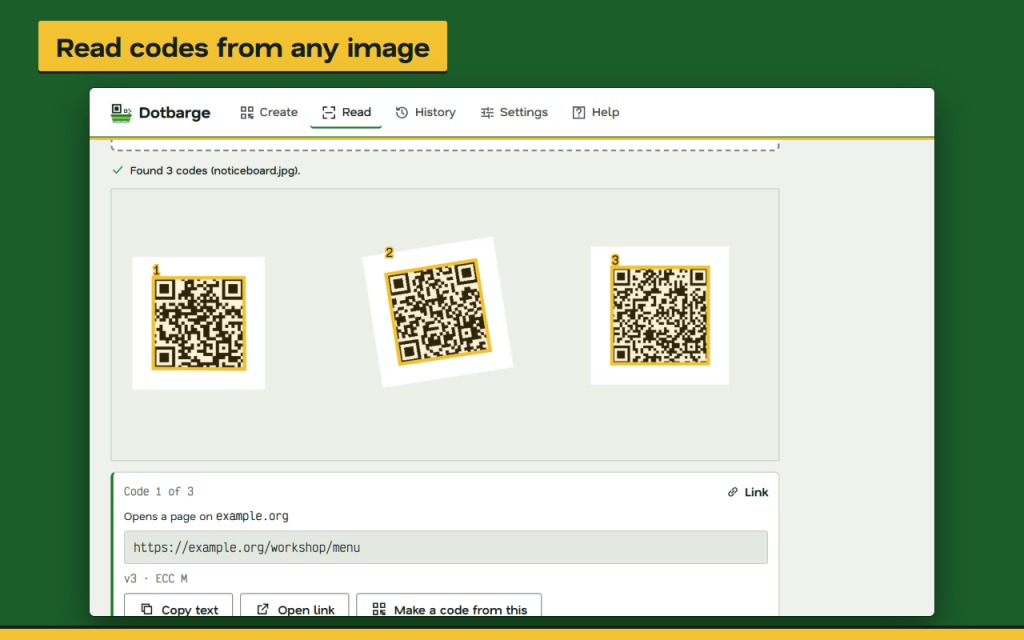
- Drop a picture, paste it with Ctrl+V or choose a file — several codes in one photo are found and numbered
- Scan the visible part of the current page, or right-click an image and choose Read
KEEP AND EXPORT
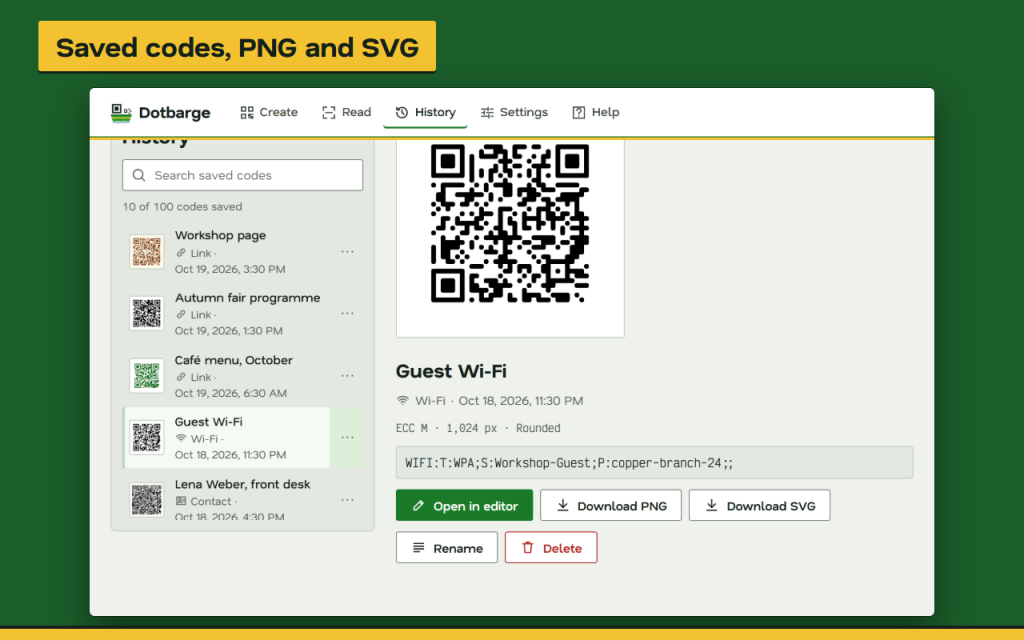
- Download PNG or SVG (a clean vector file with no scripts), copy the image or the text
- Save codes to a local history of up to 200 entries with their colours and logo; search, rename, download again or edit
PRIVATE AND OFFLINE
- Works offline in Firefox, in 16 languages, with light and dark themes and full keyboard control
Works offline. Your data stays in your browser.
Permissions: “activeTab” lets Dotbarge see the address and the visible part of the page you are on, only after you click its button or menu item; “contextMenus” adds the right-click items; “storage” keeps your settings and saved codes in your browser.
/ Notes
Create a QR code for the current page, a Wi-Fi card or contact details, then export PNG or SVG. You can also read codes from an image or the visible part of a page.
The built-in decoder checks the styled output after each change. Saved codes and settings stay in this Firefox profile; exported codes remain readable by anyone who receives them.
// GET THE APP