
Tessarden: CSV & XLSX Cleaner
Remove duplicates, tidy columns
Remove duplicates · Reusable cleaning recipes · Compare changes · Windows
/ Screenshots
/ About Tessarden: CSV & XLSX Cleaner
Tessarden is a CSV & XLSX cleaner for Windows that turns recurring spreadsheet cleanup into a saved set of steps. Prepare customer lists, office exports and accounting tables for their next use.
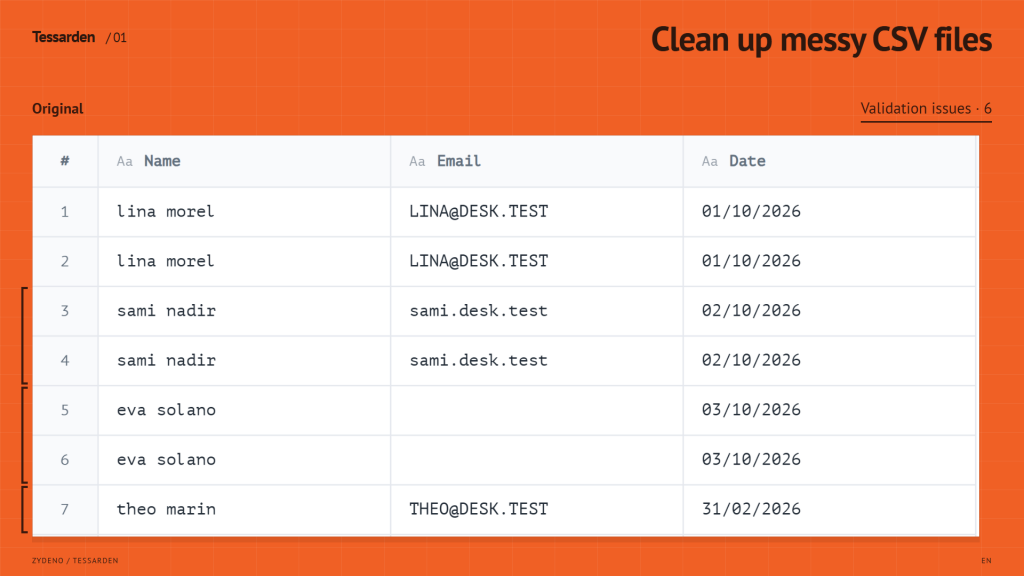
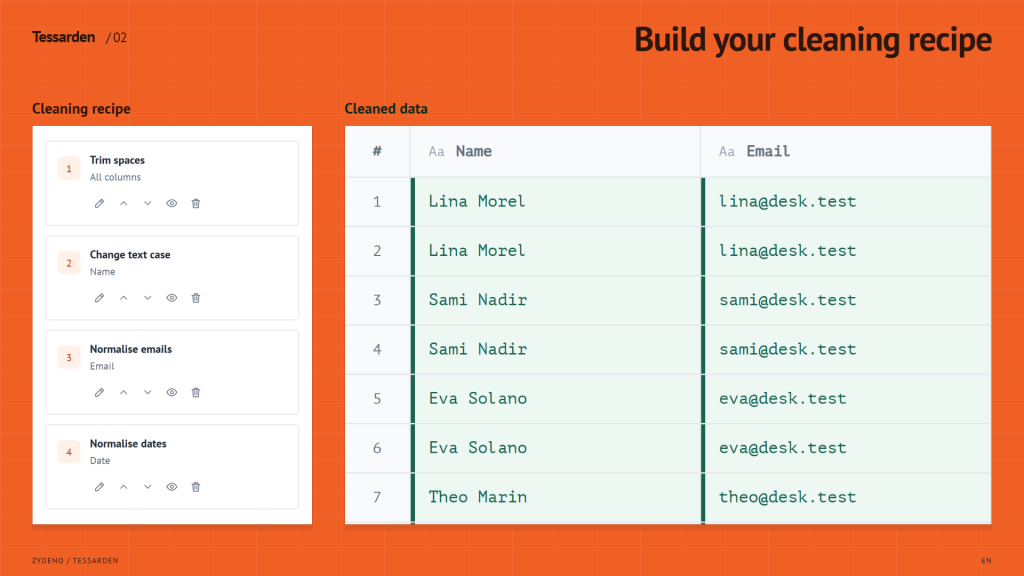
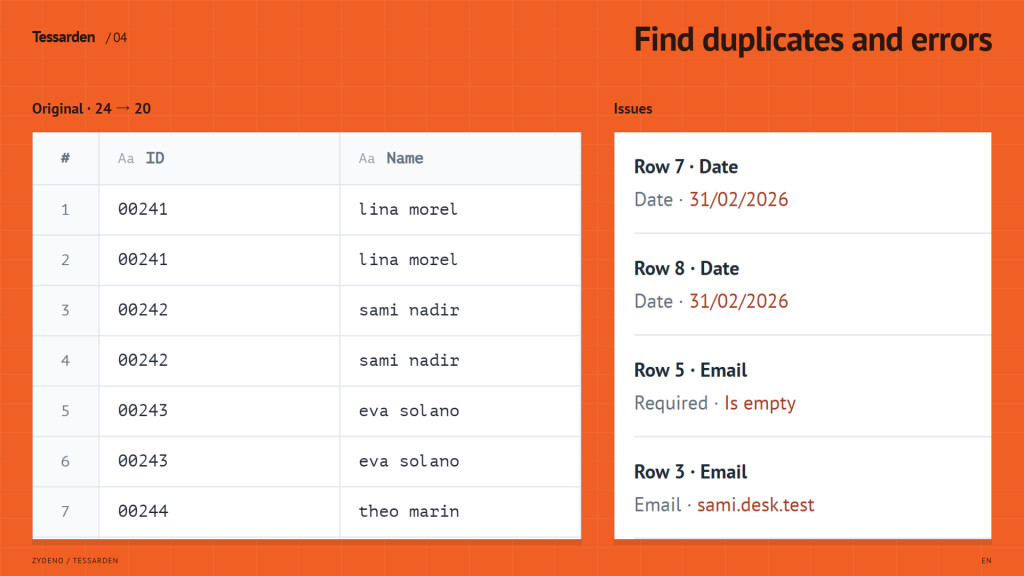
Clean the columns you need. Trim spaces, remove duplicates, split or merge columns, rename headers and remove unwanted fields. Standardise dates and numbers, filter rows or find and replace text.
Save a cleaning recipe for the next file. Edit, reorder or disable steps, then reuse them with matching column names. Undo and Redo let you revise the recipe as you work.
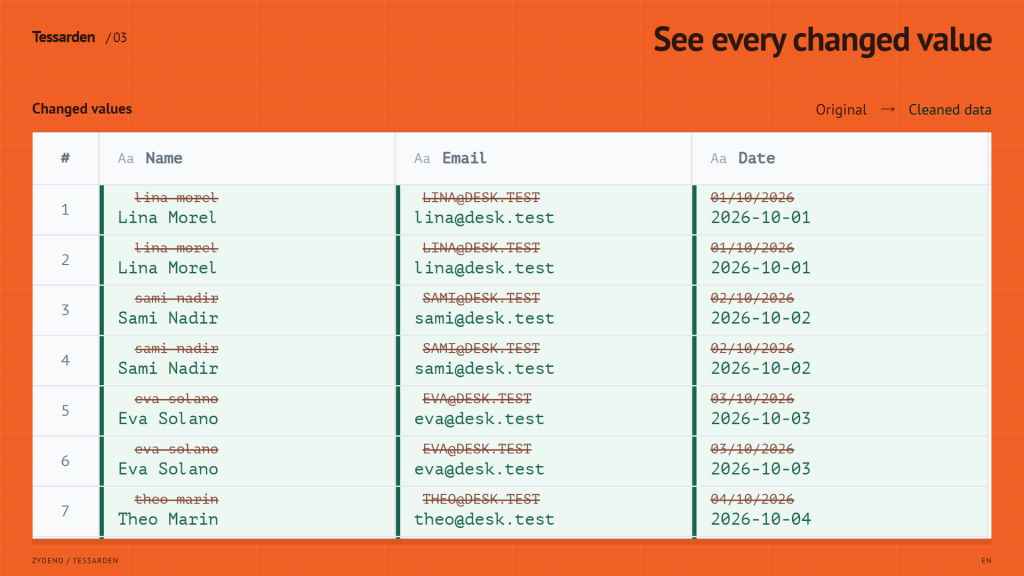
Review the result before exporting. Compare changed values in remaining rows and check validation issues. Use the original table, row counts and audit report to review removed rows.
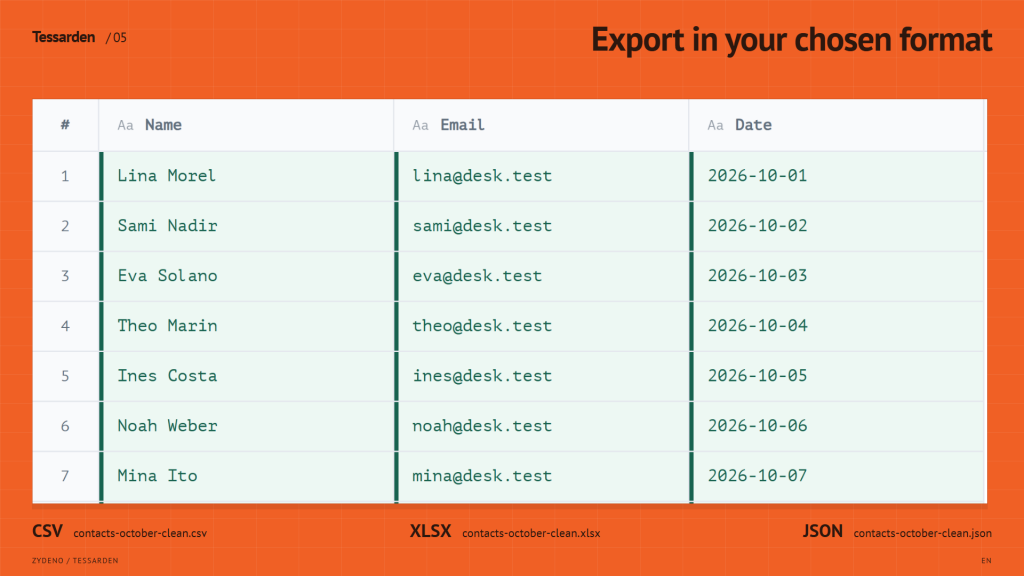
Work offline without an account or document uploads. This version is free. No ads. Save the result as a separate CSV, XLSX or JSON file.
Details
Windows 10 version 2004 or later / Windows 11; x64 and ARM64. Uses Microsoft Edge WebView2 Runtime (built into Windows 11); an installed Runtime is required. Imports CSV, TSV and flat XLSX data. XLSX formulas are read as cached values, never calculated; formulas, macros and formatting are not preserved. Up to 1,000,000 rows and 2,048 columns, subject to available memory; fuzzy deduplication: 100,000 rows. Review fuzzy matches. Recipes, language, theme and tour status are saved locally; back up recipes as JSON. The open table is cleared when you close the app. CSV formula protection is enabled by default and may prefix an apostrophe; JSON and text-cell XLSX preserve exact text. The source is not automatically overwritten.
/ Notes
Build a repeatable cleanup recipe for CSV, TSV or flat XLSX data, inspect the changes and save a separate result. Recipes can be reordered, disabled and exported for reuse.
XLSX formulas are read as cached values; formulas, macros and formatting are not preserved. Review fuzzy duplicate matches and export your work before closing: the open table is not retained between sessions.
// GET THE APP