
Picmill: Batch Image Resizer
Resize, convert & watermark folders
Batch resize · Add watermarks · Strip GPS · Windows
/ Screenshots
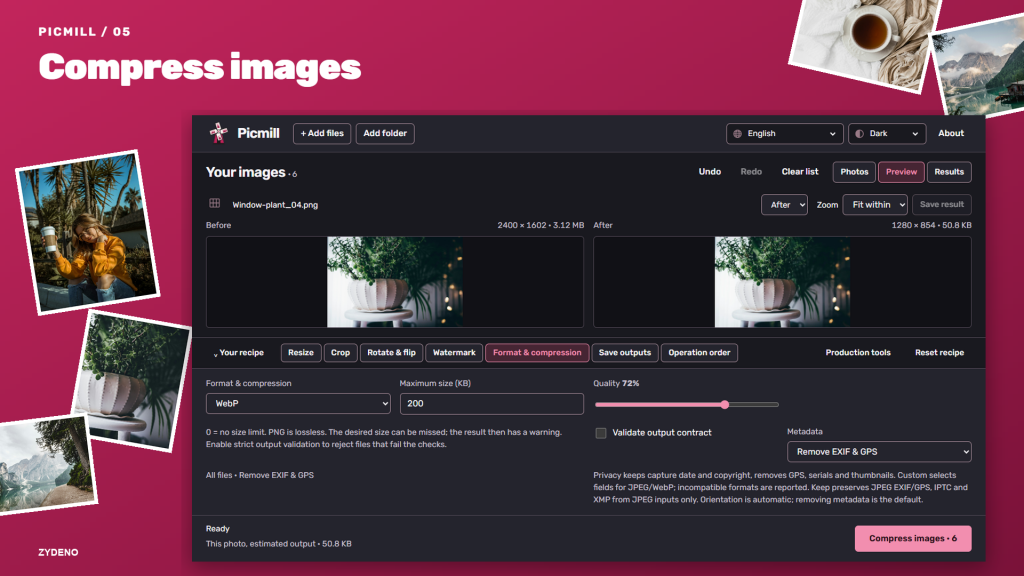
/ About Picmill: Batch Image Resizer
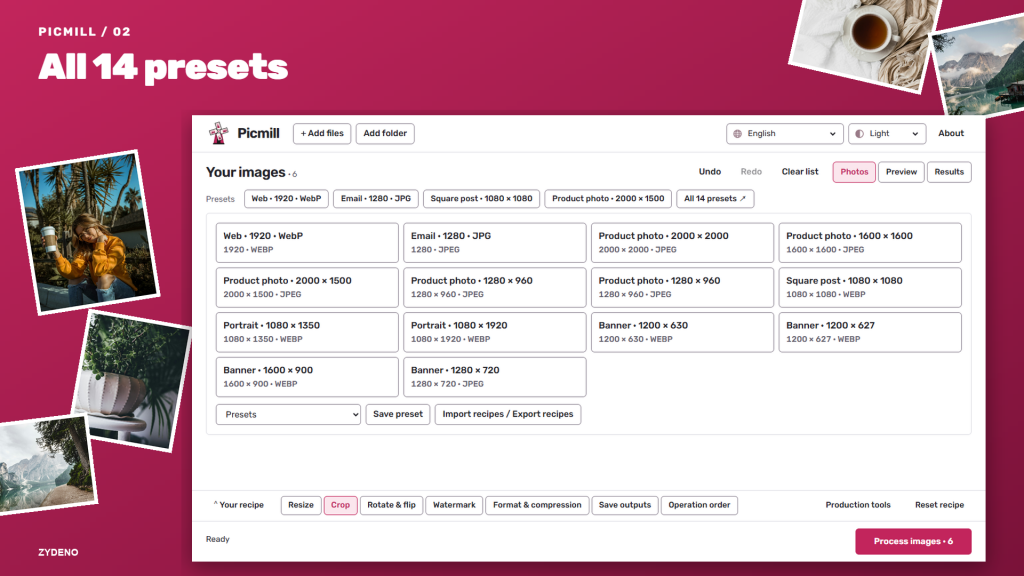
Picmill is a batch image resizer that prepares whole folders of photos for product listings, websites and email. Set dimensions once and apply them across the batch.
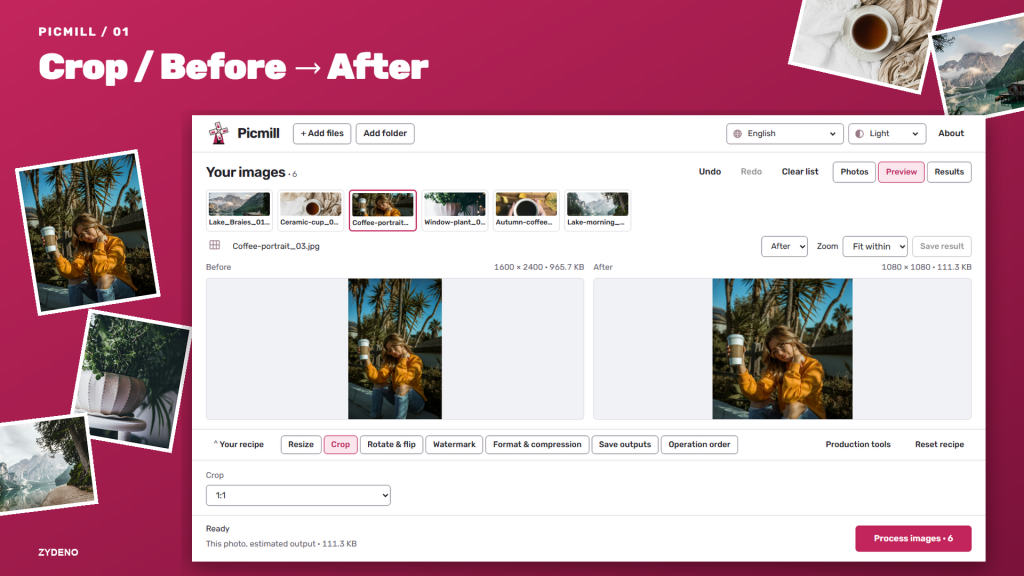
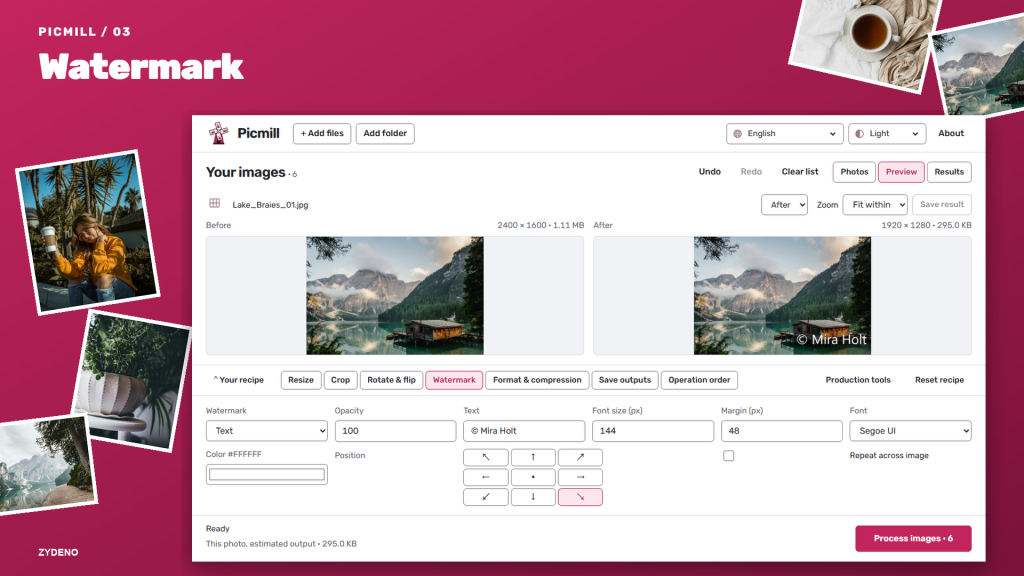
Crop, rotate, convert formats and add a logo or text watermark in the same workflow. Start with a preset or save your own recipe for repeat jobs.
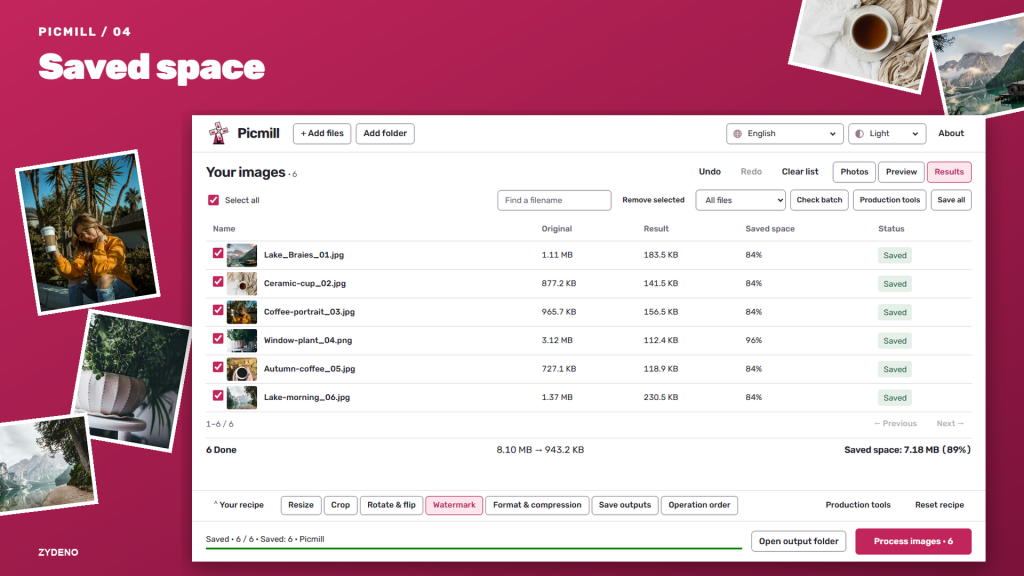
Compare before and after views, check output sizes and remove location data before sharing. All processing works offline.
HEIC and HEIF need an installed system decoder. Target file sizes are goals, not guarantees; PNG output is lossless. Output validation can reject files that fail the selected checks.
/ Notes
Set dimensions once for a folder of photos, or save a recipe that also crops, converts and adds a watermark. Compare the result and check output sizes before sharing.
Processing works offline. HEIC and HEIF need a system decoder, target file sizes are goals rather than guarantees, and selected validation checks can reject an output.
// GET THE APP