
Phravilo: Text Snippets & Quick Replies
Type a shortcut, get the full reply
Text shortcuts · Fill-in fields · Search · Microsoft Edge
/ Screenshots
/ About Phravilo: Text Snippets & Quick Replies
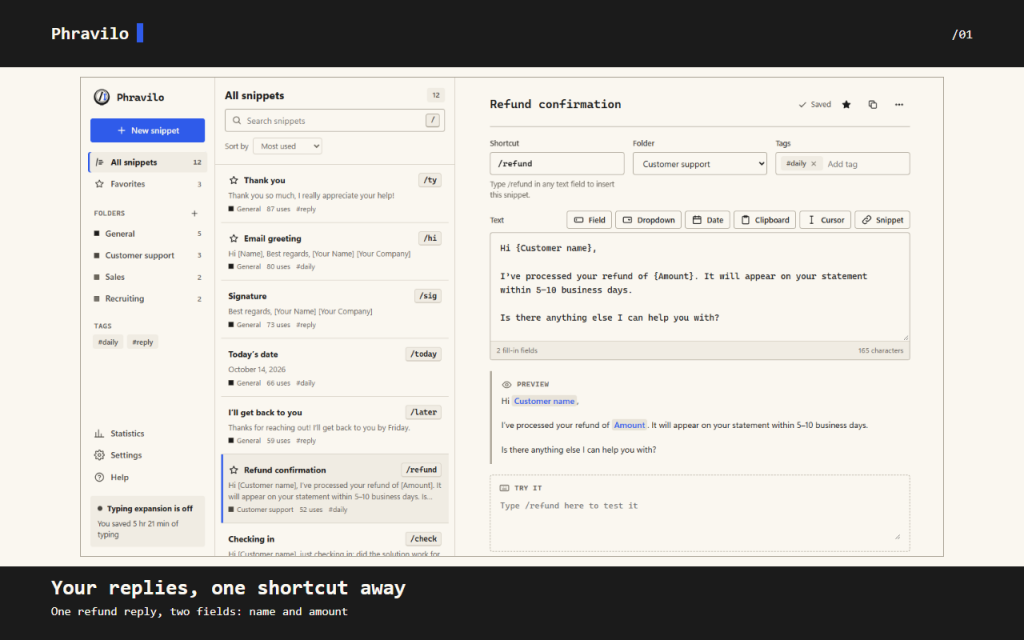
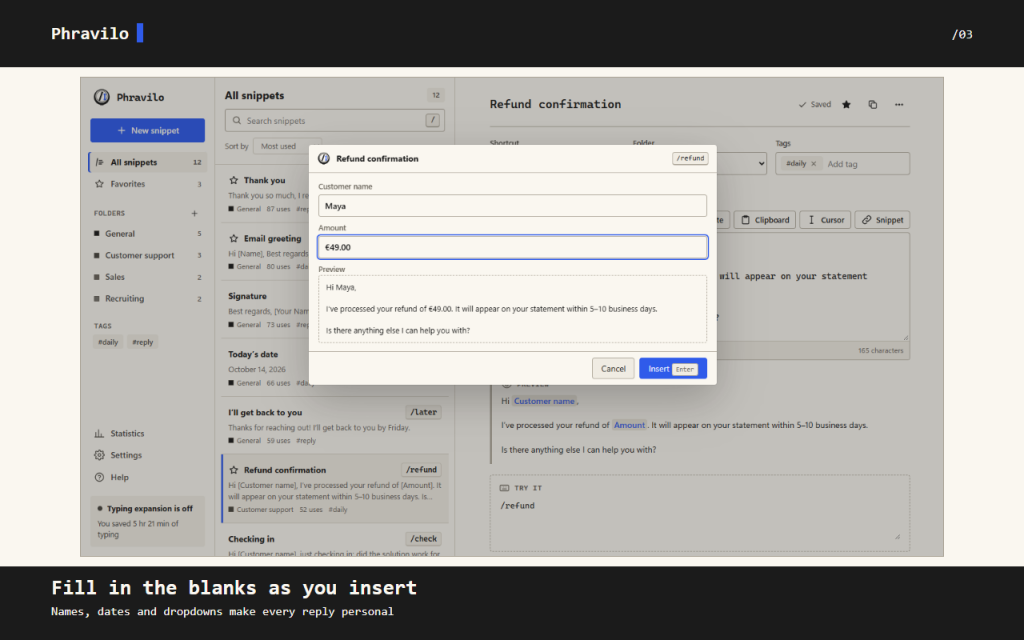
Writing another refund reply? Save the text in Phravilo, give it the shortcut /refund, and use it next time. Fields ask for the customer's name and the amount before the reply goes into the page, so you can check the result before sending.
It works in the text fields of the sites you use every day: webmail, chat, help desk, CRM and social networks. Built for support agents, sales teams, recruiters and anyone who writes the same replies all day.
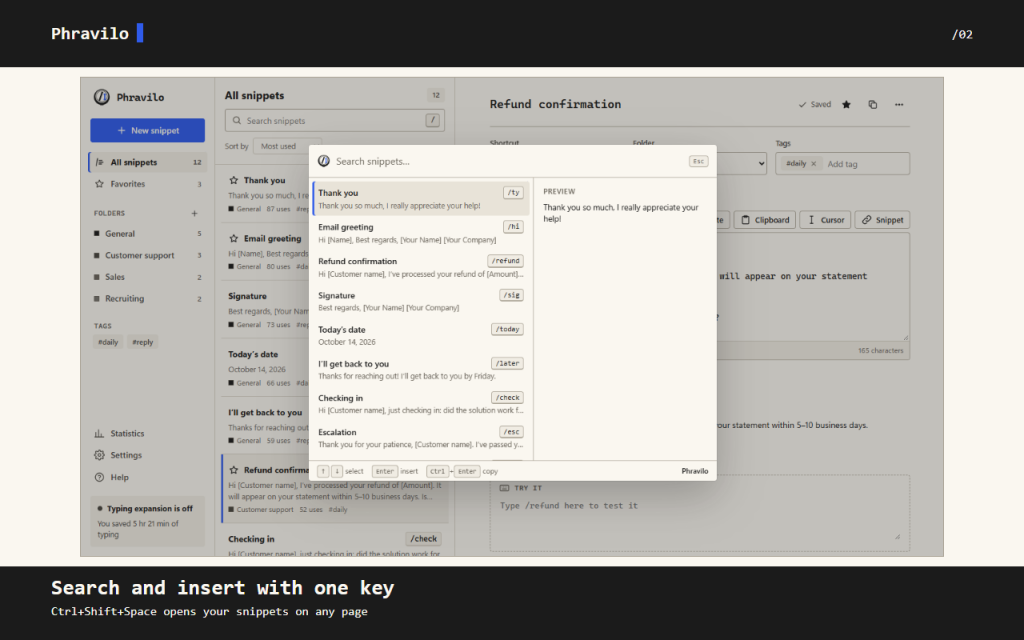
Forgot a shortcut? Ctrl+Shift+Space opens search over the page. Find a snippet and press Enter to insert it. In the editor you can try a shortcut, preview dates and fields, or keep a signature inside another snippet.
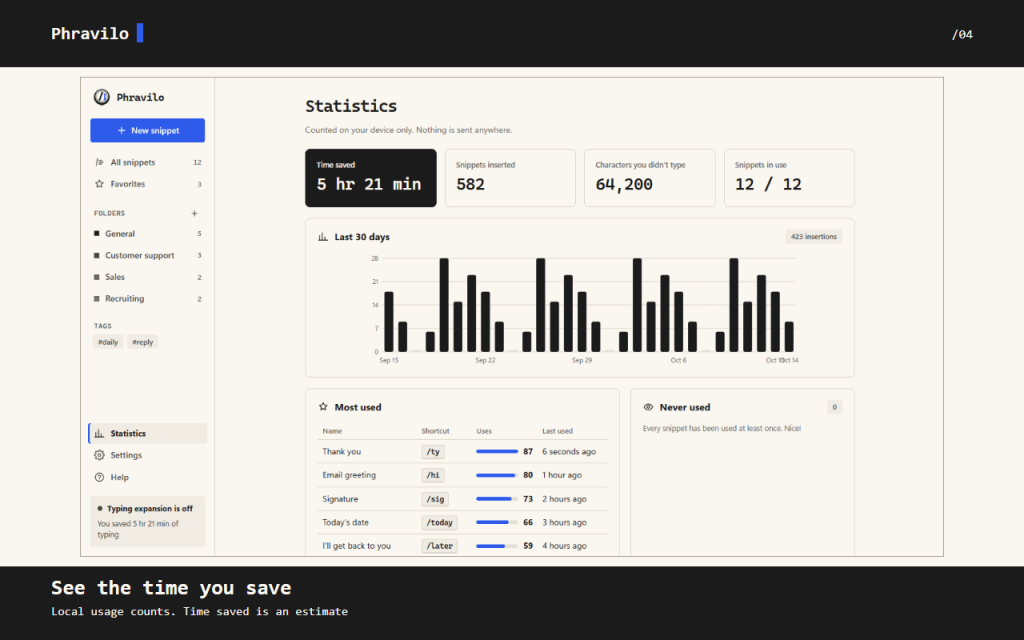
Keep replies in folders, add tags and mark favorites. Usage counts stay on your device. Export JSON backups or CSV files; team folders travel as files, so each person imports an updated file to get the changes.
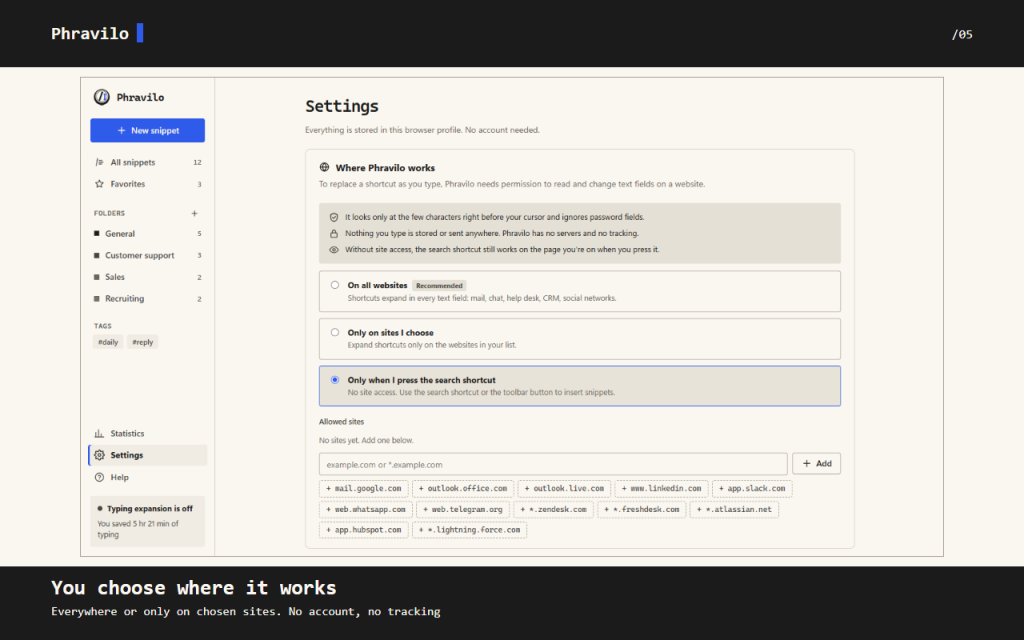
There is no account, advertising or analytics. Your library stays in this browser profile. Automatic expansion needs website access, and you choose the sites in Settings. Clipboard reading is a separate, optional permission.
Insertion is plain text. Browser pages, extension stores and some custom editors block insertion; when a field won't accept a snippet, copy its text instead. Phravilo never sends messages for you.
22 languages. Light, dark and system themes. All features are free.
/ Notes
Save recurring replies as snippets, fill their fields and review the inserted text before sending. Search with Ctrl+Shift+Space when you do not remember a shortcut.
Phravilo inserts plain text and never sends messages for you. Your library stays in this browser profile; team folders move through exported files. If a website blocks insertion, copy the snippet instead.
// GET THE APP