KeyRush: Typing Speed Test
Speed tests, lessons & CPU races
Beat your last WPM. Hunt 40+ badges. Learn touch typing pinkies-first. Six themes, four key sounds, a new challenge every day.
/ Screenshots
/ About KeyRush: Typing Speed Test
KeyRush is a typing trainer that feels like a game. Take a speed test, learn touch typing finger by finger, race computer opponents and watch your words per minute climb — on iPhone, iPad, Android, Windows and right in your browser.
Whether you are chasing a 100 WPM personal best, starting touch typing from scratch or just want a quick round between tasks, every session ends with a clear picture of what to practise next.
SPEED TEST
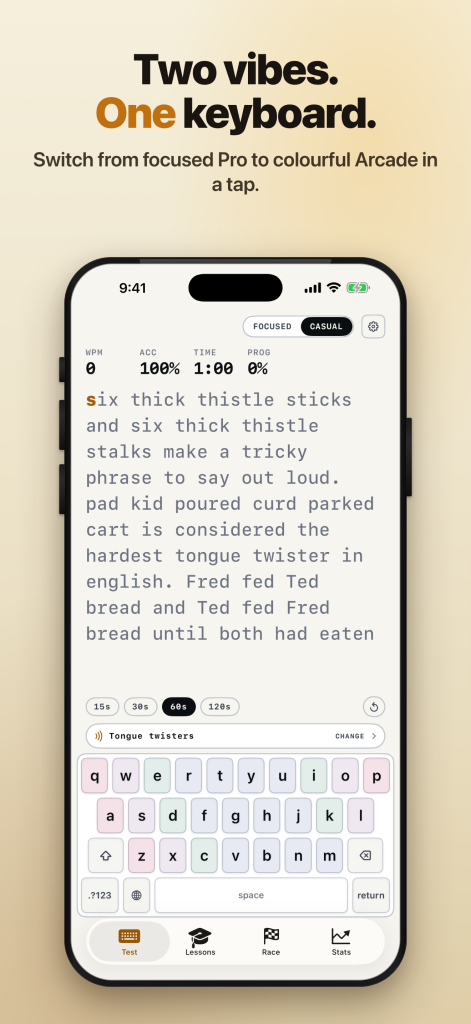
- 15, 30, 60 or 120 second runs
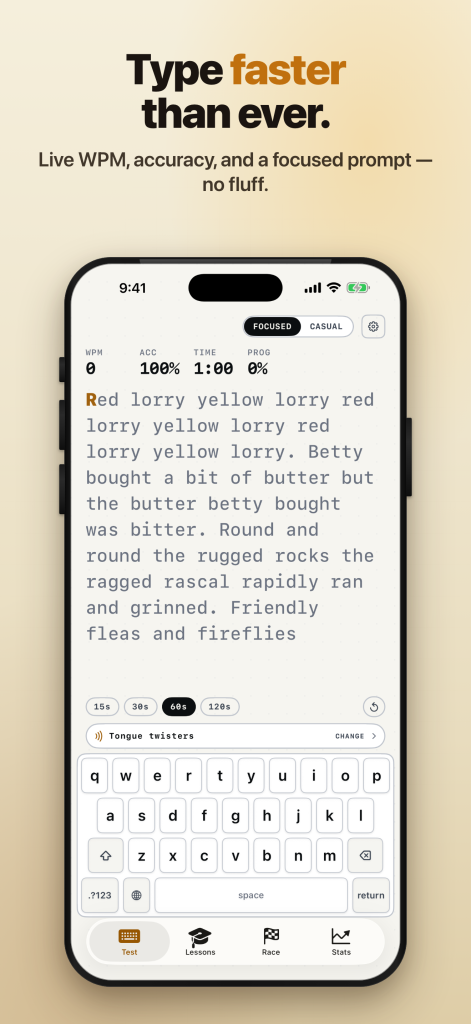
- Live WPM, accuracy and a WPM sparkline that shows your rhythm while you type
- Colour-coded feedback for every character
- Results with net and gross WPM, accuracy, consistency, errors and the letter pairs that slow you down
- 12 text packs: random words, quotes, fun facts, tongue twisters, pangrams, poetry, code wisdom, science, nature, philosophy, proverbs and Surprise Me
TOUCH TYPING LESSONS
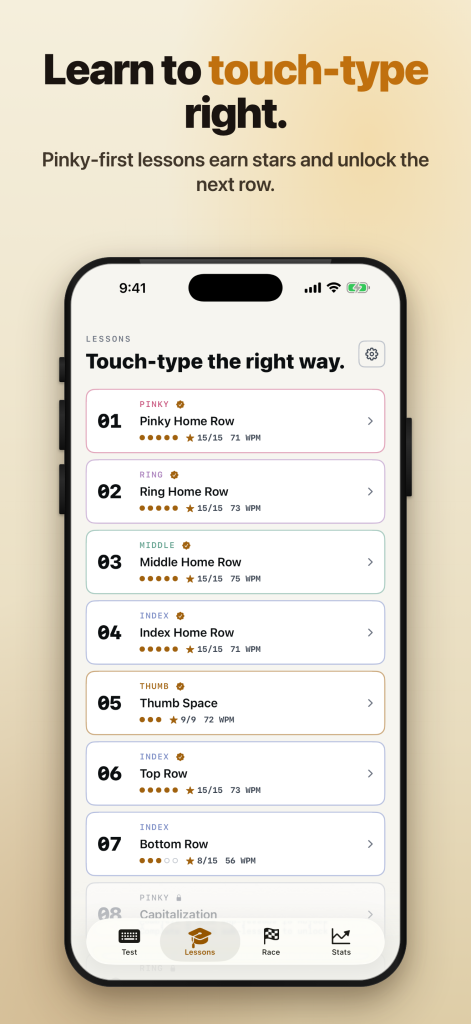
- 10 stages grouped by finger — pinkies first, then ring, middle and index fingers — to break the hunt-and-peck habit early
- Five sub-lessons per stage with up to three stars each
- Reach 90% accuracy and 20 WPM to unlock the next stage
- A finger-coloured keyboard and a hand guide that shows which finger presses the next key
RACE THE CPU
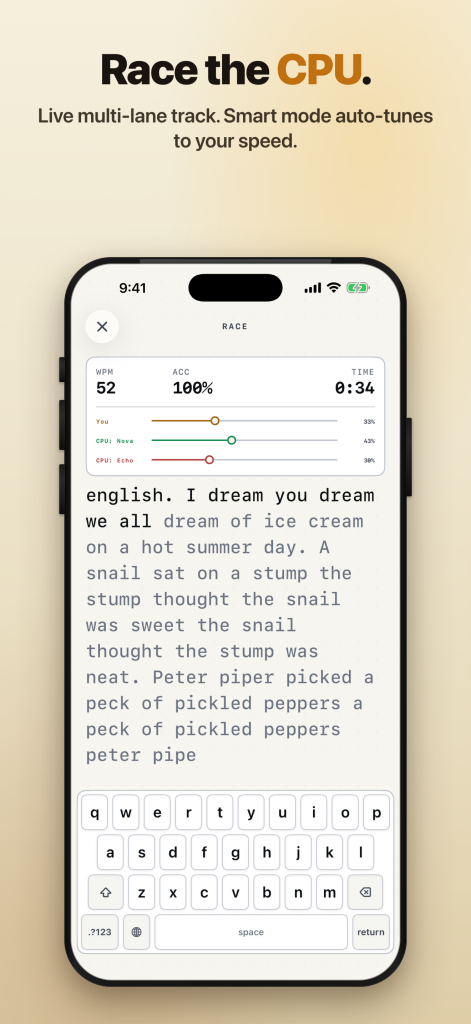
- Line up against 1 to 3 opponents, from Easy (30 WPM) to Extreme
- Smart mode tunes your opponents to your recent average
- 60-second sprints or first to the finish line, with a live race track
STATS AND PROGRESS
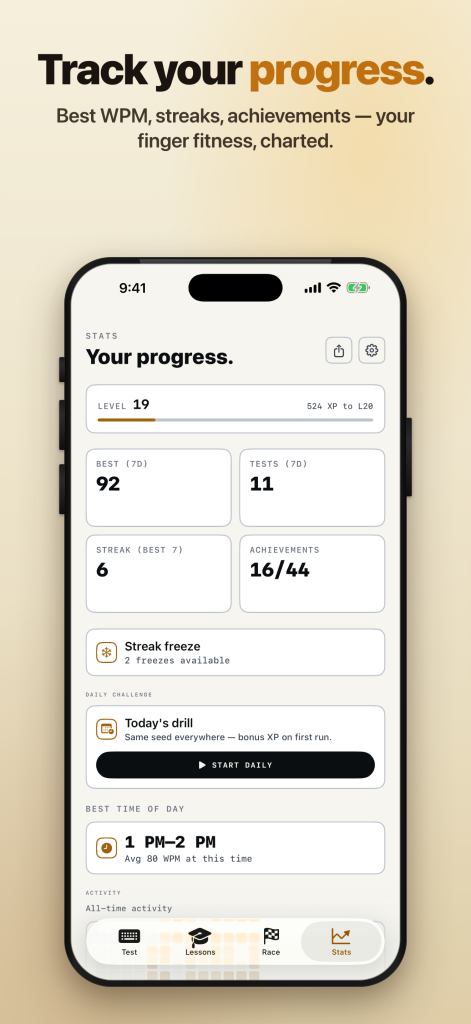
- Best WPM, tests, streak and level at a glance
- WPM and accuracy trends for 7, 30 or 90 days or all time
- A per-key error heatmap on a real keyboard and your most mistyped letter pairs
- A calendar of your practice days and 50 levels to climb with XP
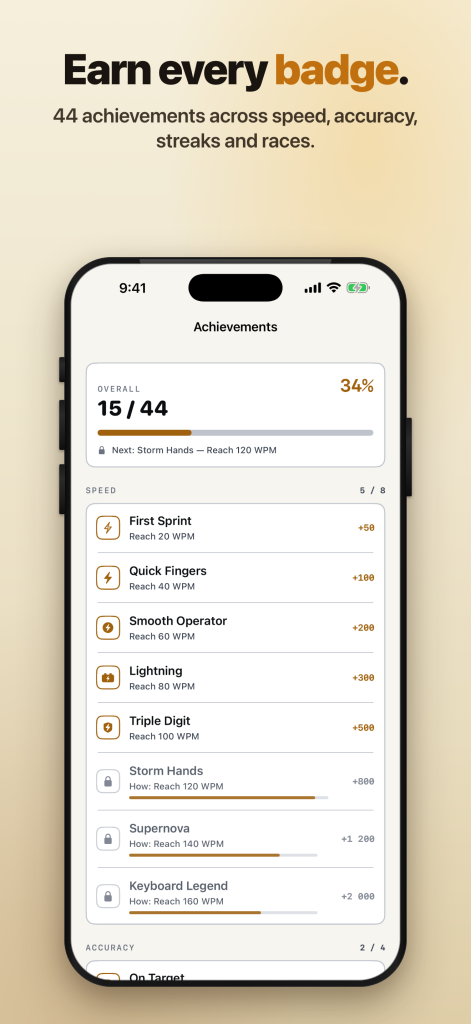
- 40+ achievements for speed, accuracy, streaks, lessons and races — including Night Owl for a test at 3 AM
DAILY CHALLENGE
- One fresh text every day, the same for every player in the world
- Bonus XP for finishing today's run
MAKE IT YOURS
- Two moods: a calm, focused screen or a playful one with effects, sounds and confetti
- 6 themes: System, Light, Dark, Ink, Paper and Midnight (pure black)
- Key sounds: Silent, Mechanical, Typewriter and Soft
- Adjustable text size
40 LANGUAGES
- The interface and the typing texts come in 40 languages
- Latin, Cyrillic, Greek, Hebrew, Arabic, Devanagari, Thai, Korean, Japanese and Chinese scripts
ON EVERY DEVICE
- iPhone and iPad: native animations and haptics, Home Screen widgets for today's best WPM, streak and level, Siri Shortcuts, full VoiceOver and Dynamic Type support, and a hardware keyboard if you pair one
- Windows: a real desktop app that works offline. Type on your own keyboard with any installed layout or input method, use shortcuts (Esc pauses, Tab restarts, F1 lists them all), jump to a test or a race from the taskbar, and export your progress to move it to another computer
- Android: the same tests, lessons and races, built for phones and tablets
- Chrome, Edge and Firefox: KeyRush opens in a full tab from the toolbar and asks for a single permission — storage
YOUR PROGRESS STAYS WITH YOU
- No sign-up needed to start typing
- Sessions, stats and custom texts are kept on your device
Type, race, level up and beat your last best.
/ Notes
Practise typing with timed speed tests, lessons and daily challenges. Follow your speed and accuracy over time, and choose the practice style that keeps you coming back.
Available on the App Store, Google Play, the Chrome Web Store, Microsoft Edge Add-ons, the Microsoft Store, Firefox Add-ons and AppGallery. The iPhone and iPad app also runs on Macs with Apple silicon.
App support · Contact the developer · Privacy Policy · Terms of Use
// GET THE APP