Flagwick: Minefield Puzzle
Logic-checked boards, no guessing
Logic-verified boards · Explained hints · Daily puzzle · Windows
/ Screenshots
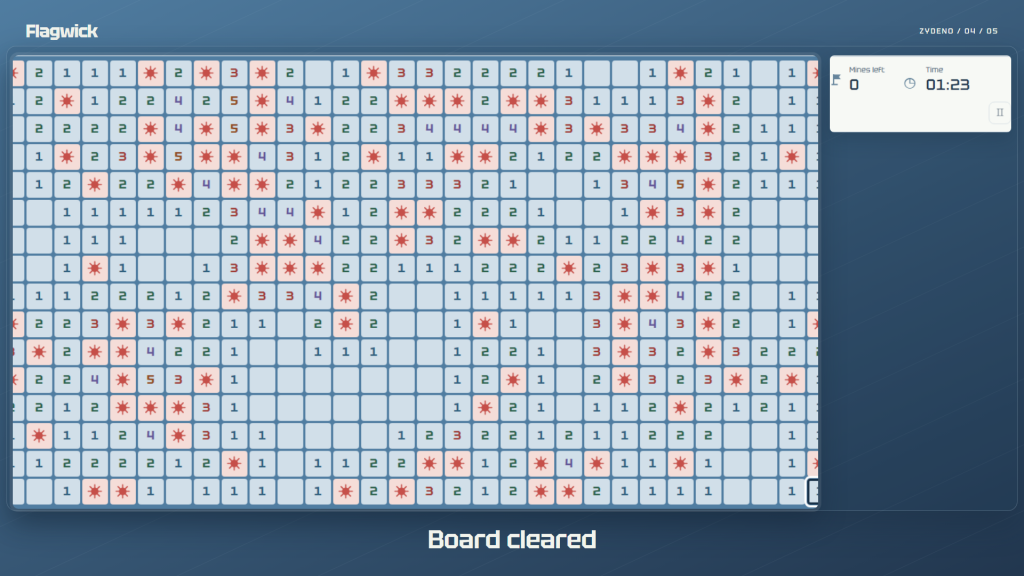
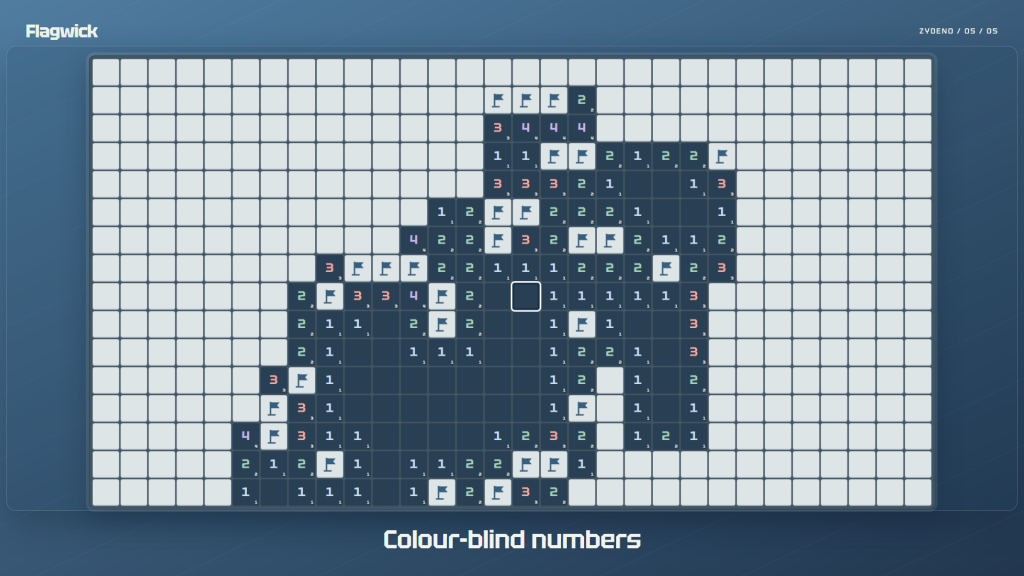
/ About Flagwick: Minefield Puzzle
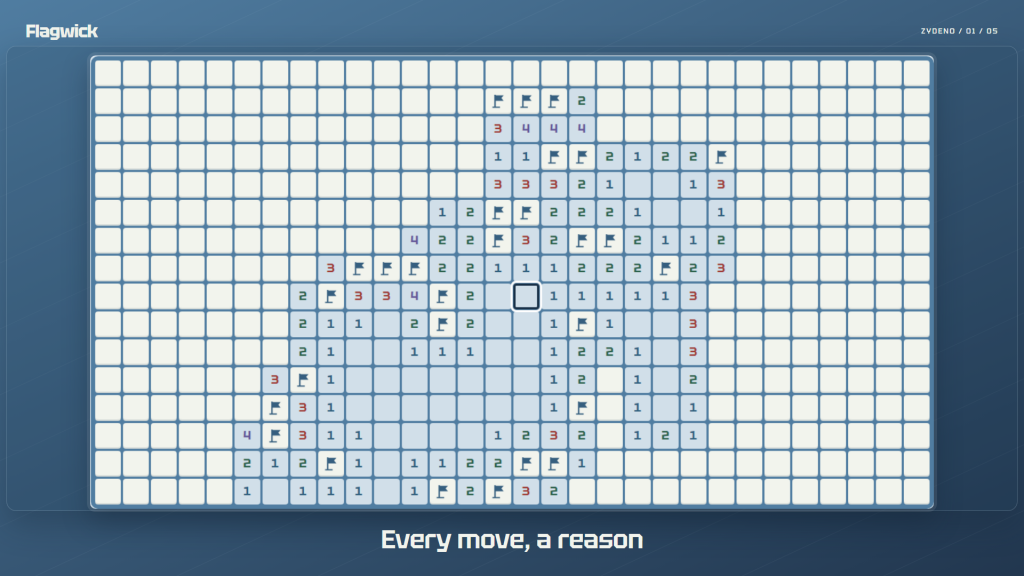
Follow the numbers, mark mines and uncover the safe cells. Each board is checked by a logical solver from its starting cell, so you can work through the clues without forced guesses. Your first cell and its neighbors are safe.
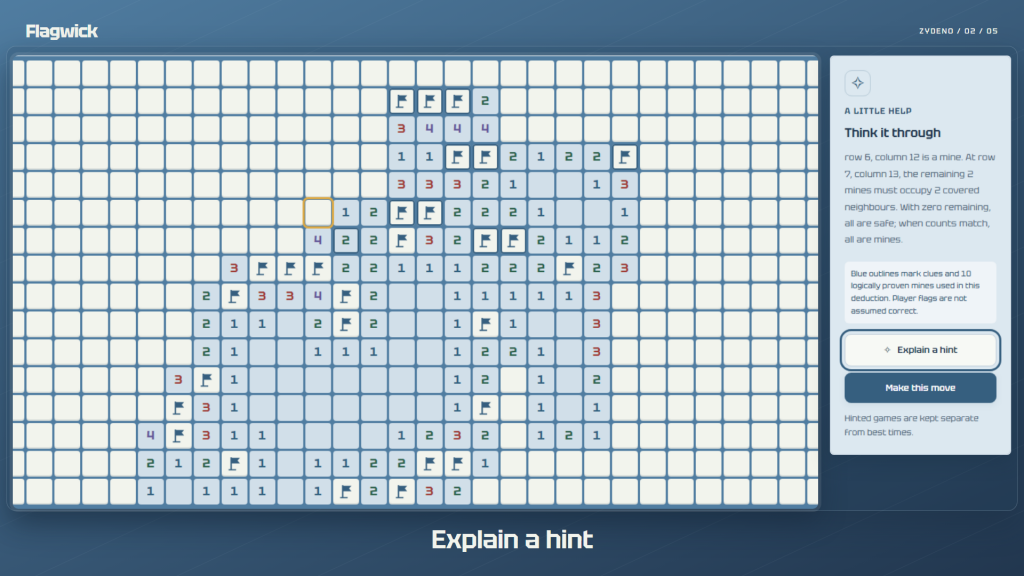
Understand a tricky move. An explained hint highlights the relevant clues and its target cell. Read the reasoning, then choose whether to apply the move.
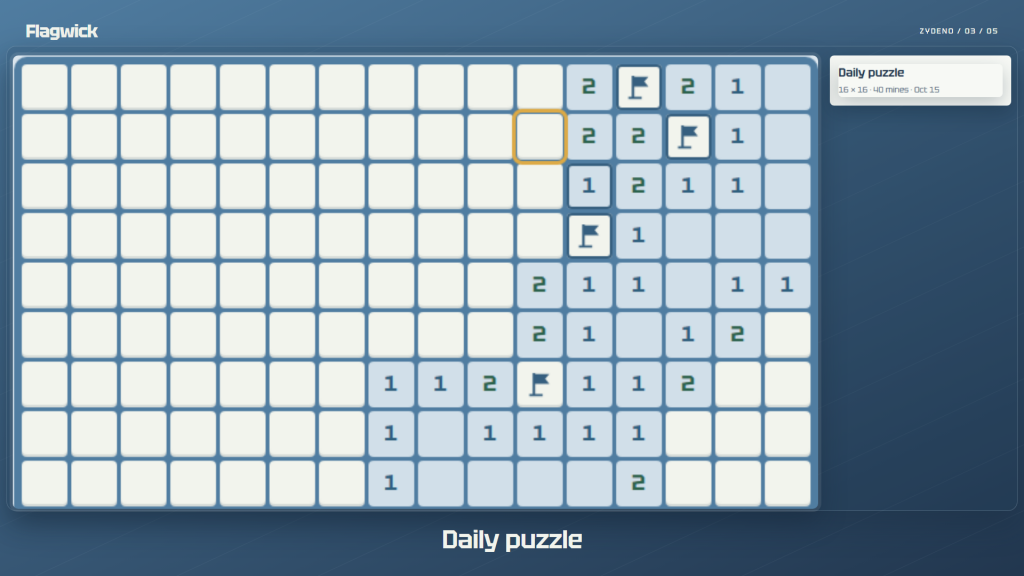
Make a daily puzzle part of your break. The date on your device selects the board; your first result is kept, and you can replay for practice. Local statistics track wins and best times.
Choose a beginner, intermediate, expert or custom board. Play with mouse or keyboard, enlarge the cells or switch to a night theme. Autosave keeps your current game on this device. Gameplay works offline. No ads or account required.
Windows 10 (build 19041+) or Windows 11. Requires a locally installed WebView2 Runtime; it is not bundled. Custom boards: 5–40 columns, 5–30 rows, up to 22% mines. Generation may time out or be canceled; an unchecked board is never substituted. Incorrect flags can make opening adjacent cells unsafe. Best times count only wins without hints; history retains up to 2,000 games.
An unencrypted JSON backup contains settings, statistics, daily results and the current game; separate damaged-save recovery copies are excluded. Import replaces local game data; file limit: 5 MiB.
/ Notes
Use the numbered clues to uncover safe cells, or read an explained hint before choosing whether to apply it. Daily boards, statistics and the current game are kept locally.
Starting boards are checked by a logical solver, but incorrect flags can still make an opening move unsafe. Best times count wins without hints. Importing a JSON backup replaces local game data.
// GET THE APP