
Etchspoon: Image to Text OCR
Image to text OCR for your browser
Free · Works offline · Your data stays in your browser · Edge
/ Screenshots
/ About Etchspoon: Image to Text OCR
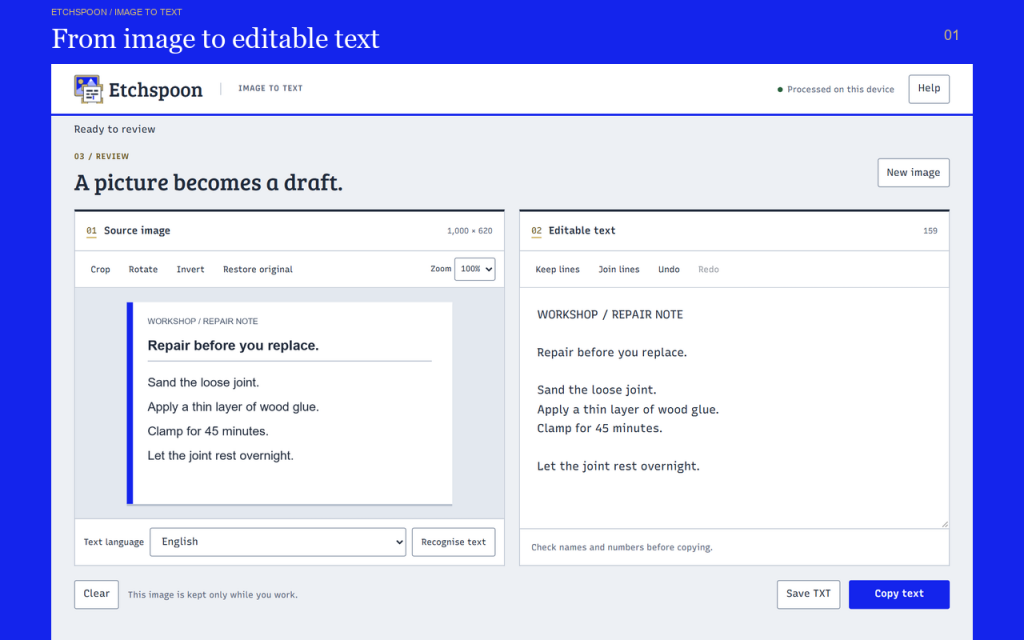
Etchspoon is an image to text OCR extension for copying printed words from pictures in your browser.
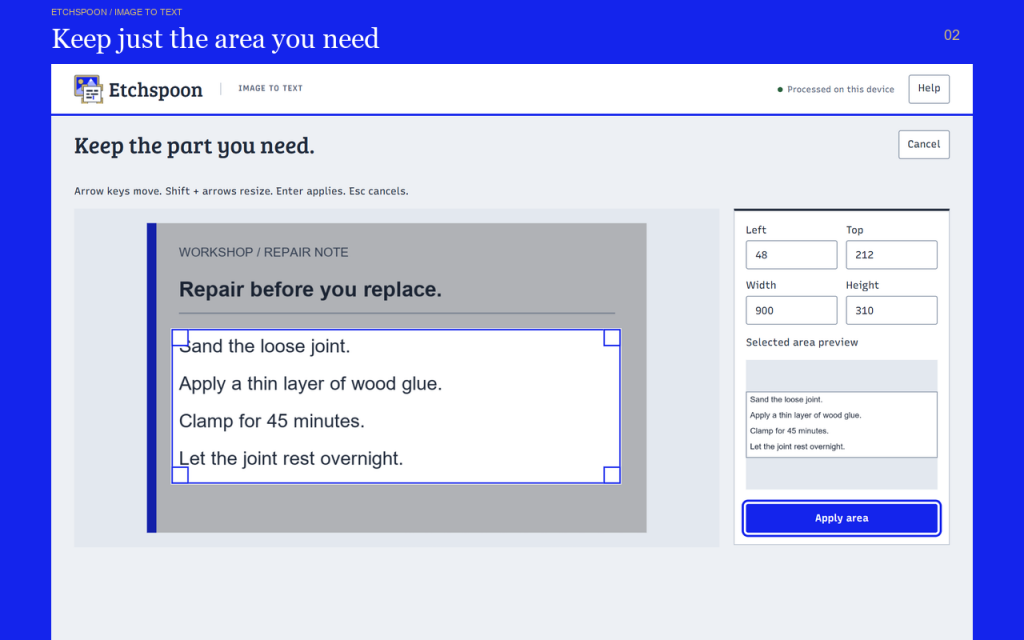
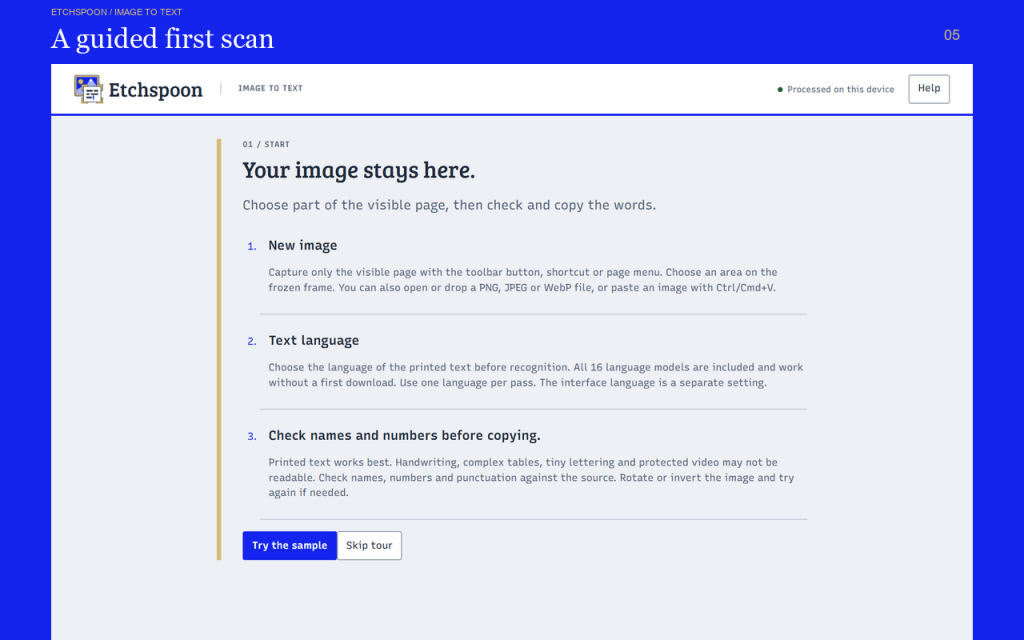
Capture only the visible page with the toolbar button, shortcut or page menu. Choose an area on the frozen frame. You can also open or drop a PNG, JPEG or WebP file, or paste an image with Ctrl/Cmd+V.
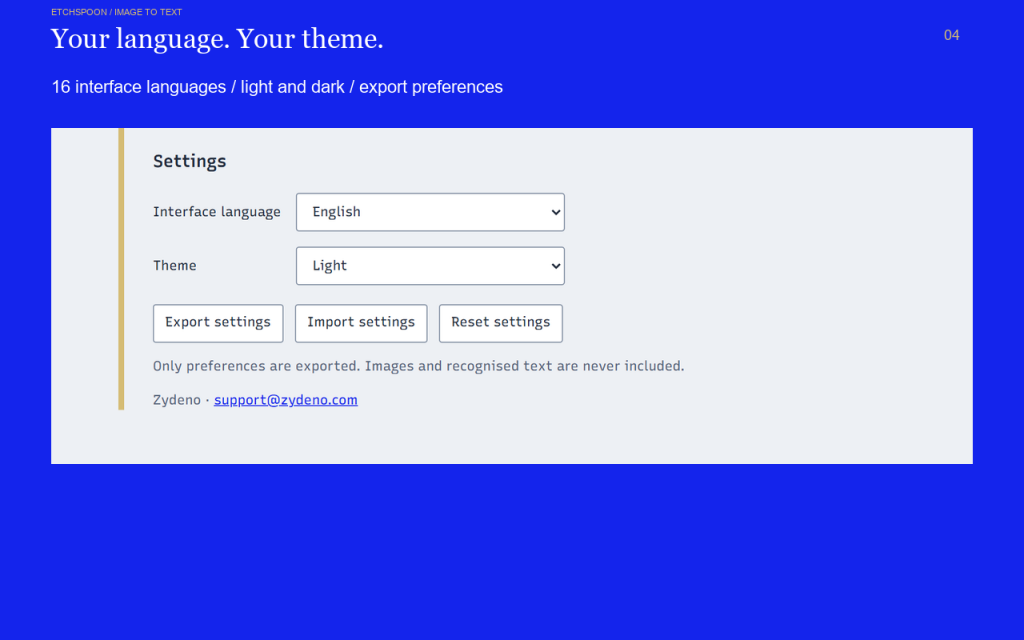
Choose the language of the printed text before recognition. All 16 language models are included and work without a first download. Use one language per pass. The interface language is a separate setting.
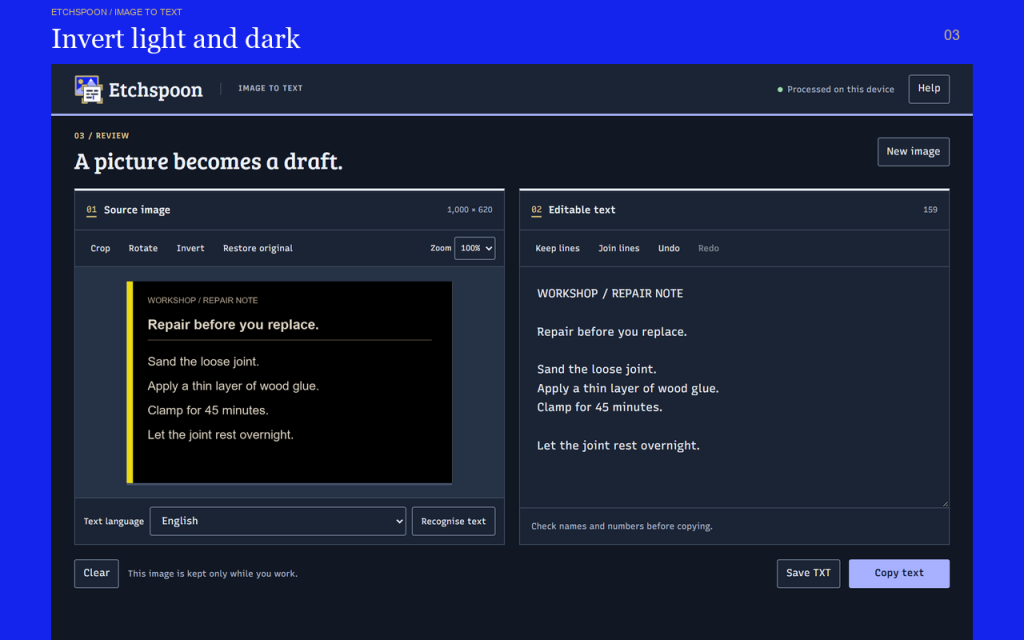
Printed text works best. Handwriting, complex tables, tiny lettering and protected video may not be readable. Check names, numbers and punctuation against the source. Rotate or invert the image and try again if needed.
- Select just the part of a picture you need.
- Read printed text with 16 included language models.
- Check the original beside the editable result.
- Correct names, numbers and punctuation before copying.
- Join broken lines into a paragraph when needed.
- Undo changes and keep control of your draft.
- Copy the reviewed text with an explicit action.
- Save your edited result as a UTF-8 TXT file.
Works offline. Your data stays in your browser. Images and drafts stay in memory while this workspace is open. Clear removes the current work; closing or reloading the tab discards it too. Only preferences are saved in browser storage.local. Nothing is uploaded to Zydeno or anyone else. There are no accounts, analytics, ads or operation limits in this version.
Permissions: activeTab captures the visible page only when you ask; storage saves preferences; contextMenus adds a page-menu action. Optional clipboardWrite helps copy text if needed; you can decline it and copy manually.
/ Notes
Image to text OCR, entirely offline. Capture a page area or open a picture, review the text, then copy or save TXT.
Available as a browser extension.
Support · Contact the developer · Privacy Policy · Terms of Use
// GET THE APP