
/ 屏幕截图
/ 关于 Shotsettle: Local Video Player
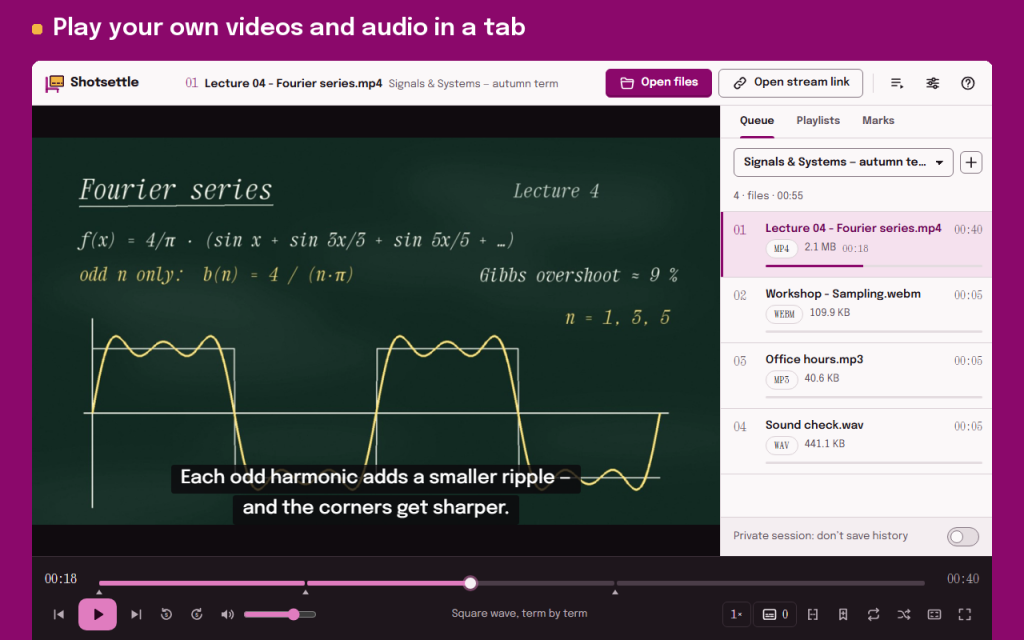
Shotsettle is a local video player that opens your own video and audio files in a full browser tab. Drop several files at once, give the session a name and watch without uploading anything.
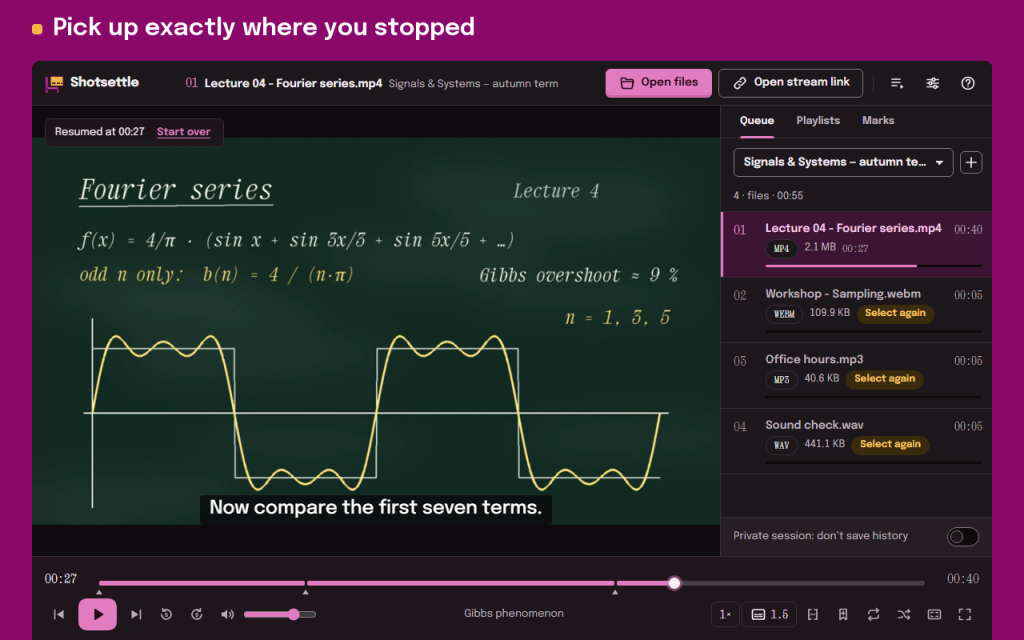
It remembers where you stopped. After a restart, select the same file again: Shotsettle checks its name, size, date and a short content fingerprint, then returns you to the saved position.
Built for lectures, workshops, rehearsals and home recordings, where you replay one passage, shift late subtitles and keep a running order.
- Open MP4, WebM, MP3, WAV and other formats your browser can decode
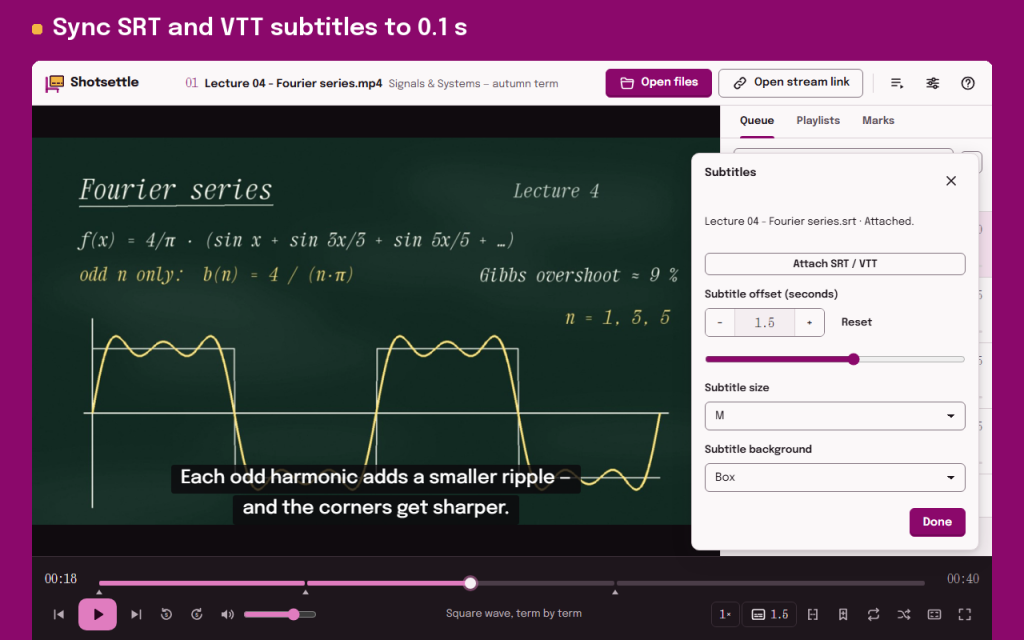
- Drag and drop several files; matching SRT or VTT subtitles attach by name
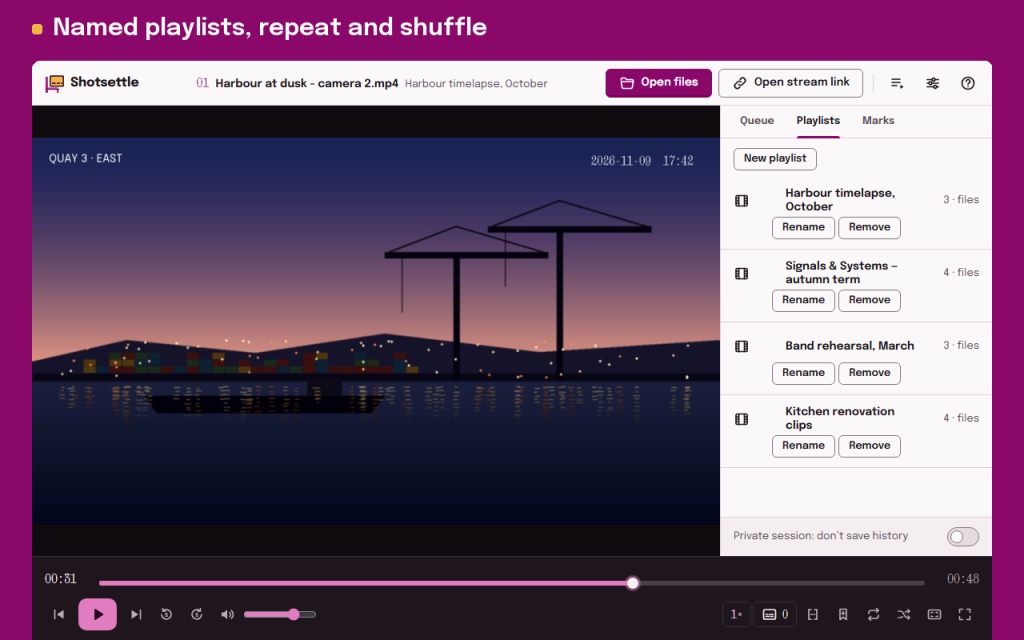
- Named playlists with drag reordering, repeat and shuffle
- Resume each file at the saved position after selecting it again
- Subtitle offset in 0.1-second steps, size and background options
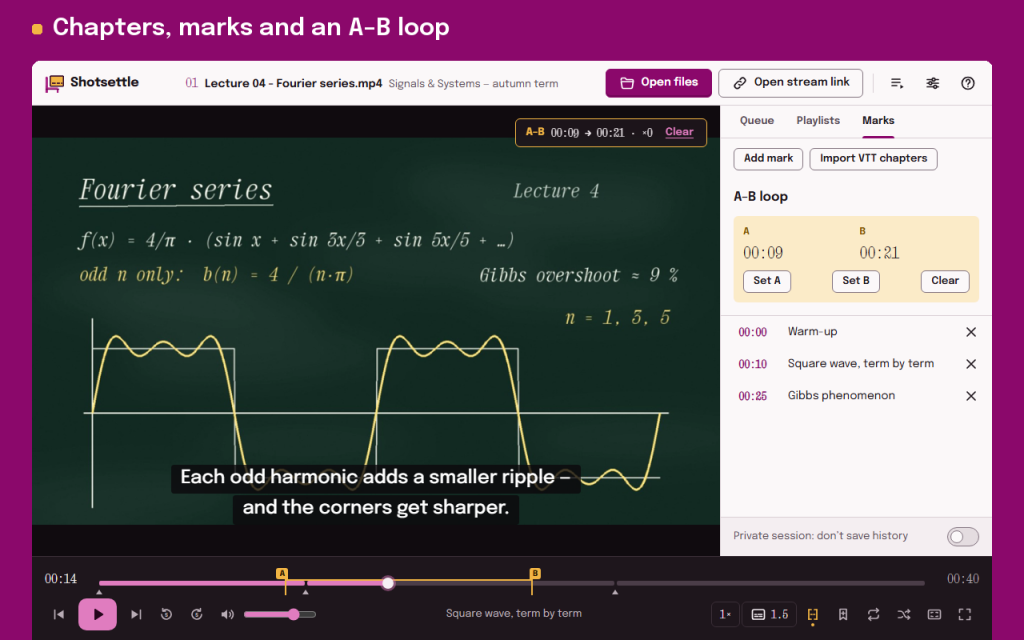
- Named marks and imported WebVTT chapters on the timeline
- A–B loop to repeat one passage, with speed control that keeps the voice pitch
- Play HLS (.m3u8) stream links you are allowed to access, with quality choice
- Keyboard shortcuts, media keys, fullscreen, light and dark themes
- Private session mode and JSON backup of playlists and marks
Only codecs built into your browser are used. MKV, AVI and HEVC files may not play; Shotsettle says so instead of loading forever. DRM-protected streams are not supported.
Works offline. Your data stays in your browser. Playlists, positions and settings are kept in local extension storage; your files are never copied or uploaded.
This version is free, with no ads and no locked features.
Permissions: «storage» saves playlists, positions and settings on this computer. Access to a website is requested only when you open a stream link, and only for that stream's server.
// 获取应用程序