/ 屏幕截图
/ 关于 Tweenkettle: GIF Maker
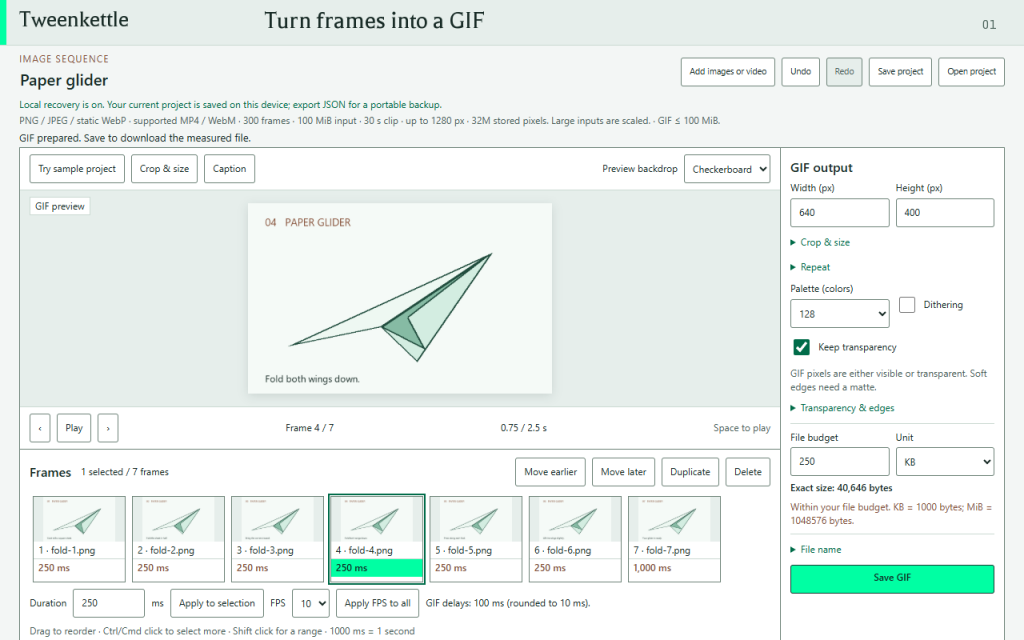
Tweenkettle is an offline GIF maker that turns your images or a local video clip into a short animation in your browser.
Make a lesson easier to follow, show the steps of a task or build a small animated reaction. Drop in your files and arrange the sequence on a frame timeline.
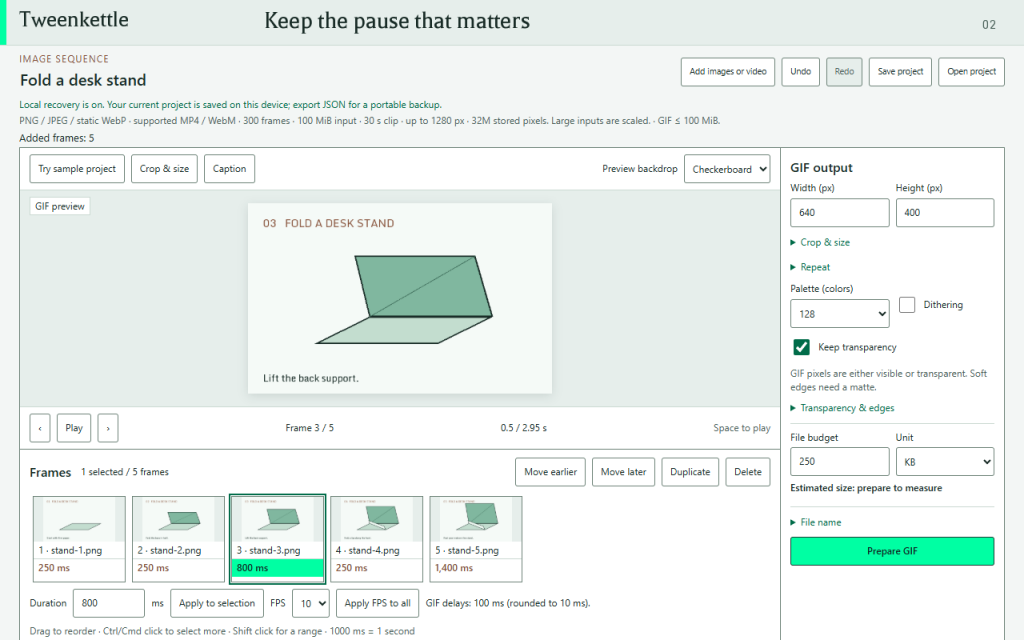
Give the important step a longer pause. Crop the canvas, resize the output and add a caption to every frame or just the ones you select.
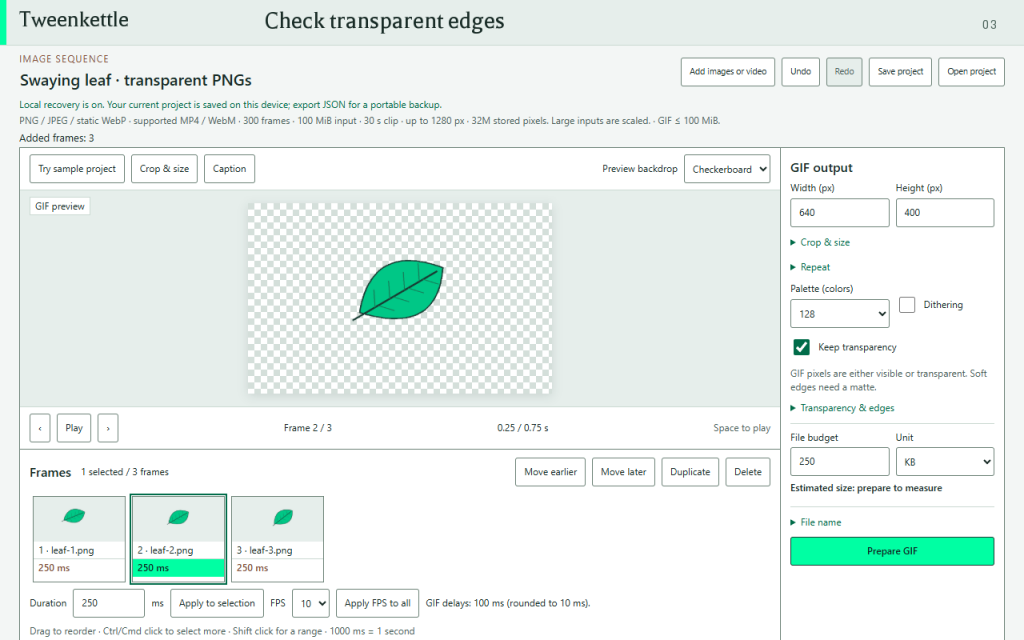
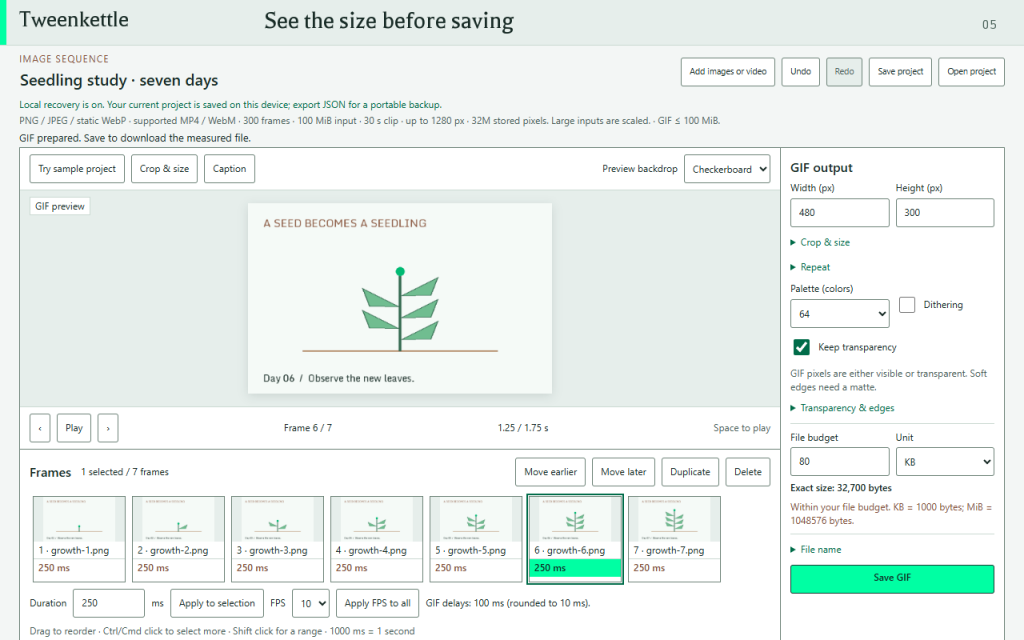
Check transparent edges against different backgrounds. Prepare the GIF to measure its exact size, then adjust dimensions or palette yourself if it exceeds your budget.
- Drop PNG, JPEG and static WebP images straight into your project.
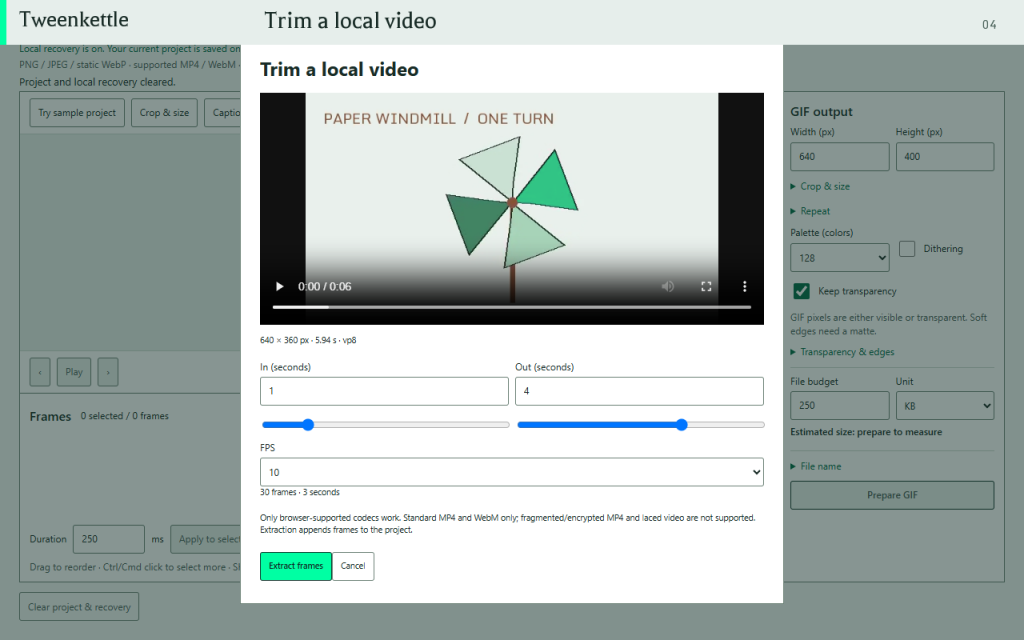
- Turn supported local MP4 or WebM video into frames, without uploading it.
- Choose the video start, end and FPS before extracting frames.
- Drag frames into order and set a different duration for each one.
- Duplicate or remove selected frames and undo editing mistakes.
- Crop and resize the animation with Fit, Fill or crisp pixel edges.
- Place captions on all frames or only a selected group.
- Control binary GIF transparency with an alpha threshold and matte.
- Compare palettes of 32, 64, 128 or 256 colors and optional dithering.
- Set looping, measure exact bytes and save a portable JSON project.
Works offline. Your data stays in your browser. No accounts, ads or analytics. GIF transparency is on or off; soft edges need a matte. Imports of existing animated GIFs and screen recording are not included.
The storage permission remembers language, theme and tour choices. The current project is saved locally in the browser; export a JSON copy for a portable backup. No permission to read websites is requested.
// 获取应用程序