/ 屏幕截图
/ 关于 Stringrobin: Clipboard History
Stringrobin is a clipboard history extension for finding and reusing text copied on sites you allow.
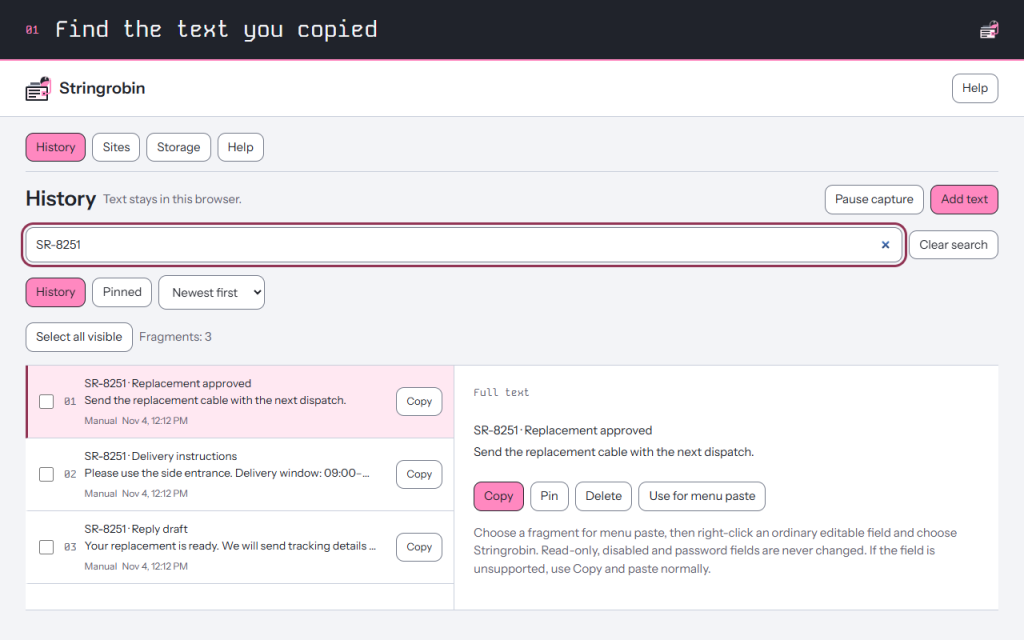
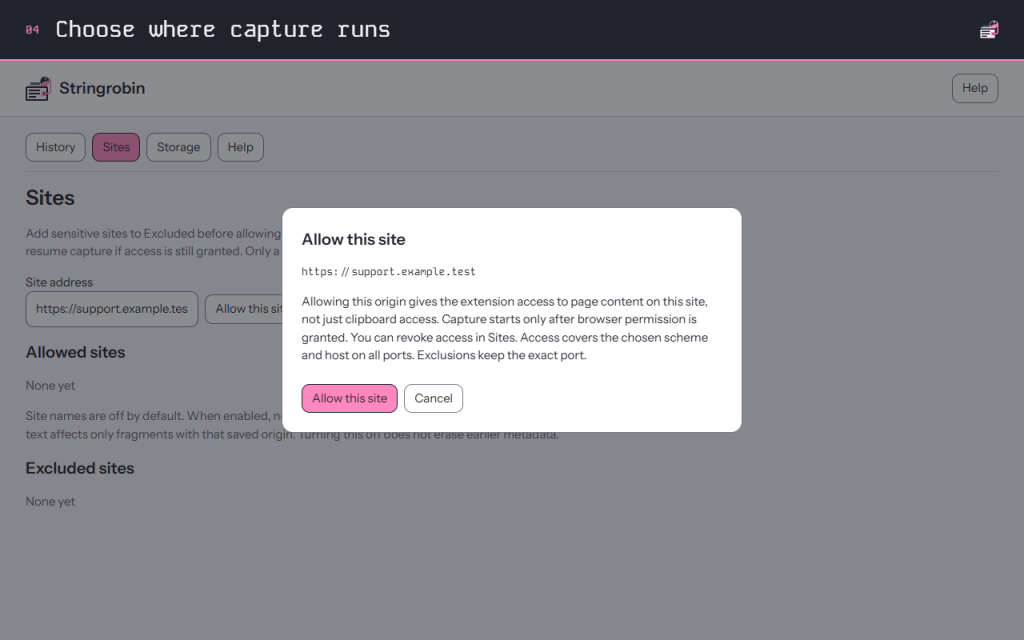
Open the toolbar popup to search a numbered list of saved text and copy a fragment. Choose Add text to save text manually, or open Sites in the library to allow capture on a chosen site.
Only selected text copied on allowed sites is captured. Some copy buttons and browser pages are not captured. Add text yourself when needed. Stringrobin does not monitor your system clipboard. Ordinary text inputs, text areas and editable page text are supported. Password, one-time-code and known payment fields are excluded. Private windows are disabled. Custom editors may not work; use Copy and paste normally. These safeguards do not detect every secret.
- Search saved text to recover a fragment you copied earlier.
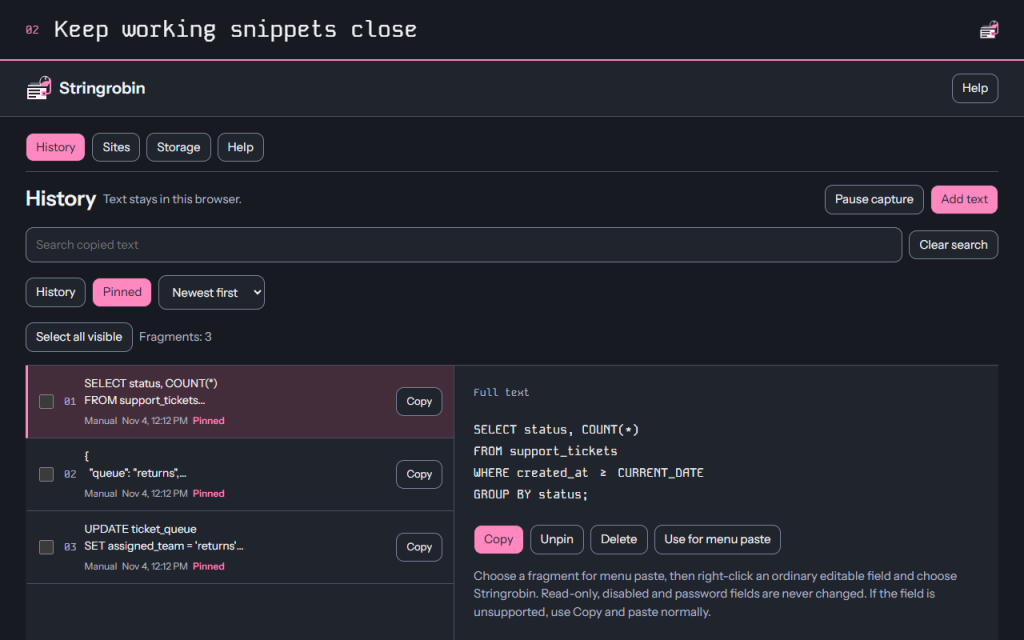
- Pin useful replies and code so they stay until you delete them.
- Add text manually when a page cannot be captured.
- Copy a fragment again without losing line breaks or spaces.
- Use menu paste in supported editable fields.
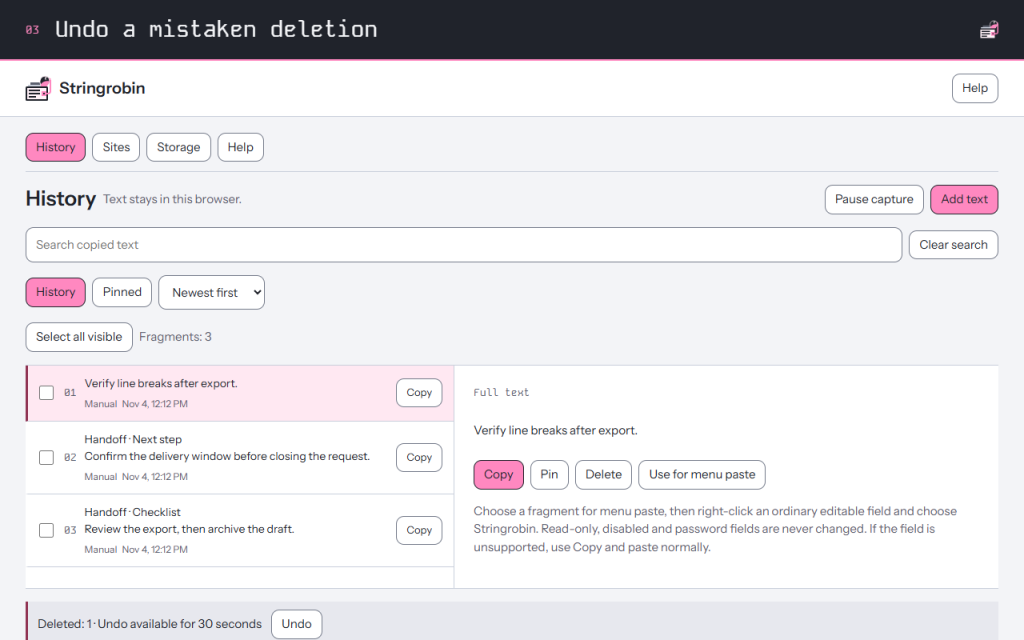
- Undo accidental deletion before the recovery period ends.
- Set expiry for unpinned text; the default is seven days.
- Pause capture or exclude sensitive sites from your history.
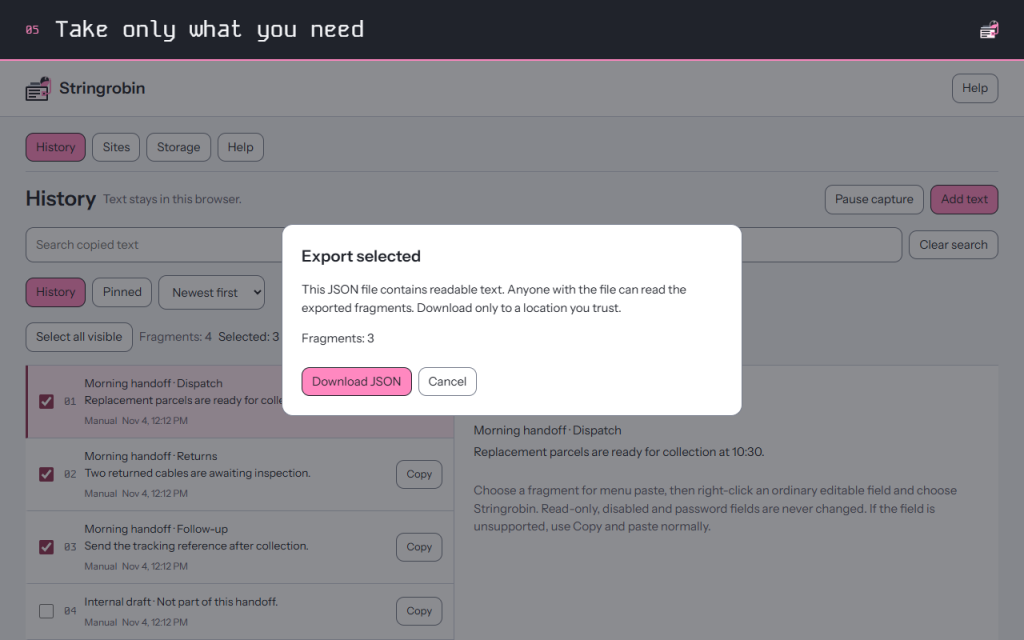
- Export selected fragments and preview a JSON import before saving.
Works offline. Your data stays in your browser. Nothing is sent to Zydeno or anyone else. No accounts, sync, analytics or servers. Storage and exported files are readable text, not an encrypted vault. Avoid saving secrets. This version is free.
Permissions: storage saves fragments and settings locally; clipboardWrite copies on command; contextMenus adds text actions; activeTab and scripting support capture and insertion. Optional site access lets you choose where capture runs; it grants access to page content for that protocol and host on all ports.
// 获取应用程序