
/ 屏幕截图
/ 关于 Gongwharf: Volume Booster & Equalizer
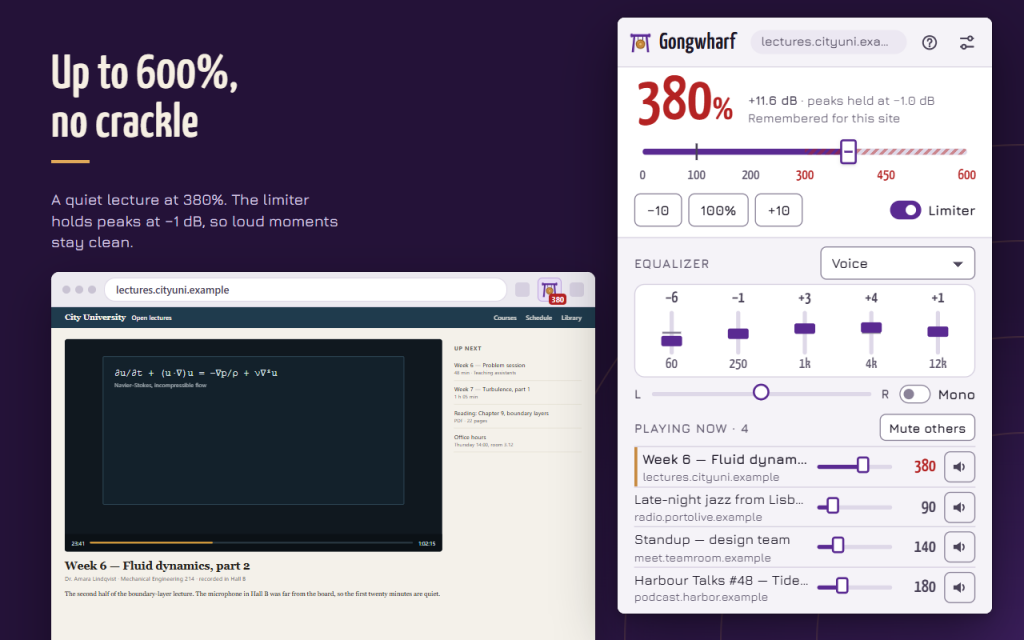
Volume booster and equalizer for the tabs you listen to. Gongwharf makes quiet lectures, podcasts and films louder, up to 600%, and a limiter keeps loud moments from crackling.
LOUDER, WITHOUT THE CRACKLE
- Fader from 0% to 600% in 5% steps, or type an exact level
- Limiter holds peaks below −1 dB; turn it off for a clean boost without compression
- The red zone above 300% reminds you to go easy on ears and speakers
- The toolbar button shows the current level of the tab
EQUALIZER, BALANCE AND MONO
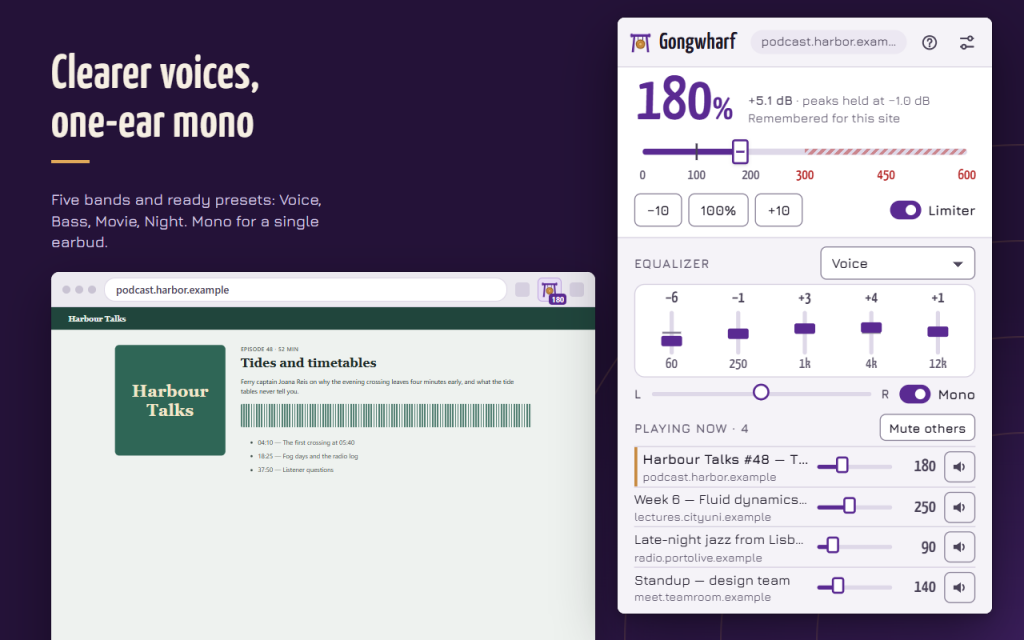
- 5 bands from 60 Hz to 12 kHz, ±12 dB each
- Presets: Flat, Voice, Bass, Movie, Night and Headphones
- Save your own presets, rename and duplicate them
- Balance between left and right, and Mono for one earbud or hearing on one side
EVERY PLAYING TAB IN ONE LIST
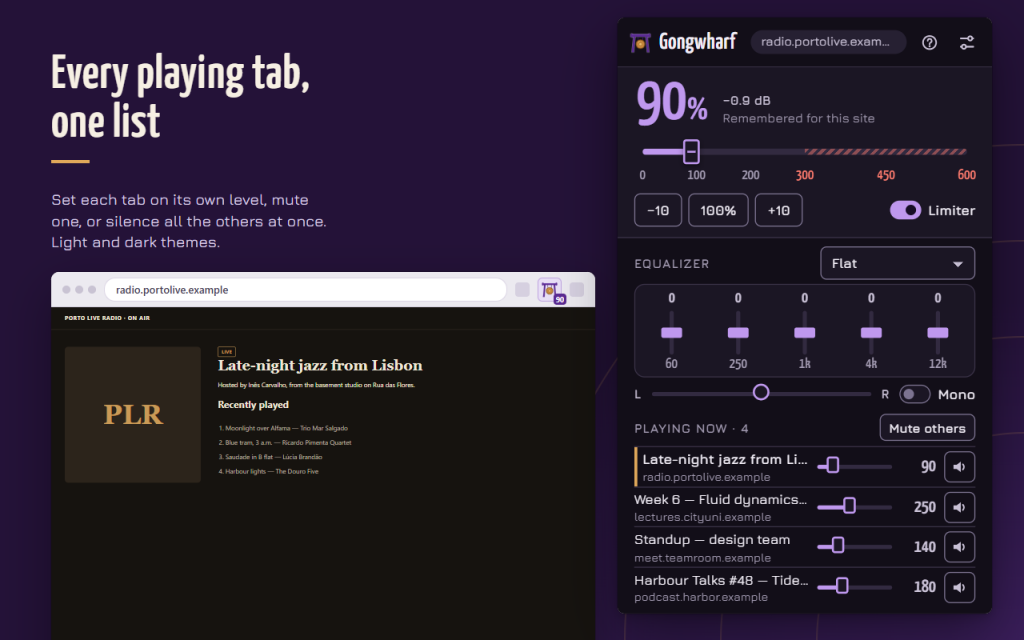
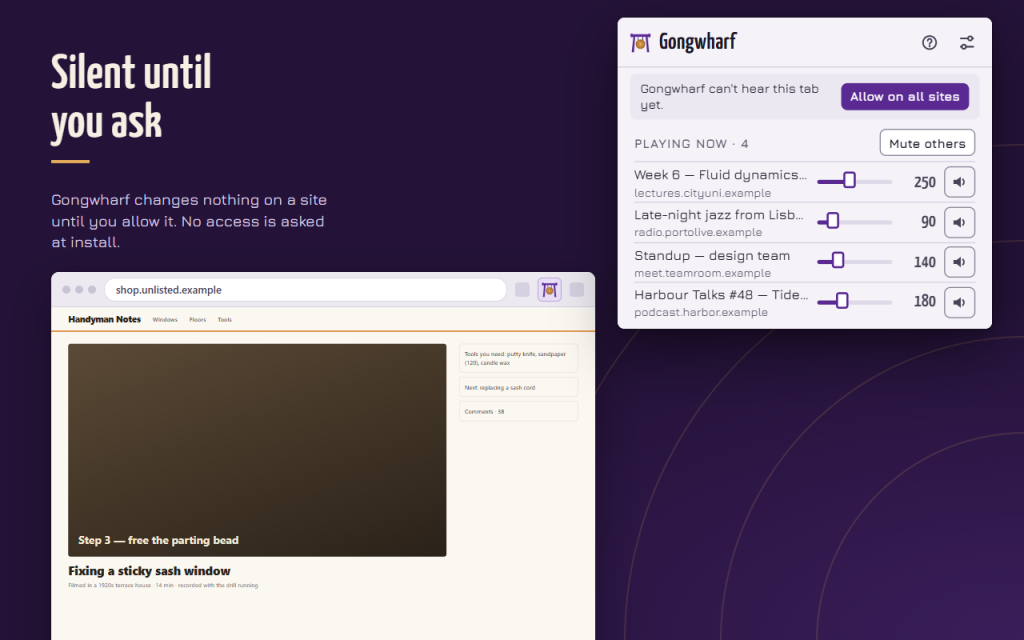
- Playing now shows each tab with sound, with its own level and a mute button
- Mute others silences every tab except the one you are on; press again to bring them back
- Click a tab name to jump to it
EACH SITE KEEPS ITS LEVEL
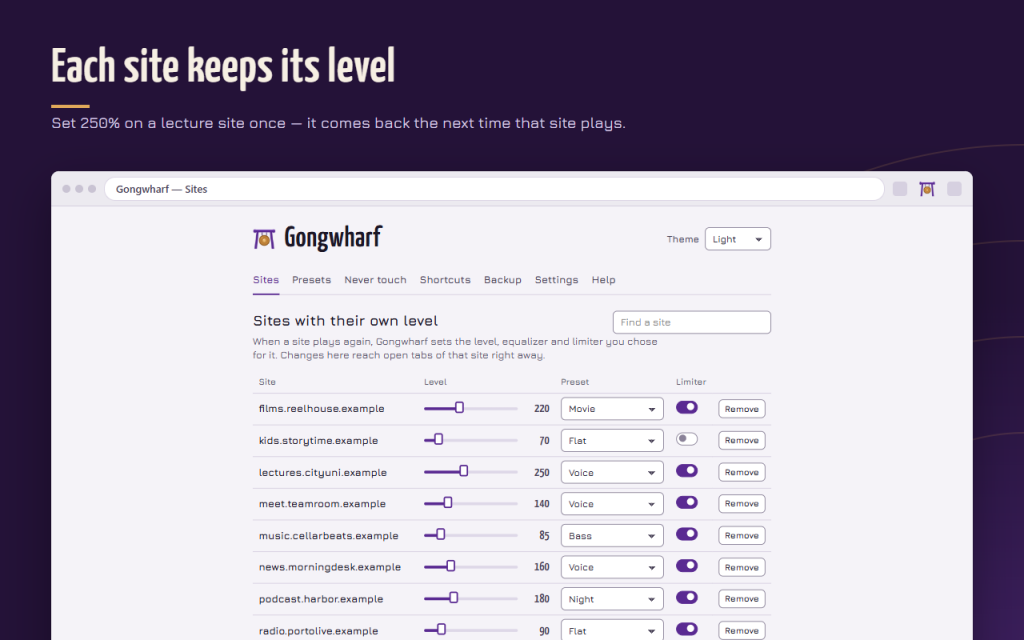
- Set 250% on a lecture site once, and it comes back the next time that site plays
- Edit or remove saved sites, search them, undo a removal
- Never touch list keeps Gongwharf off chosen sites completely
MADE NOT TO BREAK SITES
- At 100% with a flat equalizer Gongwharf does nothing to the page
- Players that would go silent if boosted (copy-protected media, media from another site without permission) are only made quieter, and the popup tells you so
- Access is opt-in: allow one site at a time or all sites at once
KEYBOARD FRIENDLY
- Shortcuts for louder, quieter, back to 100% and mute
- Every control works with the keyboard; light and dark themes; 16 languages
PRIVATE
- Settings stay in your browser; export and import them as a JSON file
- No account, no ads, no analytics; nothing is sent anywhere and no sound is recorded
Works offline in Firefox and Opera. This version is free.
// 获取应用程序