
Birchslip: Notes & Notepad
笔记与记事本
免费 · 支持离线使用 · 您的数据保存在浏览器中 · Edge
/ 屏幕截图
/ 关于 Birchslip: Notes & Notepad
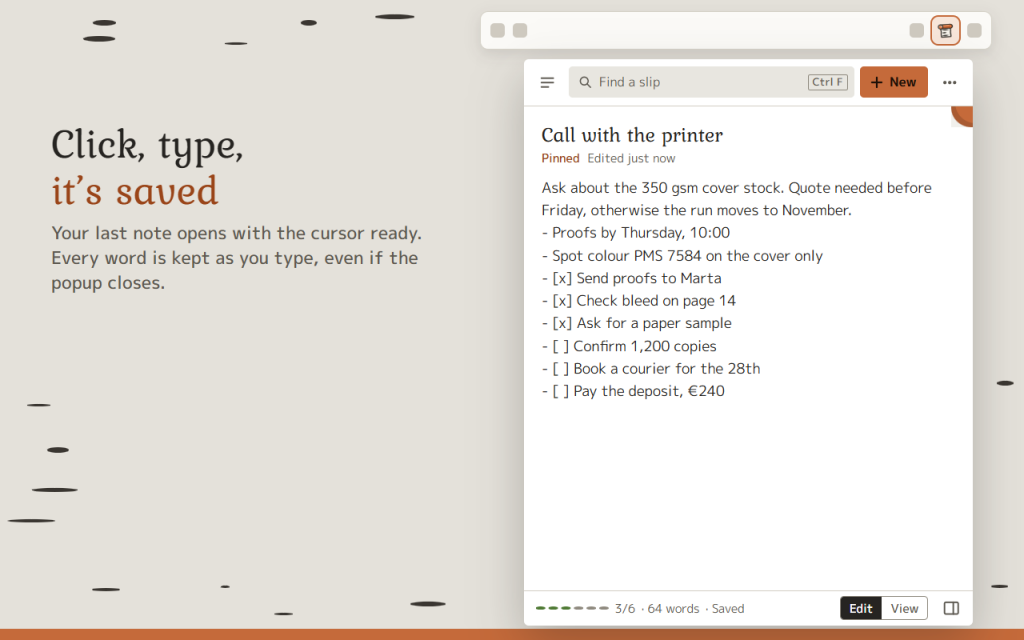
Birchslip is a notepad for quick notes: click the toolbar button and type. The caret is already in your last note, and every word is saved as you go, even if the popup closes in the middle of a sentence.
Keep a phone number from a call, the steps of a recipe, quotes for an article or the list for the weekend shop. Each note is a slip with a title and plain text. Open it in the toolbar popup for five seconds of writing, in the sidebar next to the page you read, or in a full tab.
- Instant typing in the popup, Alt+Shift+N from any page
- Autosave a moment after you stop typing, safe for Japanese, Chinese and Korean input
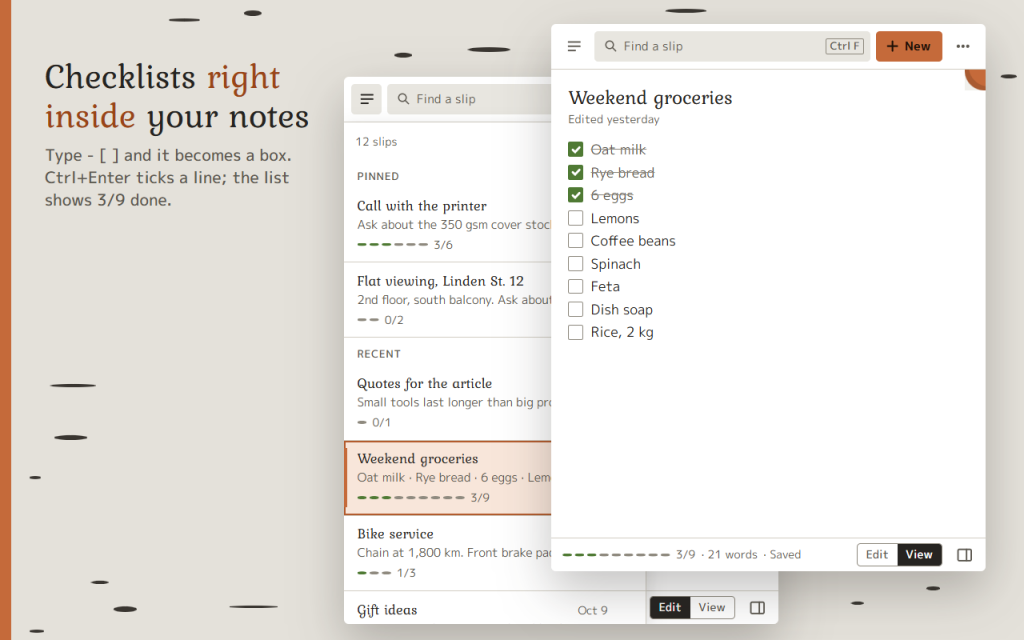
- Checklists right in the text: - [ ] becomes a checkbox, Ctrl+Enter ticks a line, the list shows 3/7 done
- Light formatting in View: bold, italic, headings, lists, code and links; the text itself stays plain
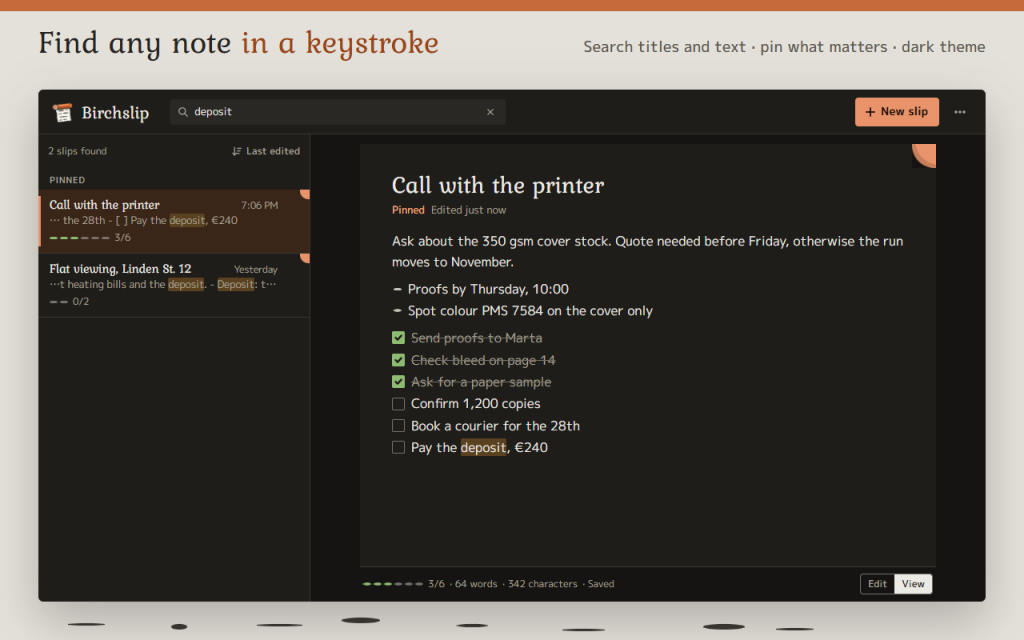
- Search titles and text as you type, ignoring capitals and accents, with matches marked
- Pin important notes to the top; sort by last edited, date created or A–Z
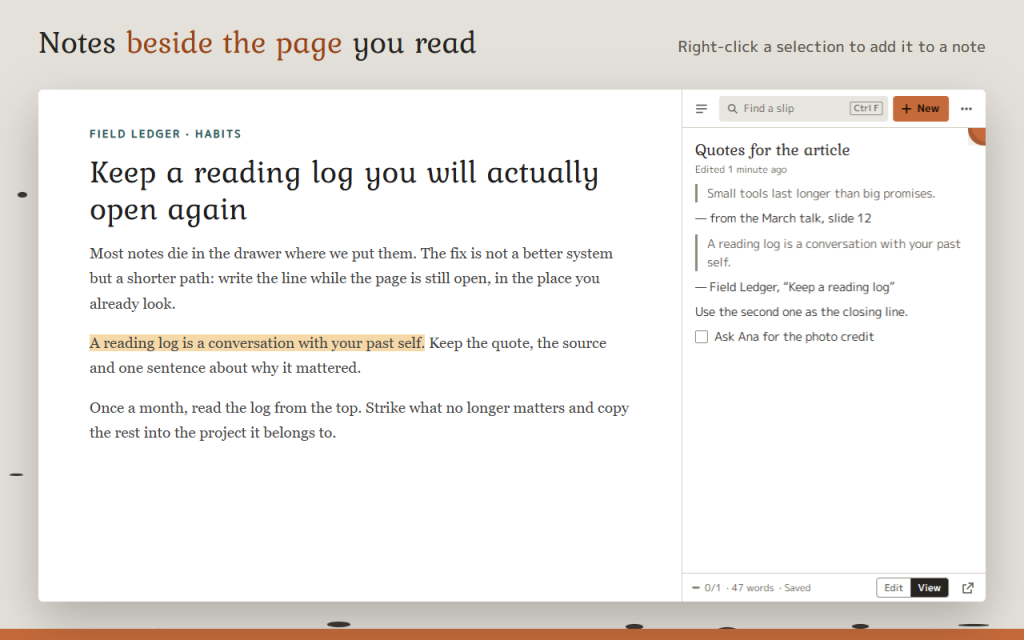
- Save selected text from a page with the right-click menu, with the page address
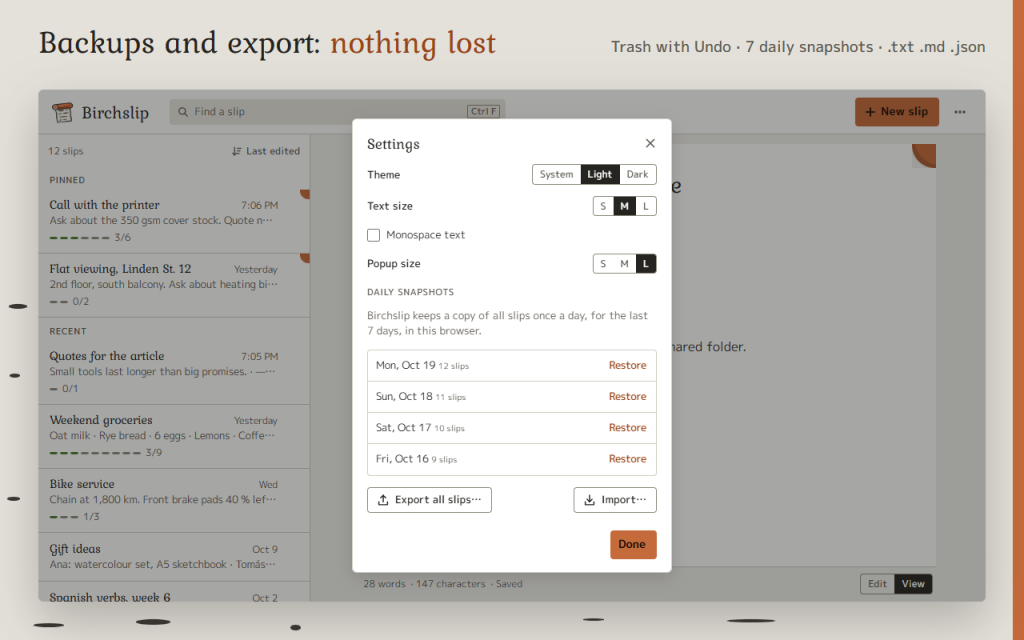
- Trash keeps deleted notes for 30 days with Undo, and a daily snapshot of all notes can be restored for 7 days
- Export one note as .txt or .md, all notes as one .md file or a full .json backup
- Import .json, .txt and .md files or pasted text; a line with --- starts a new note
- Light and dark theme, three text sizes, monospace mode, three popup sizes
- Keyboard shortcuts for everything, 16 languages, right-to-left Arabic
Private by design: no account, no sync, no analytics, no network requests. Notes live only in your browser storage, so export a copy now and then. Works offline in Firefox and Opera.
Permissions: storage keeps your notes and settings in this browser; contextMenus adds "Add to the current slip" for selected text. No access to your sites is requested.
此版本免费。如有疑问或建议: [email protected]
// 获取应用程序