
/ 屏幕截图
/ 关于 Tempochute: Speed Reading
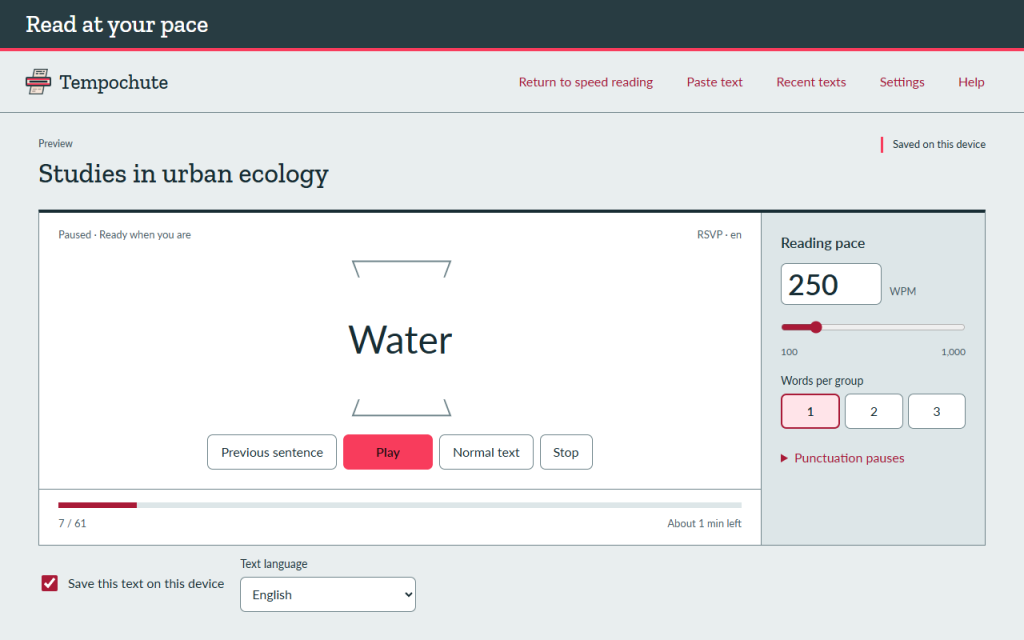
Speed reading at your own pace: Tempochute presents one to three words in a fixed reading area, with visible controls to return to context.
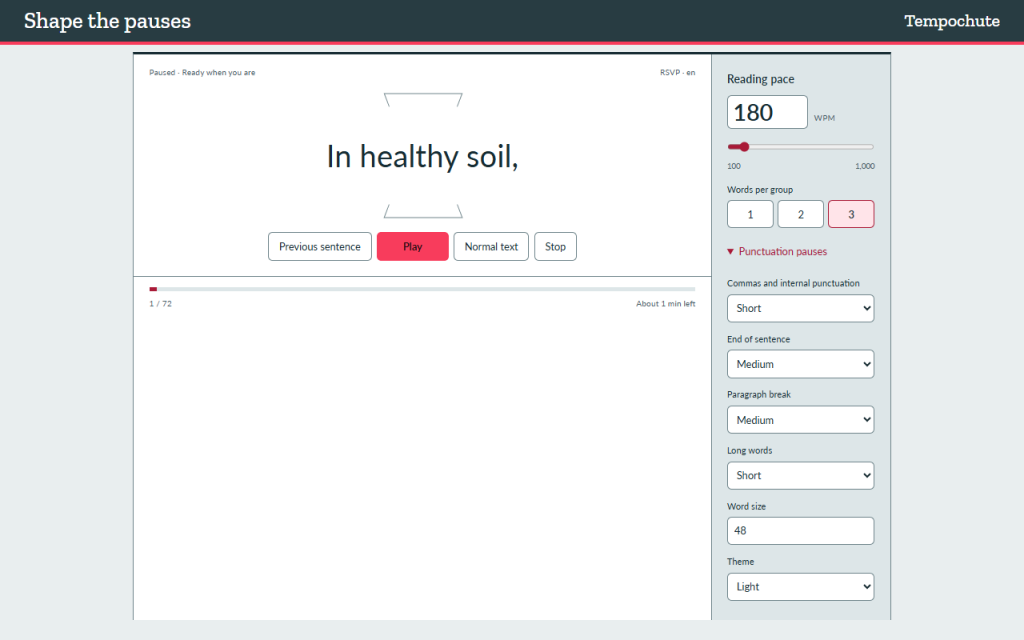
WPM means words per minute. At 300 WPM, three words last 600 ms before extra pauses. Chinese, Japanese and Korean use language segments. The text language is separate from the interface language.
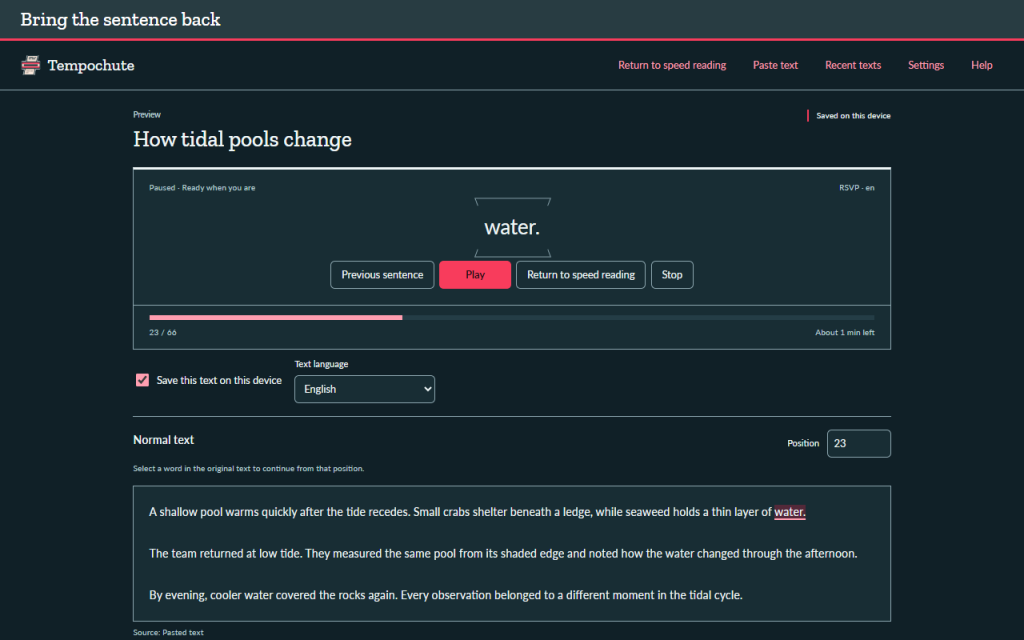
Previous sentence pauses and returns to the preceding sentence start. Normal text preserves paragraphs and highlights your place. Select a word to change position. If a passage feels difficult, pause and read it as normal text. No improvement in comprehension is promised.
Up to ten texts, positions, settings and activity totals are stored only in this browser. Nothing is sent to Zydeno or anyone else; no analytics or account. Turn off saving for a sensitive text. Private windows save nothing. JSON backups contain full text: keep them somewhere appropriate. Import replaces local data only after confirmation.
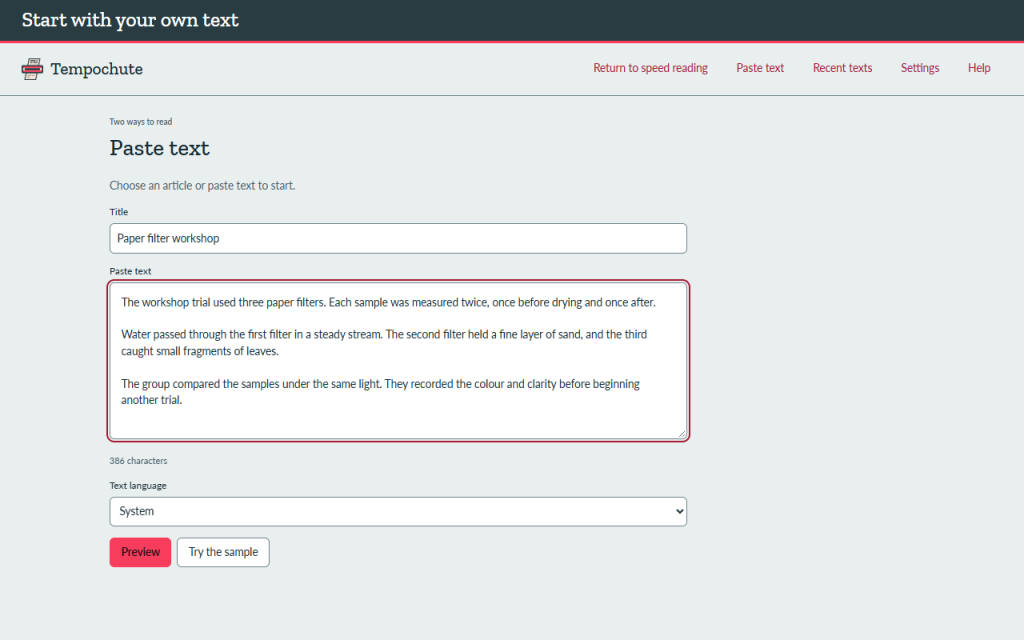
- Read articles, selected passages or your own pasted notes.
- Set a pace from 100 to 1,000 words per minute.
- Show one, two or three words in a fixed reading area.
- Adjust pauses for punctuation, paragraphs and long words.
- Return to the previous sentence without losing your place.
- Open the original paragraphs and choose where to continue.
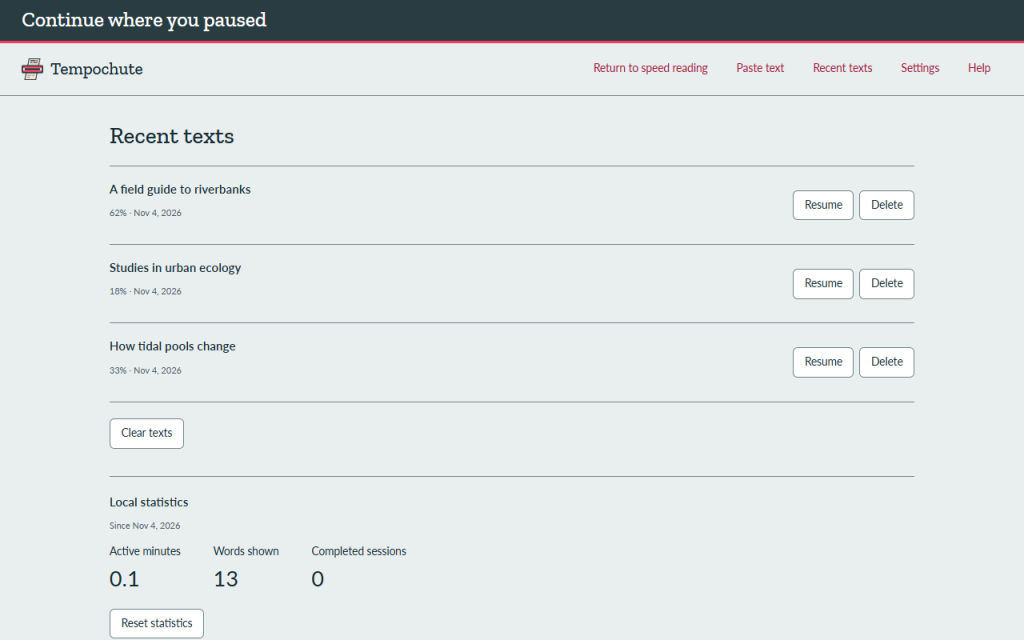
- Resume saved texts and review your local reading activity.
- Use keyboard controls and move your data with JSON backups.
Open the toolbar button or use Alt+Shift+R (if available). Selection takes priority; the article button reads the main page text. Check the preview. Protected pages, PDF and inaccessible frames need pasted text. The original page is unchanged.
支持离线使用。您的数据保存在浏览器中。.
Permissions: activeTab and scripting extract text from the page you choose; contextMenus adds a selection command; storage keeps settings, saved texts, positions and activity locally.
// 获取应用程序