
Galleypuffin: Markdown Viewer & Editor
Markdown 查看器与编辑器
免费 · 支持离线使用 · 您的数据保存在浏览器中 · Edge
/ 屏幕截图
/ 关于 Galleypuffin: Markdown Viewer & Editor
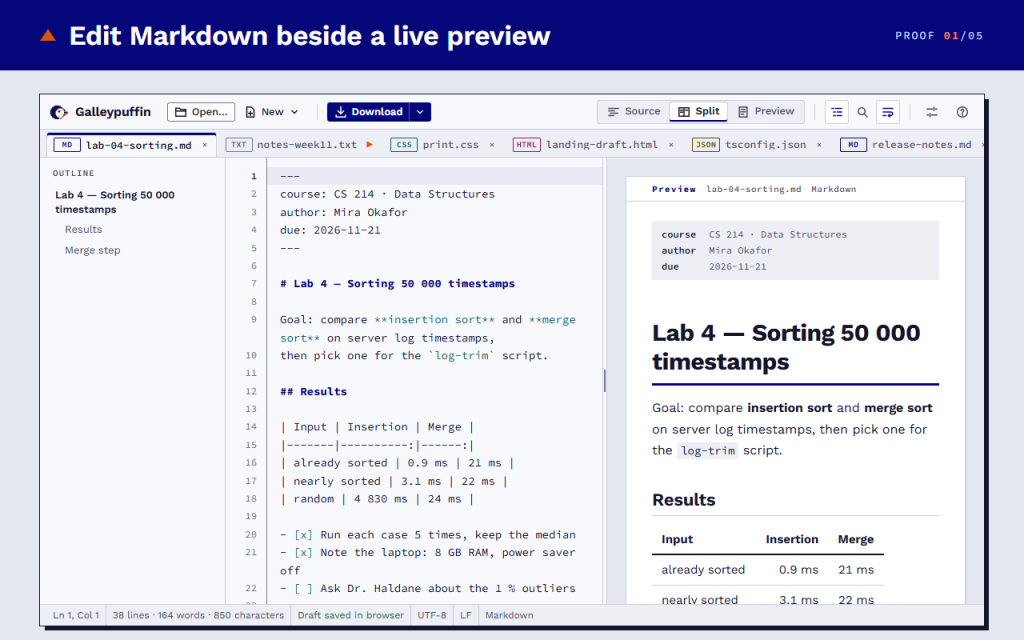
Galleypuffin is a Markdown viewer and code text editor for local files. Open or drop MD, TXT, HTML, CSS, JS or JSON files, fix them beside a live preview and download the result.
No file:// access or special settings are needed: pick files with the Open button or drag them onto the desk. Source, Split and Preview show the raw text, the rendered page, or both side by side.
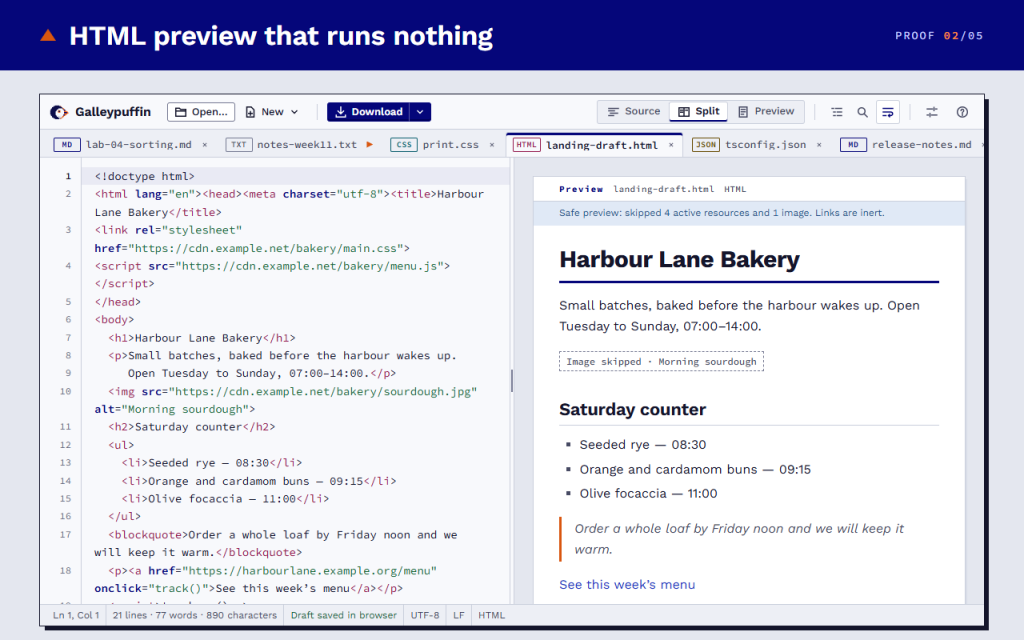
The Markdown and HTML preview is safe by design. It runs no scripts, loads no external images, stylesheets, frames or fonts, and keeps links and forms inert. A note says what was skipped.
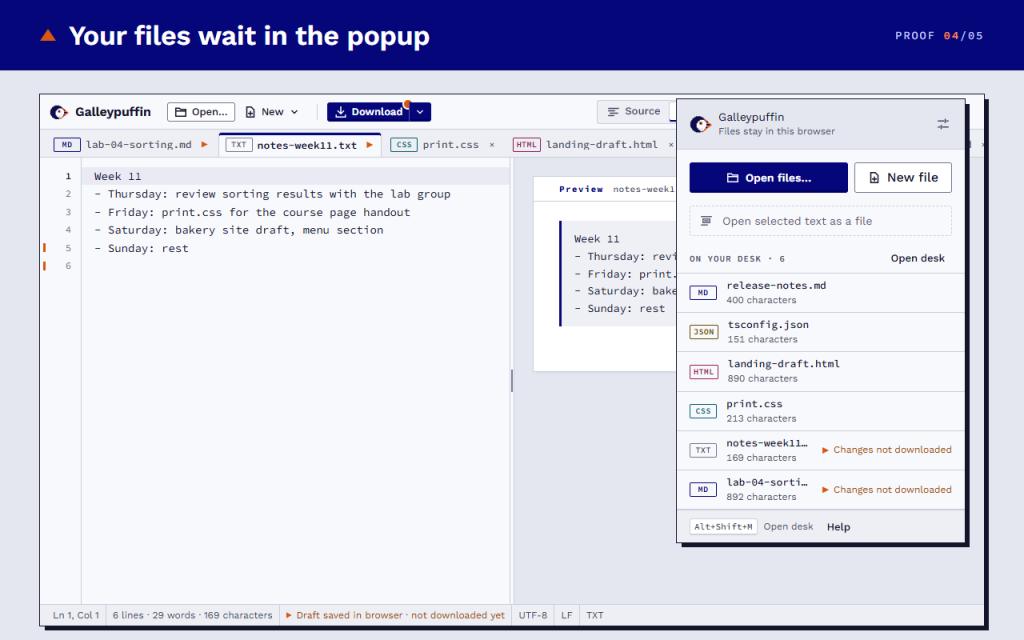
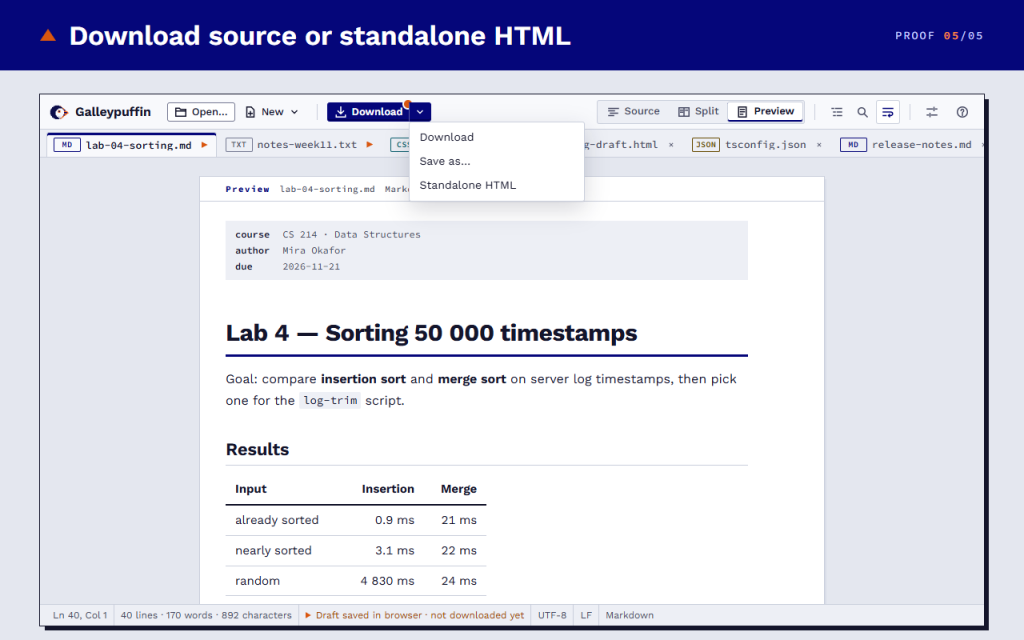
Keep up to 100 files open as tabs. Drafts are saved in your browser and come back after a restart; changed files stay marked until you download them. Your original file on disk is never overwritten.
- Markdown preview with tables, task lists, front matter and code blocks
- Syntax highlighting for Markdown, HTML, CSS, JavaScript, JSON, YAML and XML
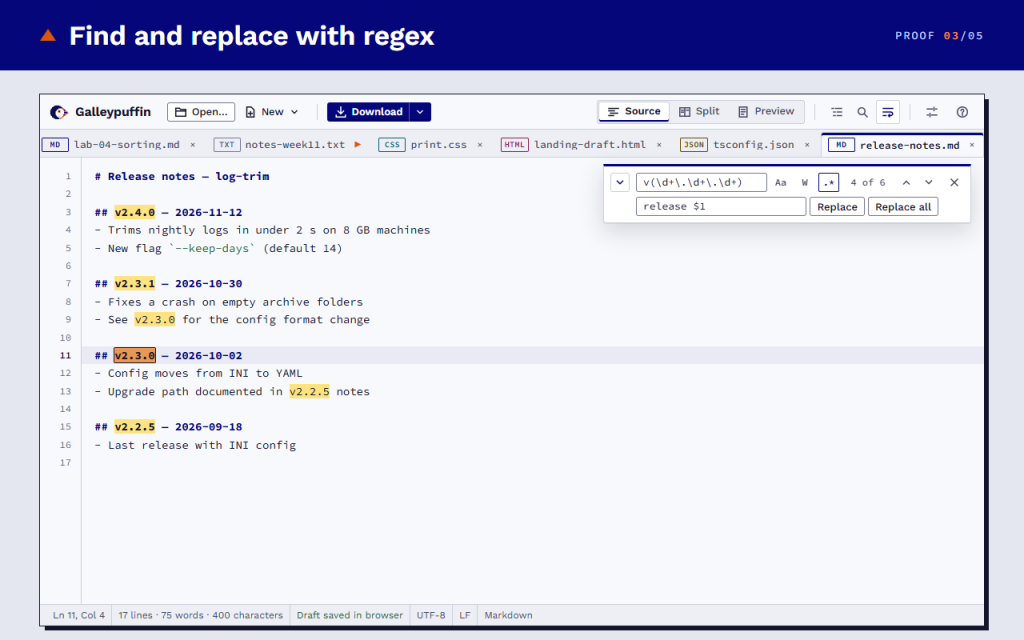
- Find and replace with match case, whole words and regular expressions
- Replace all in one step that a single Undo reverts
- Outline built from headings that jumps to each section
- Download the source file or a standalone HTML page
- Encodings for older files: Windows-1251, Windows-1252, Shift_JIS, UTF-16
- LF or CRLF line endings, kept or changed on download
- Open text selected on a web page as a new file
- Light and dark theme, text size, keyboard shortcuts
- JSON backup of the whole desk for another computer
Up to 10 MB per file; highlighting turns off above 5 MB. It is a text editor, not a code runner. This version is free, with no ads.
支持离线使用。您的数据保存在浏览器中。.
Permissions: storage keeps drafts and settings in the browser. Active tab and scripting read the selected text once, only when you choose “Open selected text as a file”; the context menu adds that command. Downloads saves the files you download. No access to all websites.
// 获取应用程序