
/ 屏幕截图
/ 关于 Balehoist: Download Manager
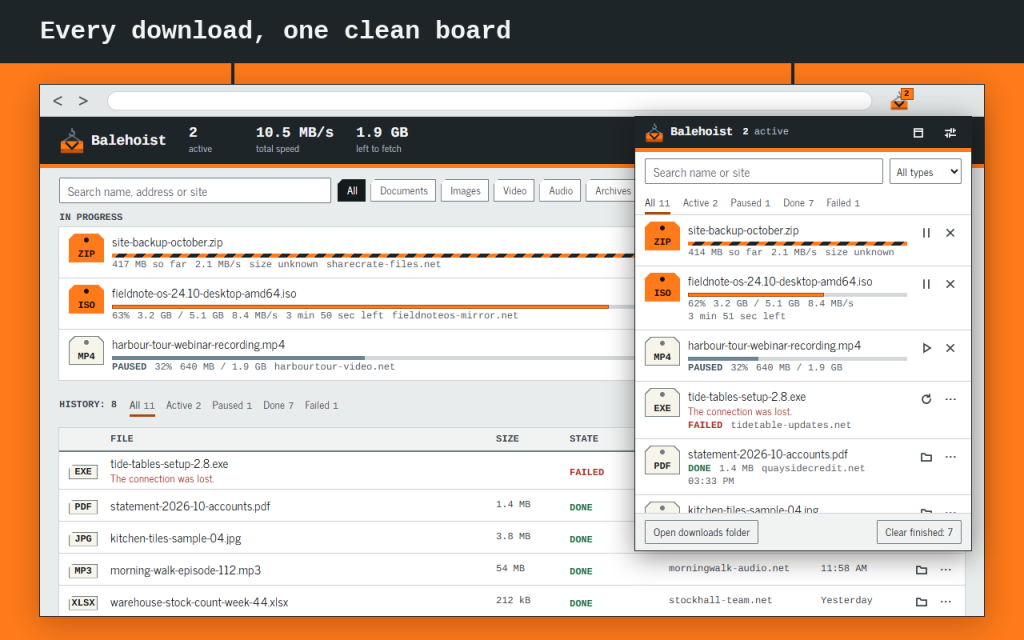
A download manager board for your browser's own downloads: see progress, pause and resume, search, filter by type and retry failures from one clean list in the toolbar or in a full tab.
Balehoist adds no bar to websites, because it has no access to websites at all. It works only with the browser's downloads feature, so it can't get in the way of a page.
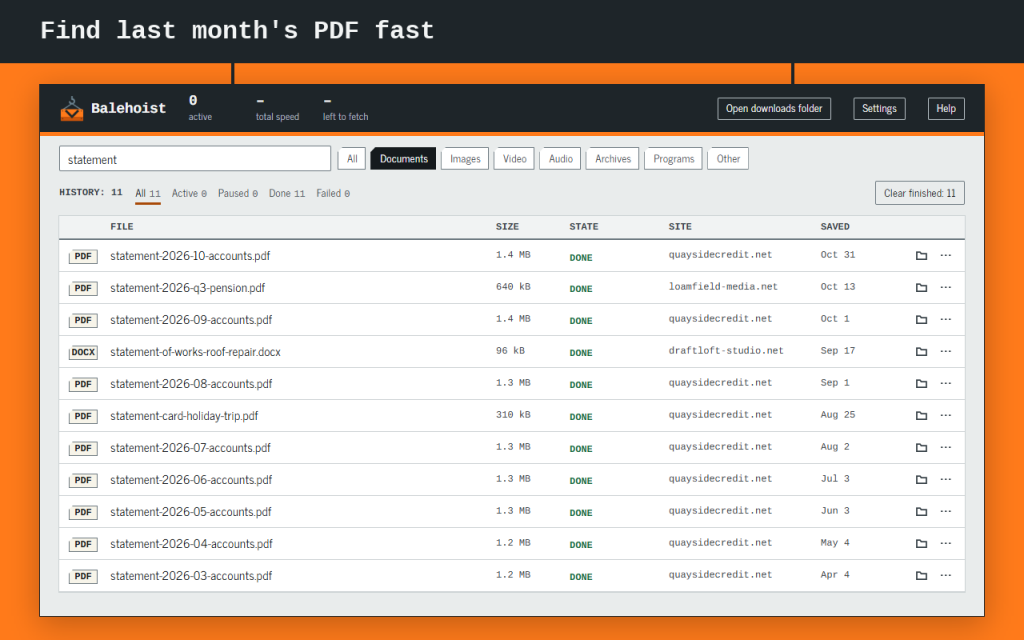
Looking for yesterday's file? Your download history can be searched by name, address or site, and the type filters narrow it to documents, images or archives in one click.
What it does
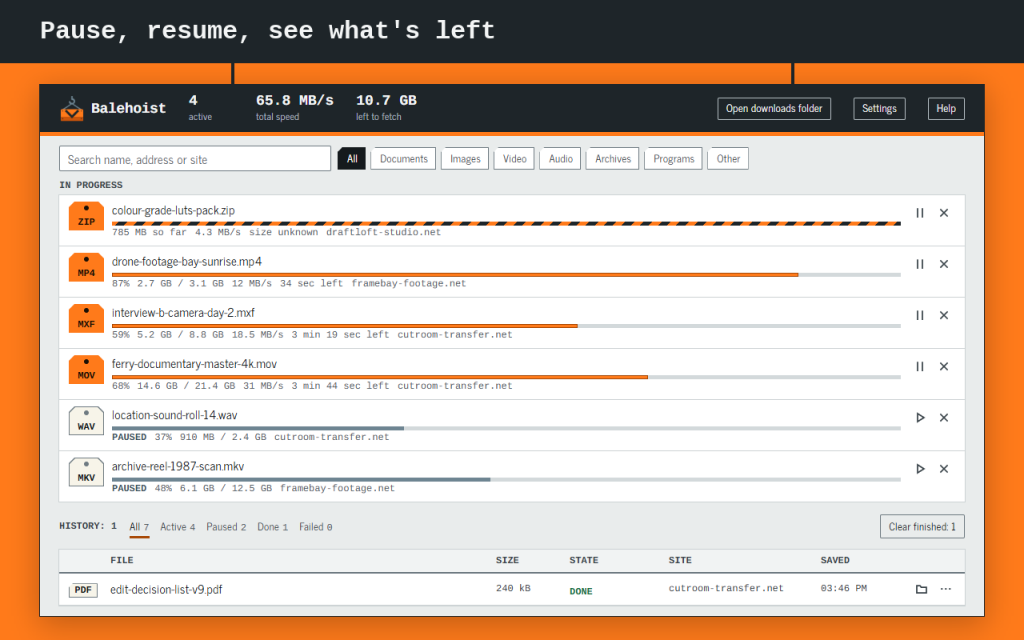
- Shows percent, size, speed and time left, updated every second while a download runs. An unknown size is shown as unknown, not as 0%.
- Pause, resume and cancel with one click.
- One click on a finished row opens the file. The folder icon shows it selected in its folder.
- Search by name, address or site. Filter by documents, images, video, audio, archives or programs, and by state.
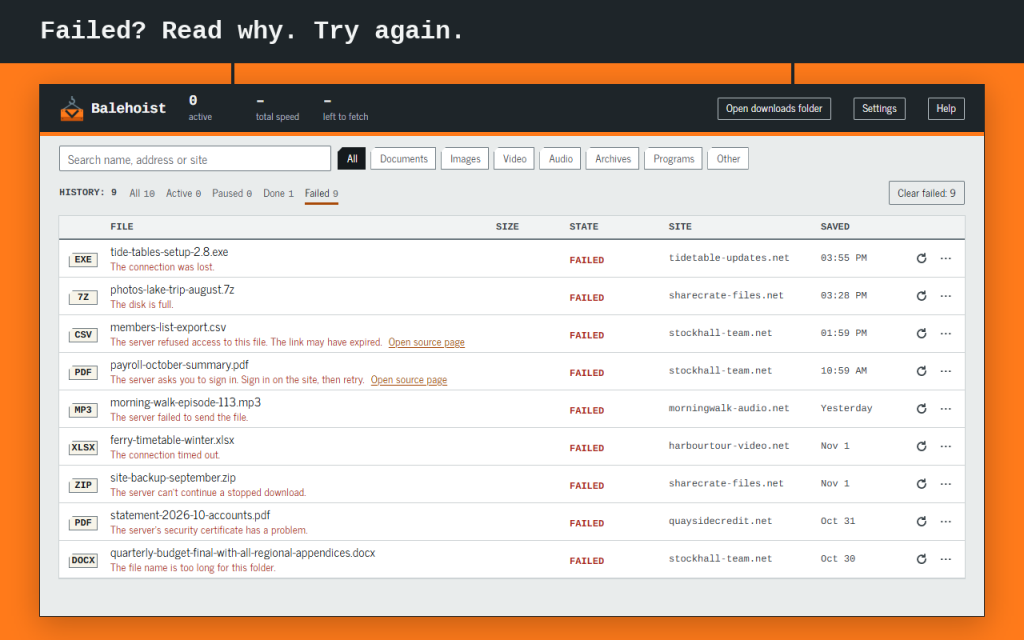
- A failed download says why in plain words, with Retry next to it.
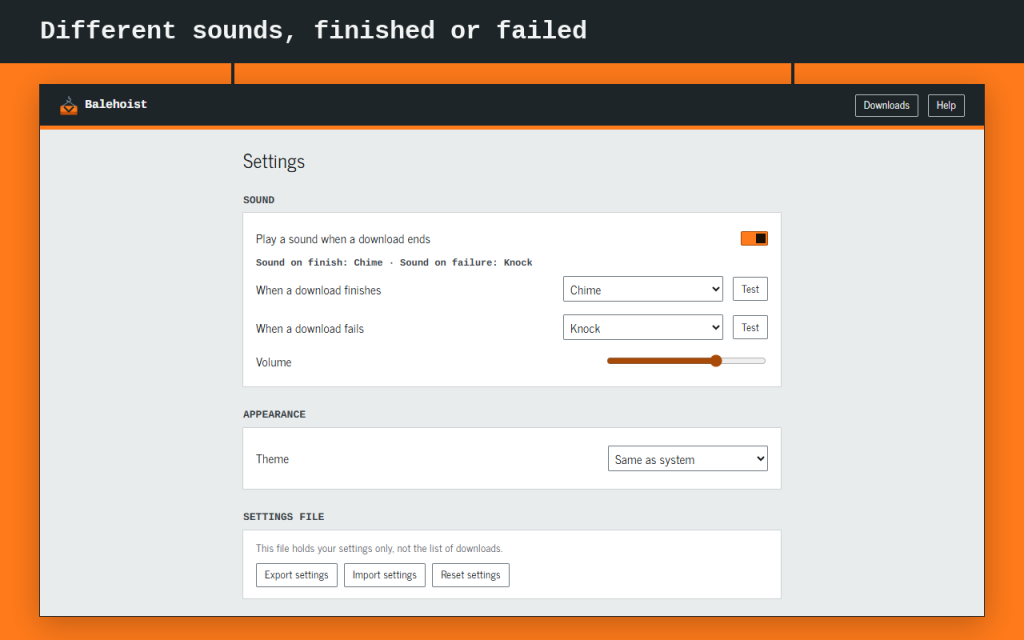
- A different sound for finished and failed downloads, or silence. Sound stays off until you turn it on.
- The toolbar badge counts active downloads and turns red after a failure.
- Clear finished takes rows off the list. Your files stay on disk, and Undo brings the rows back.
- Keeps a short local list of your downloads, so yesterday's file can still be found after the browser restarts.
- Works with the keyboard alone, in light and dark themes, in 16 languages.
What it doesn't do
Balehoist doesn't download anything itself. It doesn't speed downloads up, split them into parts or look for videos on pages, and it can't hide the browser's own downloads panel. The browser can't open a file from an earlier session here. Open it from the browser's own downloads library.
Your data
Nothing is sent to Zydeno or anyone else, and there are no analytics. Your settings and the list stay in your browser. Works offline in Firefox and Opera. This version is free.
权限
"downloads" and "downloads.open" let it list and control your downloads and open a finished file when you click it. "storage" keeps your settings in your browser. Where the browser requires it, "offscreen" plays the sounds.
// 获取应用程序